15.5
Date Code 20171006 Instruction Manual SEL-400 Series Relays
Communications Interfaces
Serial Port Hardware Protocol
Serial Port Hardware Protocol
The serial ports comply with the EIA-232 Standard (formerly known as RS-232).
The serial ports support RTS/CTS hardware flow control. See also Software Flow
Control on page 15.27.
Hardware Flow Control
Hardware handshaking is one form of flow control that two serial devices use to
prevent input buffer information overflow and loss of characters. To support
hardware handshaking, connect the RTS output pin of each device to the CTS
input pin of the other device. To enable hardware handshaking, use the SET P
command (or front-panel SET pushbutton sequence) to set RTSCTS := Y. Disable
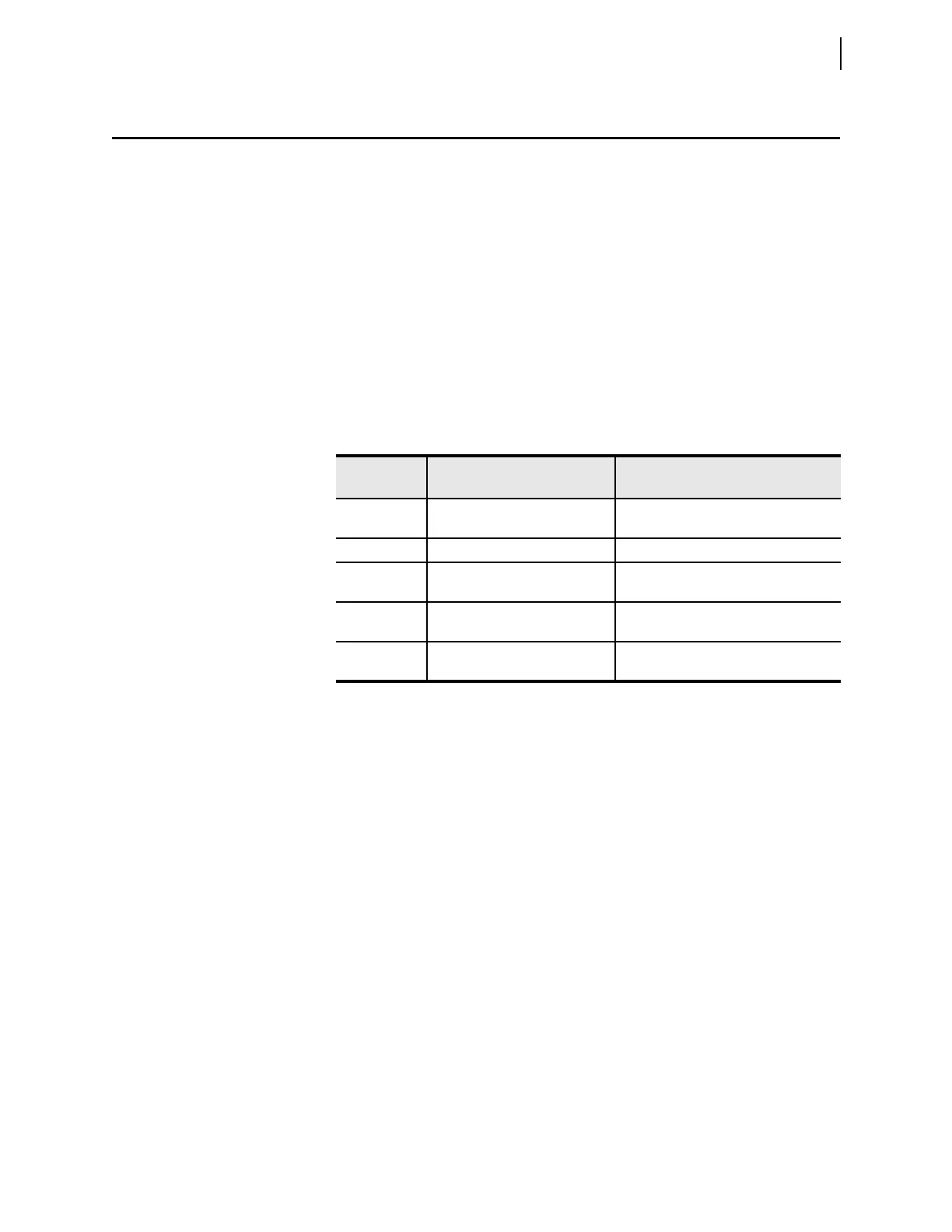
hardware handshaking by setting RTSCTS := N. Table 15.3 shows actions the
relay takes for the RTSCTS setting values and the conditions relevant to hard-
ware flow control.
Note that the relay must assert the RTS pin to provide power for some modems,
fiber-optic transceivers, and hardware protocol converters that are port powered.
Check the documentation for any port-powered device to determine if the device
supports hardware handshaking or if you must always assert RTS (RTSCTS := N)
for proper operation.
Data Frame
The relay ports use asynchronous data frames to represent each character of data.
Four port settings influence the framing: SPEED, DATABIT, PARITY, and
STOPBIT. The time allocated for one bit is the reciprocal of the SPEED. For
example, at 9600 bits per second, one bit-time is 0.104 milliseconds (ms).
The default port framing uses one start bit, eight data bits, no parity bit, and one
stop bit. The transmitter asserts the TXD line for one data frame, as described in
the following steps:
The TXD pin is normally in a deasserted state.
➤ To send a character, the transmitter first asserts the TXD pin for one
bit time (start bit).
➤ For each data bit, if the bit is set, the transmitter asserts TXD for one
bit time. If the bit is not set, it deasserts the pin for one bit time (data
bits).
Table 15.3 Hardware Handshaking
Setting
RTSCTS Value
Condition Relay Action
N All Assert RTS output pin and ignore CTS
input pin.
Y Normal input reception Assert RTS output pin.
Y Local input buffer is close to full Deassert RTS pin to signal remote device
to stop transmitting.
Y Normal transmission Sense CTS input is asserted, transmit
normally.
Y Remote device buffer is close to full,
so remote device deasserts RTS
Sense CTS input is deasserted, stop
transmitting.



 To Next Page