3.6
SEL-400 Series Relays Instruction Manual Date Code 20171006
Basic Relay Operations
Establishing Communication
Making an Ethernet Web Server (HTTP) Connection
When Port 5 setting EHTTP = Y, the relay serves read-only webpages displaying
certain settings, metering, and status reports. The relay-embedded HTTP server
has been optimized and tested to work with the most popular web browsers, but
should work with any standard web browser. As many as four users can access
the embedded HTTP server simultaneously.
To begin using the embedded read-only HTTP server, launch your web browser,
and browse to http://IPADDR, where IPADDR is the Port 5 setting IPADDR
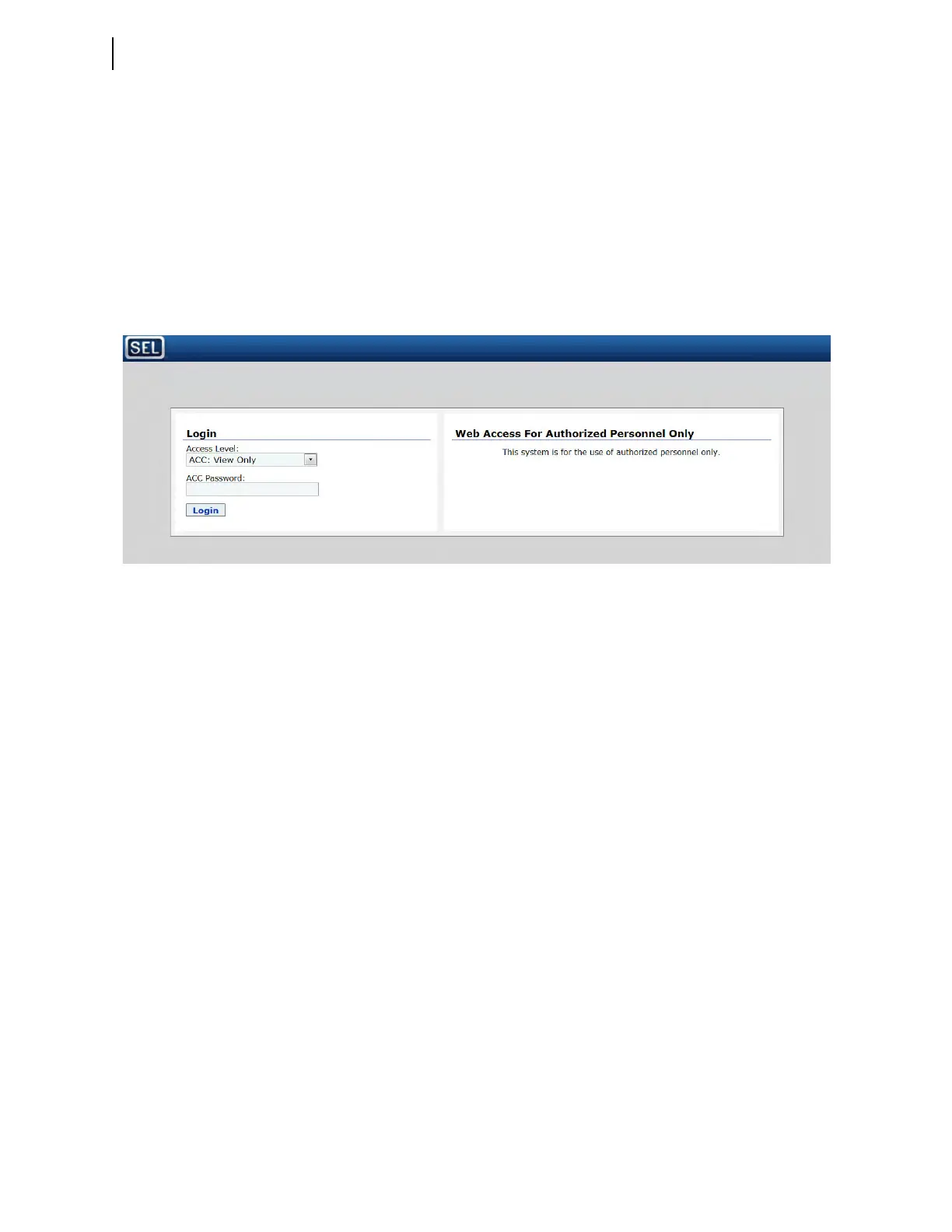
(e.g., http://192.168.1.2). The relay responds with a login screen as shown in
Figure 3.4.
Choose ACC for the username, type in the relay Access Level 1 password, and
click Submit. The only username allowed is ACC. The relay responds with the
homepage shown in Figure 3.5. While you remain logged in to the relay, the web-
page displays the approximate time as determined by the relay time-of-day clock,
and increments the displayed time once per second based on the clock contained
in your PC.
Once the user is logged in, the HTTP server displays the Meter webpage. This
page will refresh within five seconds and includes all metering options available
and enabled on the relay.
Figure 3.4 HTTP Server Login Screen



 To Next Page