3.29
Date Code 20171006 Instruction Manual SEL-400 Series Relays
Basic Relay Operations
Making Simple Settings Changes
Step 4. Change settings.
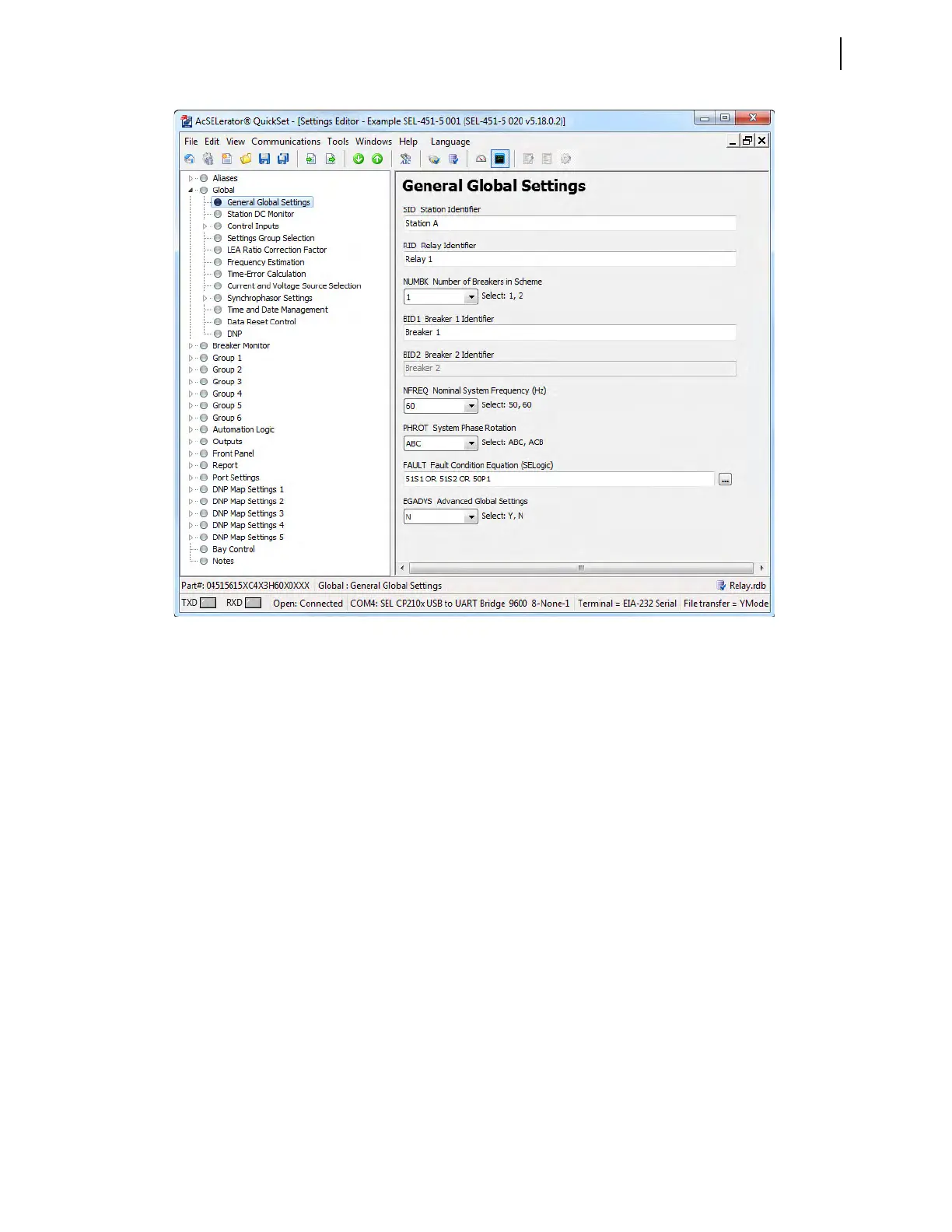
a. Click the button for the correct option for NFREQ and PHROT to
specify your system frequency and phase rotation.
When you tab or click to the next field, the relay validates the
new setting.
b. The right-click mouse button performs two special functions
when you are editing settings: Previous Value and Default Value.
➢ Right-click in the setting dialog box and select Previous Value
if you want to revert to the setting value before you made a
change.
➢ Right-click in the setting dialog box and select Default Value if
you want to restore the factory-default setting value.
Step 5. Save the new settings in QuickSet.
a. In the File menu, click Save.
b. Specify a Settings Name.
c. Click OK.
Step 6. Upload the new settings to the relay.
a. On the File menu, click Send.
QuickSet prompts you for the settings class or instance you want
to send to the relay, as shown in the first dialog box of
Figure 3.22.
b. Click the check box for Global.
Figure 3.21 QuickSet Global Settings Window



 To Next Page