4.21
Date Code 20171006 Instruction Manual SEL-400 Series Relays
Front-Panel Operations
Front-Panel Menus and Screens
Breaker Control
The BREAKER CONTROL option presents a circuit breaker selection submenu if the
relay is configured to control multiple breakers. Use the navigation pushbuttons
and ENT to select the circuit breaker you want to control.
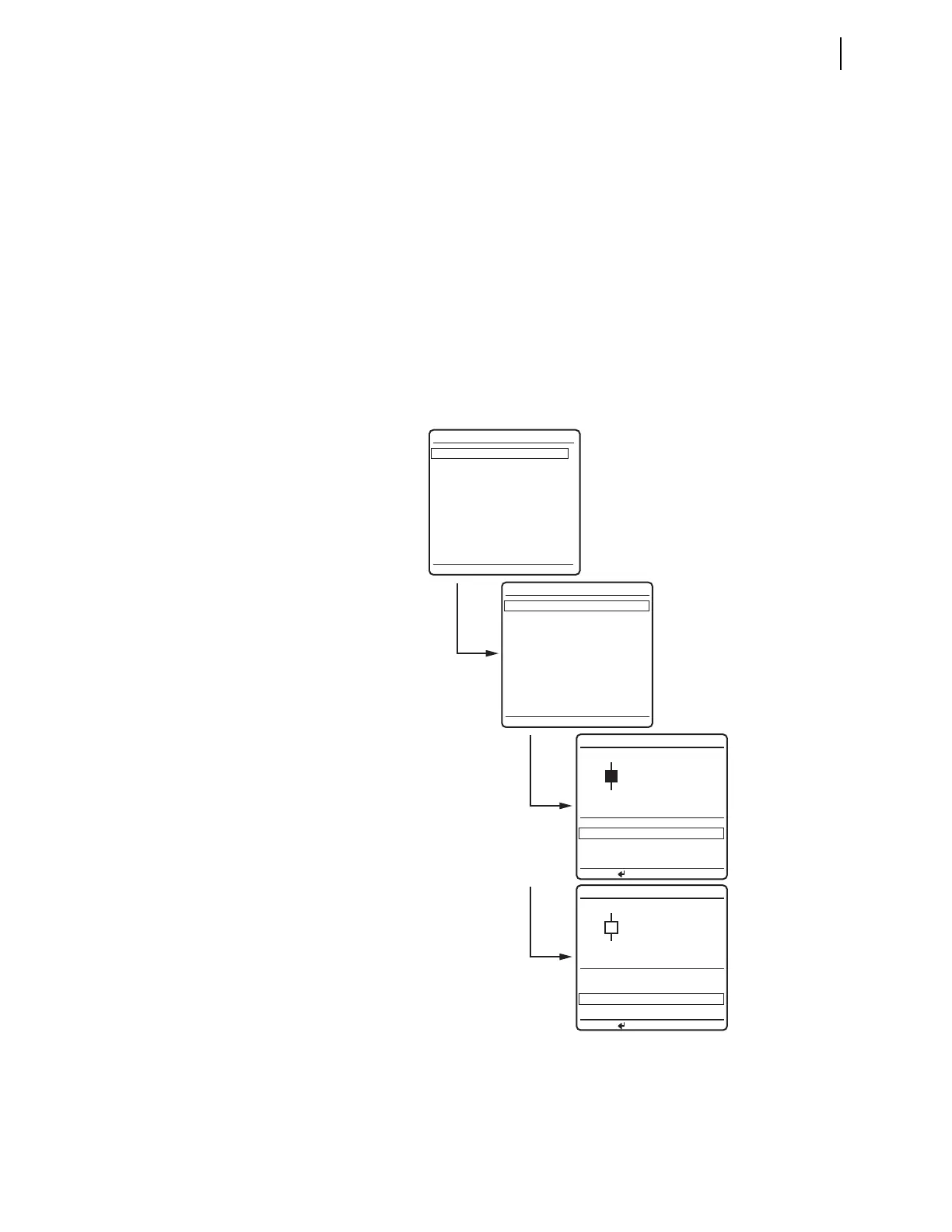
Figure 4.25 shows the
BREAKER CONTROL submenu and sample circuit breaker
control screens for
BREAKER 1. Use the Up Arrow and Down Arrow pushbuttons to
highlight the
TRIP BREAKER 1 or CLOSE BREAKER 1 control actions.
When you highlight the trip option and press ENT, the relay displays the confirma-
tion message
OPEN COMMAND ISSUED and trips Circuit Breaker 1 (Relay Word bit
OC1 pulses). The
BREAKER 1 STATUS changes to OPEN.
When you highlight the close option and press ENT, the relay displays the confir-
mation message
CLOSE COMMAND ISSUED and closes Circuit Breaker 1 (Relay
Word bit CC1 pulses). The
BREAKER 1 STATUS changes to CLOSED. (Be aware that
not all SEL-451 relays support breaker close operations.)
Figure 4.25 Example BREAKER CONTROL Screens
--BREAKER CONTROL--
--OUTPUT TESTING--
LOCAL CONTROL
Enable Bus Switching
North Bus MOD
South Bus MOD
Bus Tie Interlock
Alternate Settings 3
BREAKER 1
BREAKER 2
SELECT A BREAKER
BREAKER CONTROL
TRIP BREAKER 1
CLOSE BREAKER 1
BREAKER 1
CLOSED
BREAKER 1 STATUS
TRIP BREAKER 1
CLOSE BREAKER 1
BREAKER 1
OPEN
BREAKER 1 STATUS
PRESS TO ACTIVATE
PRESS TO ACTIVATE



 To Next Page