4.29
Date Code 20171006 Instruction Manual SEL-400 Series Relays
Front-Panel Operations
Front-Panel Menus and Screens
Figure 4.32 shows the relay date/time screen when a high-accuracy source is in
use. Possible time sources,
qqqqq, are listed in Table 11.5 on page 11.8. If you
use a high-accuracy time source, edits are disabled, the
DATE/TIME display does
not show the highlight, and the screen does not show the help message on the bot-
tom line.
When no external time source is connected, you can use the front-panel DATE and
TIME entry screens to set the date and time.
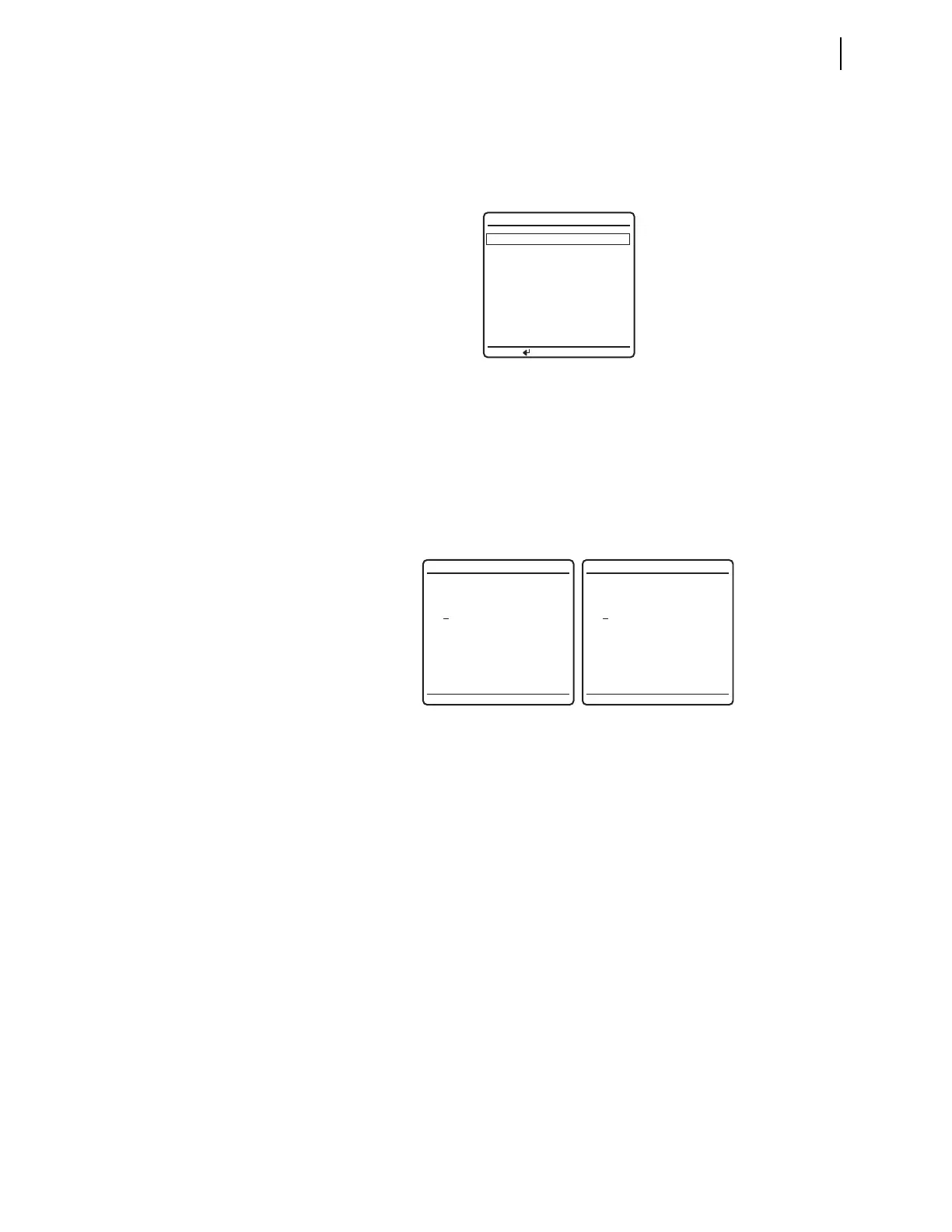
Figure 4.33 shows an example of these edit screens. Use the Left Arrow and Right
Arrow navigation pushbuttons to move the underscore cursor; use the Up Arrow and
Down Arrow navigation pushbuttons to increment or decrement each date and time
digit as appropriate to set the date and time. For a description of the
LAST UPDATE
SOURCE
field, see Configuring Timekeeping on page 3.75.
To enable a high-accuracy external time source, connect an IRIG-B or PTP clock
to the relay. For a discussion of the timing modes in the relay see Section 11:
Time and Date Management.
Relay Status
The relay performs continuous hardware and software self-checking. If any vital
system in the relay approaches a failure condition, the relay issues a status warn-
ing. If the relay detects a failure, the relay displays the status failure
RELAY STA-
TUS
screen immediately on the LCD.
For both warning and failure conditions, the relay shows the error message for
the system or function that caused the warning or failure condition. You can
access the
RELAY STATUS screen via the MAIN MENU. The RELAY STATUS screen
shows the firmware identification number (FID), serial number, whether the relay
is enabled, and any status warnings.
Figure 4.34 shows examples of a normal
RELAY STATUS screen, a status warning
RELAY STATUS screen, and a status failure RELAY STATUS screen. For more infor-
mation on status warning and status failure messages, see Relay Self-Tests on
page 10.15.
Figure 4.32 DATE/TIME Screen
Figure 4.33 Edit DATE and Edit TIME Screens
DATE/TIME
DATE 03/15/2001
PRESS TO EDIT DATE
(MM/DD/YYYY)
TIME 00:00:00
LAST UPDATE
SOURCE: qqqqq
CANNOT EDIT DATE OR
TIME DUE TO A HIGH
PRIORITY TIME SOURCE
DATE (MM/DD/YYYY)
03/15/2001
TIME
00:00:00



 To Next Page