5.18
SEL-400 Series Relays Instruction Manual Date Code 20171006
Control
Bay Control Front-Panel Operations
Disconnect Switch Open/Close
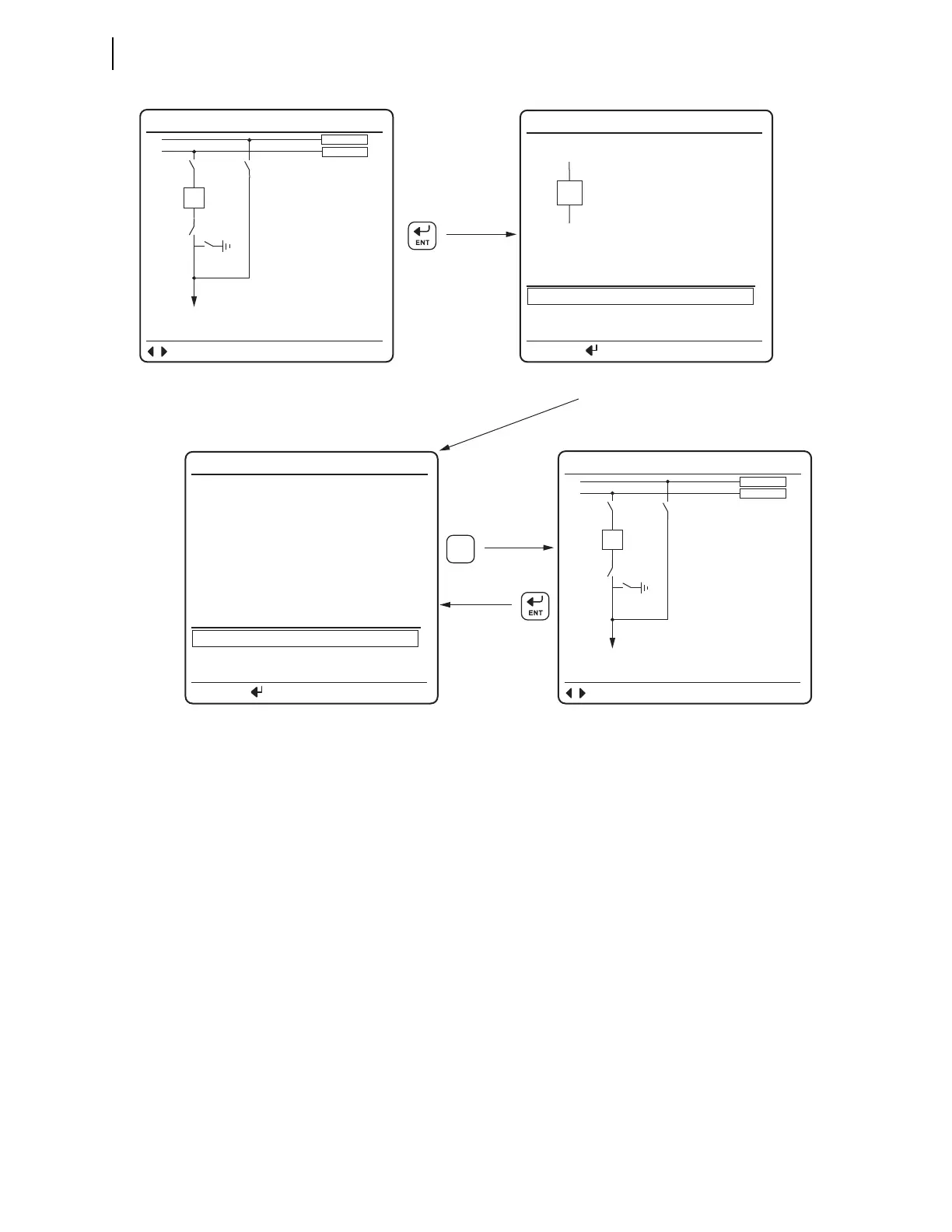
Figure 5.11(a) shows the Disconnect Control Screens available when you press
the ENT pushbutton, in ONELINE bay control screen, with the disconnect switch
highlighted. If the LOCAL Relay Word bit is asserted and the disconnect switch
is highlighted when you press the ENT pushbutton, the Disconnect Control Screen
in Figure 5.110(b) appears. Use the Up Arrow and Down Arrow pushbuttons to navi-
gate between the disconnect control functions in Figure 5.11(b). If the LOCAL
Relay Word bit is not asserted when the ENT pushbutton is pressed, the relay dis-
plays screen in Figure 5.11(c) for three seconds and then returns to the screen in
Figure 5.11(a).
Figure 5.10 Screens During a Pole-Discrepancy Condition
(a) Bay Screen POLE DISCREPANCY
(1.5 seconds delay)
<BAYNAME>
TRIP BREAKER
CLOSE BREAKER
STATUS
<BkCTLNM>
PRESS TO ACTIVATE
(c) Discrepancy Screen
<BAYNAME>
TRIP BREAKER
BREAKER 1 STATUS
CLOSE BREAKER
POLE DISCREPANCY
A B C
OPEN CLOSED CLOSED
PRESS TO ACTIVATE
<BAYNAME>
HVBUSN1
HVBUSN2
NAVIG
I:99999 A
V:99999 kV
P:99999 MW
Q:99999 MV
(a) Bay Screen
<BAYNAME>
HVBUSN1
HVBUSN2
NAVIG
I:99999 A
V:99999 kV
P:99999 MW
Q:99999 MV
ESC



 To Next Page