Procedure
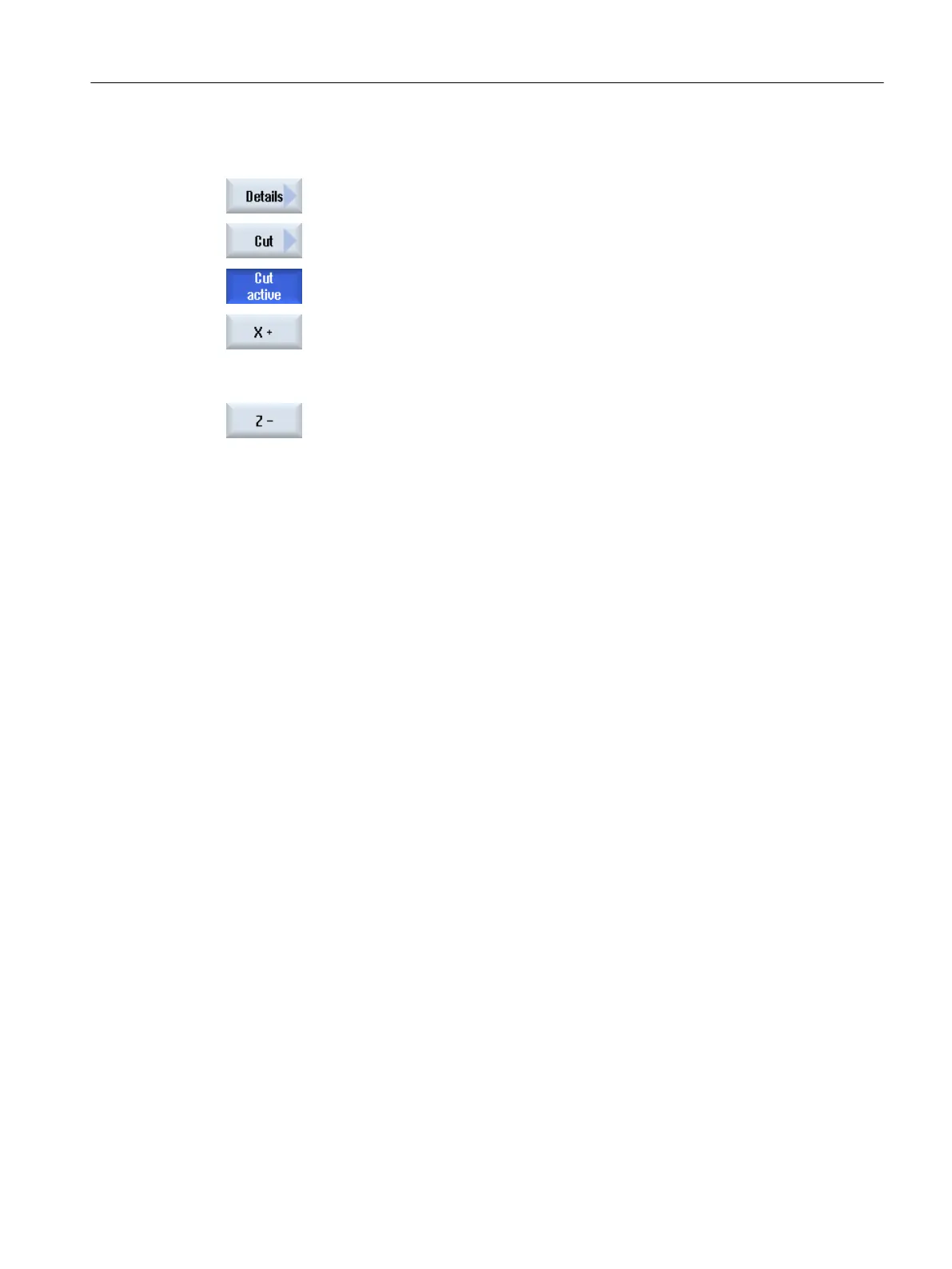
1. Press the "Details" softkey.
2. Press the "Cut" softkey.
The workpiece is displayed in the cut state.
…
3. Press the corresponding softkey to shift the cutting plane in the required
direction.
Simulating machining
7.9 Editing and adapting a simulation graphic
Turning
Operating Manual, 06/2019, A5E44903486B AB 257













 To Next Page