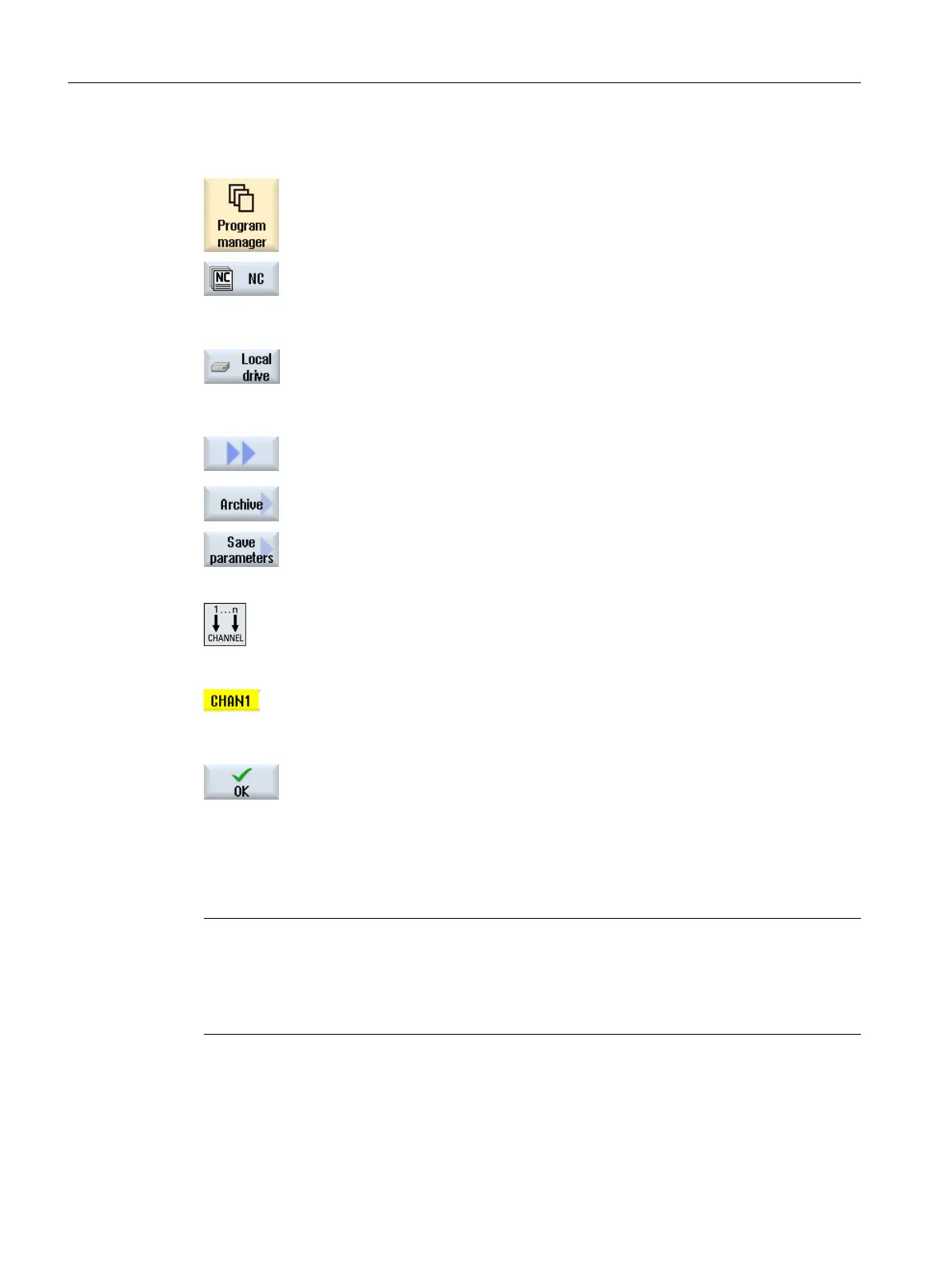
Procedure
1. Select the "Program Manager" operating area.
...
2. Select the drive on which the program is saved.
3. Position the cursor on the program whose parameters you want to
back up.
4. Press the ">>" and "Archive" softkeys.
5. Press the "Save parameters" softkey.
The "Save parameters" window appears.
6. Select the data you want to back up.
- OR -
7. Press the <CHANNEL> key or click on the channel display if you
want to change the active channel.
8. Change the specified name of the originally selected program in
the "File name" field as required.
9. Press the "OK" softkey.
The parameters are saved in the same directory in which the se‐
lected program is stored.
The R-parameters (*.RPA) and the user variables (*.GUD) are
saved in separate files.
Note
Program selection
If a directory contains a main program as well as an RPA file or a GUD file with the same name,
initially these files are automatically started when the main program is selected. Tool data or
parameters may accidentally be changed as a result.
Managing programs
14.18 Backing up parameters
Turning
828 Operating Manual, 06/2019, A5E44903486B AB













 To Next Page