Troubleshooting Infrastructure Modules
Passive Shelf Interconnect Port LEDs
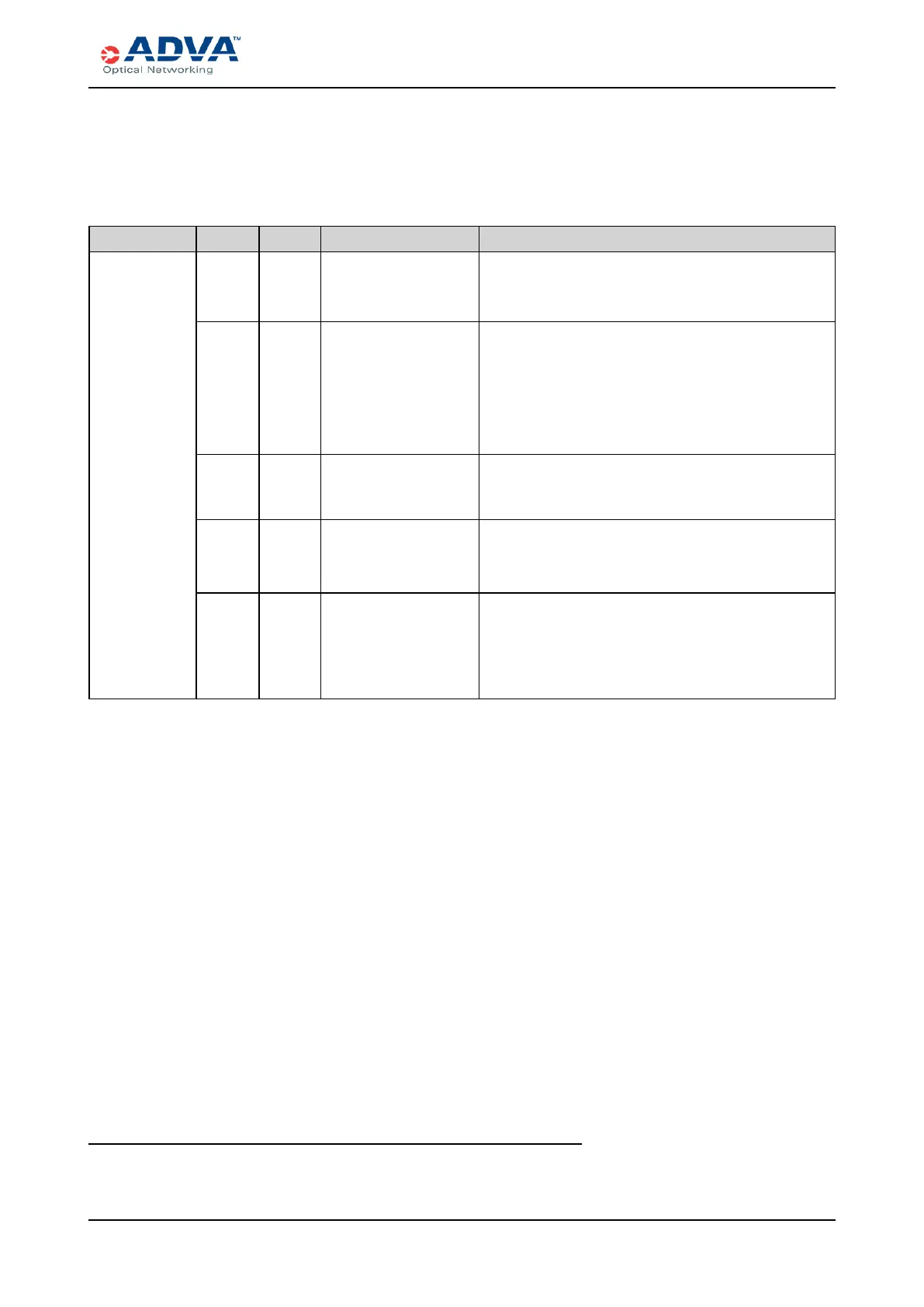
The Passive Interconnect Port LEDs indicate the status of the connection to external
passive shelves.
Label Color Status Probable Cause Troubleshooting Steps
Interconnect
ports
1
Green On
steadily
Normal operation. No action is required.
Yellow Blinking Initializing or
communication loss.
1. Wait several minutes to determine whether the
link is initializing.
2. Verify that the electrical cables between the
CEM shelf interconnect port and the passive
shelf are properly connected and check the
power levels.
Red On
steadily
Passive shelf missing
(when assigned).
Verify that the electrical cables between the CEM
shelf interconnect port and the passive shelf are
properly connected.
Red Blinking Passive shelf
mismatch.
1. Install the correct passive shelf type.
2. If the LEDcontinues to blink red, contact ADVA
Optical Networking Technical Services.
Dark
(unlit)
Off Port admin state is
disabled or
unassigned.
Use the management software to verify that:
l The CEM is provisioned.
l The admin state is “In Service,” “Management,”
or “Maintenance.”
Table 107: Passive Shelf Interconnect Port LEDStatus
1
CEM-2 has four interconnect ports (I1, I2, I3, I4), CEM-3 has one interconnect port (I1), and CEM-
4 has two interconnect ports (I1, I2).
FSP 3000R7 High-Density Subshelf Guide - R17.2 - Issue:B 368



 To Next Page