Overview
Chapter 17
Installing or Removing Side Air Covers
Overview 267
Required Tools and Equipment 268
Removing Side Air Covers 269
Installing Side Air Covers 270
Overview
The SH12 ships with side air covers installed or included in the shipment ready to install,
depending on your particular configuration. To determine if side covers are needed with
your configuration, see Accessory Installation Requirements.
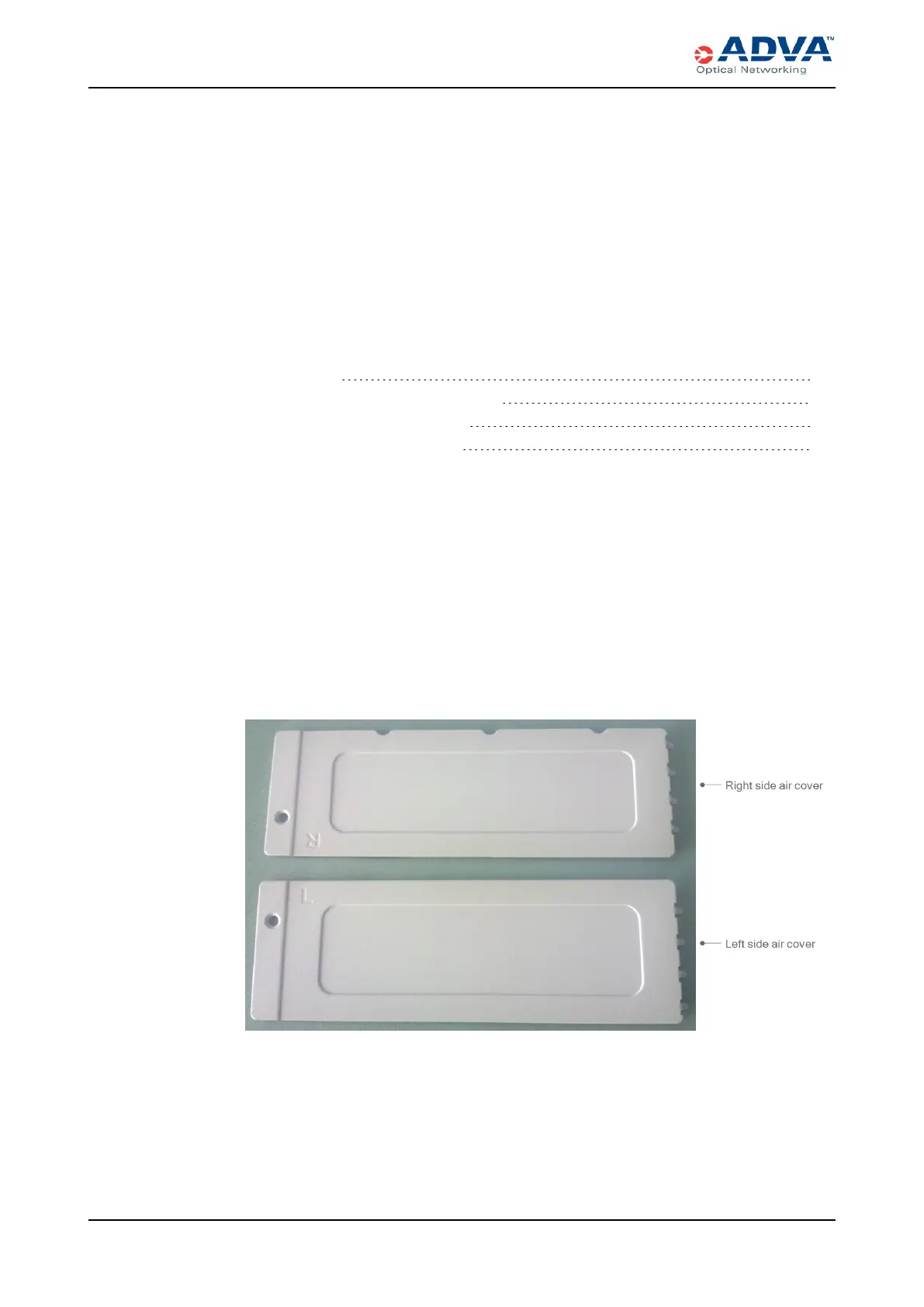
There are four side air vents on the SH12 — two on each side, with one at the top and one
at the bottom of the shelf.
Figure 74: Side Air Covers for the SH12 — Exterior Surface
267 FSP 3000R7 High-Density Subshelf Guide - R17.2 - Issue:B



 To Next Page