KRONE ISOBUS Terminal
154
Pos: 48.125 /BA/Inf o-Center/CCI-I SOBUS-Terminal/CCI- Press-Wickelvorric htung/Hauptmenüs/ Hauptmenü 3 Handbedienung/ Wickelarm einsc halten/ausschalte n @ 214\mod_1390806993129 _78.docx @ 1759711 @ 33 @ 1
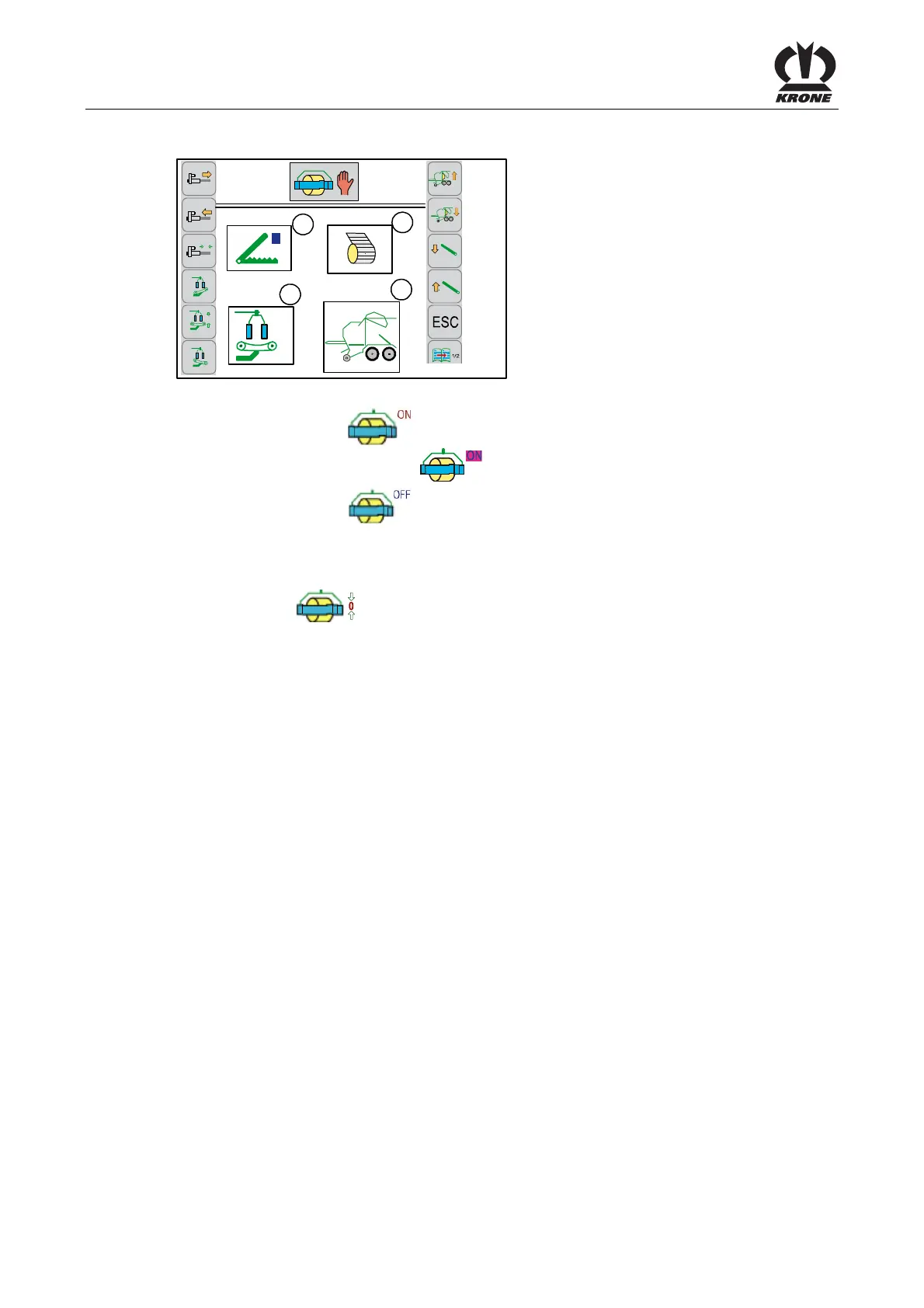
8.11.2 Switching on/off wrapping arm
4
3
1
2
0
0
R
CC000283_1
3-1
Fig. 116
• Pressing the softkey
will switch the wrapping arm on. When the wrapping arm is
turning, the display switches to .
• Pressing the softkey will switch the wrapping arm off.
Pos: 48.126 /BA/Inf o-Center/CCI-I SOBUS-Terminal/CCI- Press-Wickelvorric htung/Hauptmenüs/ Hauptmenü 3 Handbedienung/ Wickelarm in Nullpos tiion bringen @ 53\mod_ 1289982676968_78.doc x @ 507313 @ 33 @ 1
8.11.3 Move the wrapping arm to zero position
• Press softkey
and hold it down until the wrapping arm has reached the zero
position.
Move the swivel table; voir chapter “Swivel table” move manually.
Possible status messages window 1 (wrapping arms/swivel table); refer to chapter
“Status messages”.
Pos: 48.127 /Layout Mod ule /---------- -----Seitenumbruc h------------- --- @ 0\mod_1196175311226_ 0.docx @ 4165 @ @ 1









 To Next Page