Setting Function
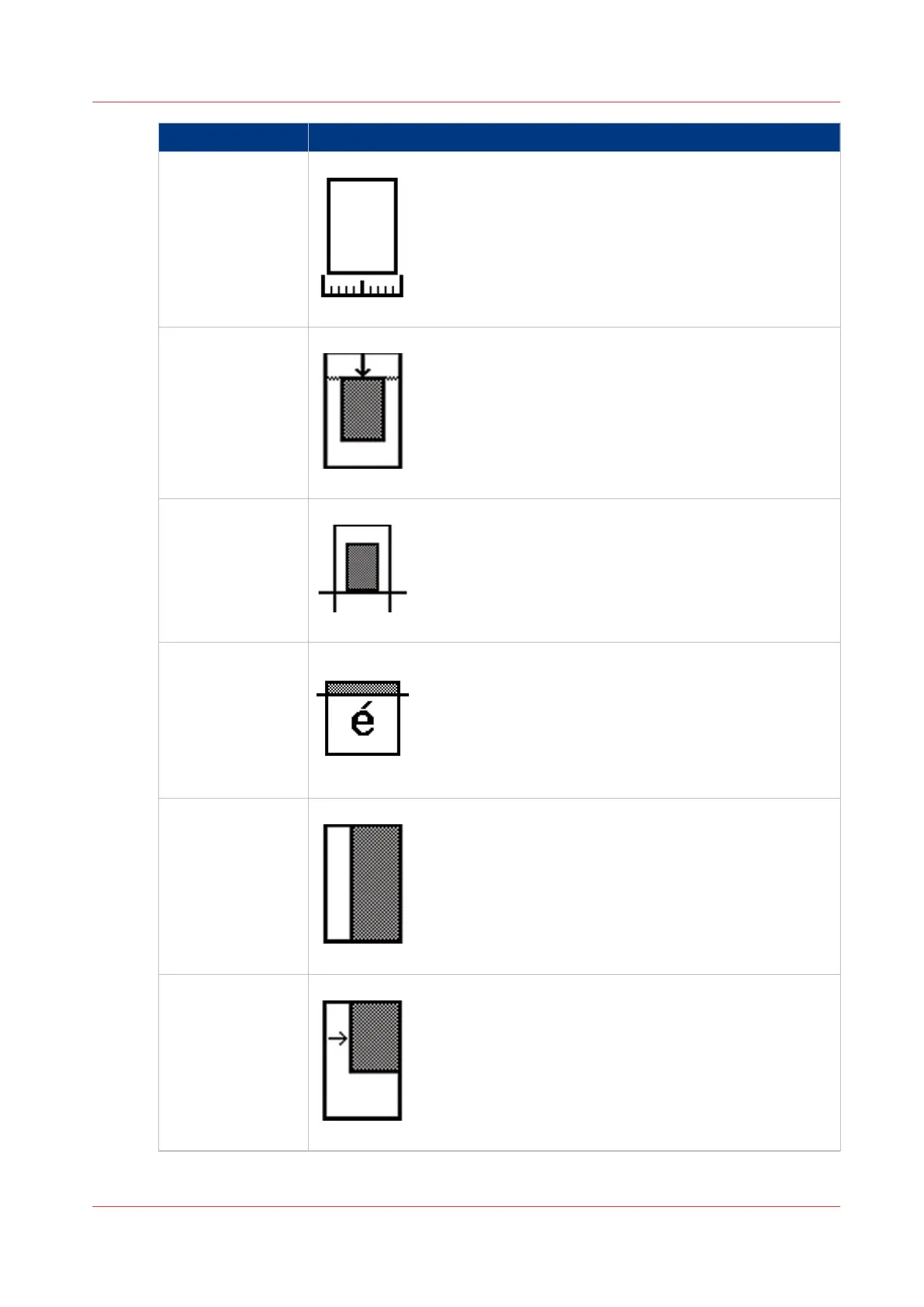
[Original width] Define the width of the original
[43] [Original width] (example)
[Delete area] Copy without a specific area
[44] [Delete area] (example)
[Cut method] Define the cut method of the printer
[45] [Cut method] (example)
[Add strip] Copy with a strip
[46] [Add strip] (example)
[Alignment] Align the image of the copy
[47] [Alignment] (example)
[Shift] Shift the image of the copy
[48] [Shift] (example)
4
Available settings for copy jobs
Chapter 5 - Use the Océ TC4 scanner for copy and scan-to-file jobs
191



 To Next Page