The [Preferences] tab
Illustration
[16] The Preferences tab
The [Preferences] tab
NOTE
Before you can edit a setting or a settings group, you must log in as a Key Operator or a Power
User.
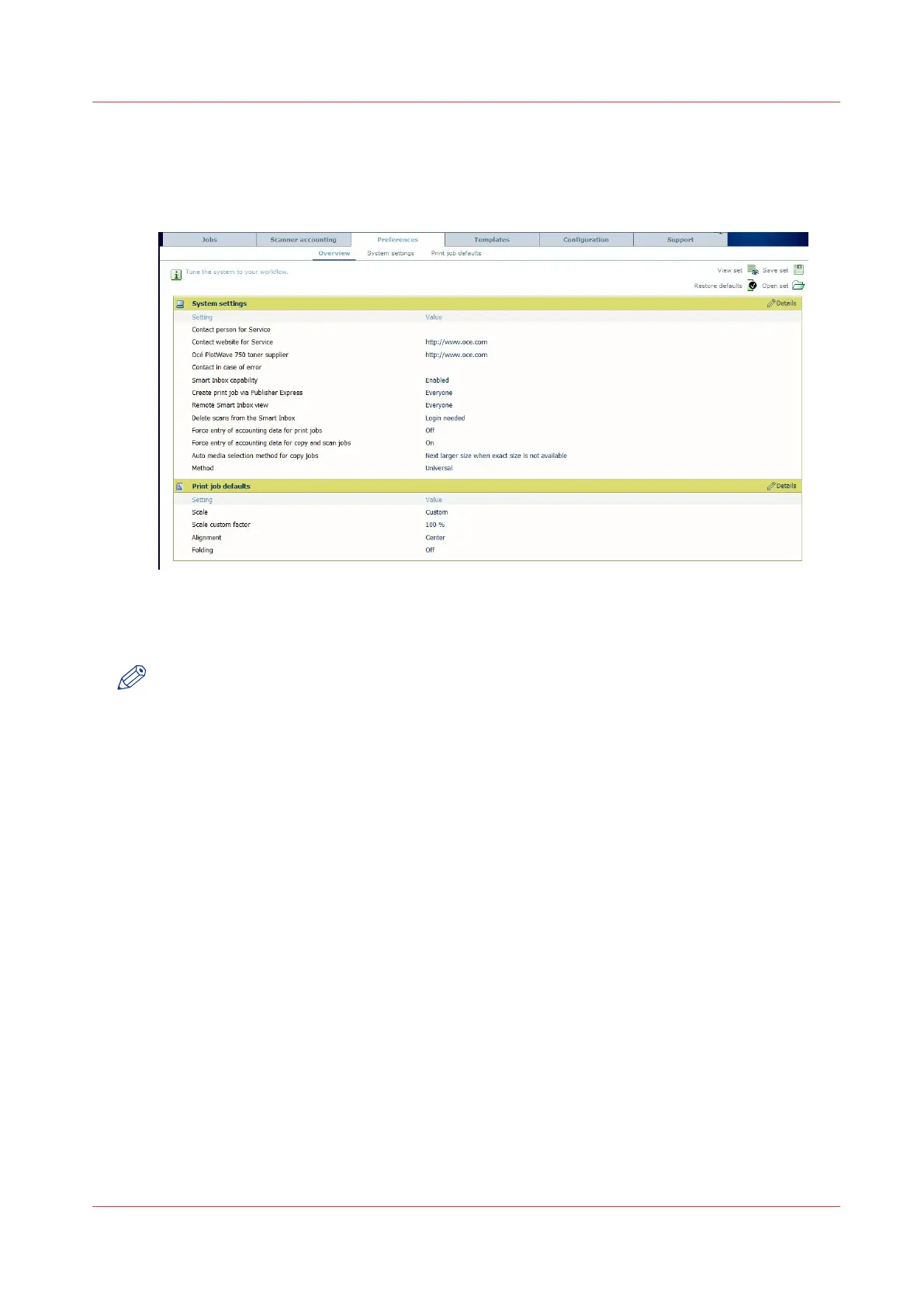
With the [Preferences] tab, you can fine-tune the system to fit your company's workflow and
processes.
• [Overview]
Summary of the settings organized in different groups:
• [System settings]
• [Print job defaults]
See
Define the system preferences
on page 101.
The [Preferences] tab
Chapter 3 - Define your workflow with Océ Express WebTools
65



 To Next Page