The reinforcement unit
Introduction
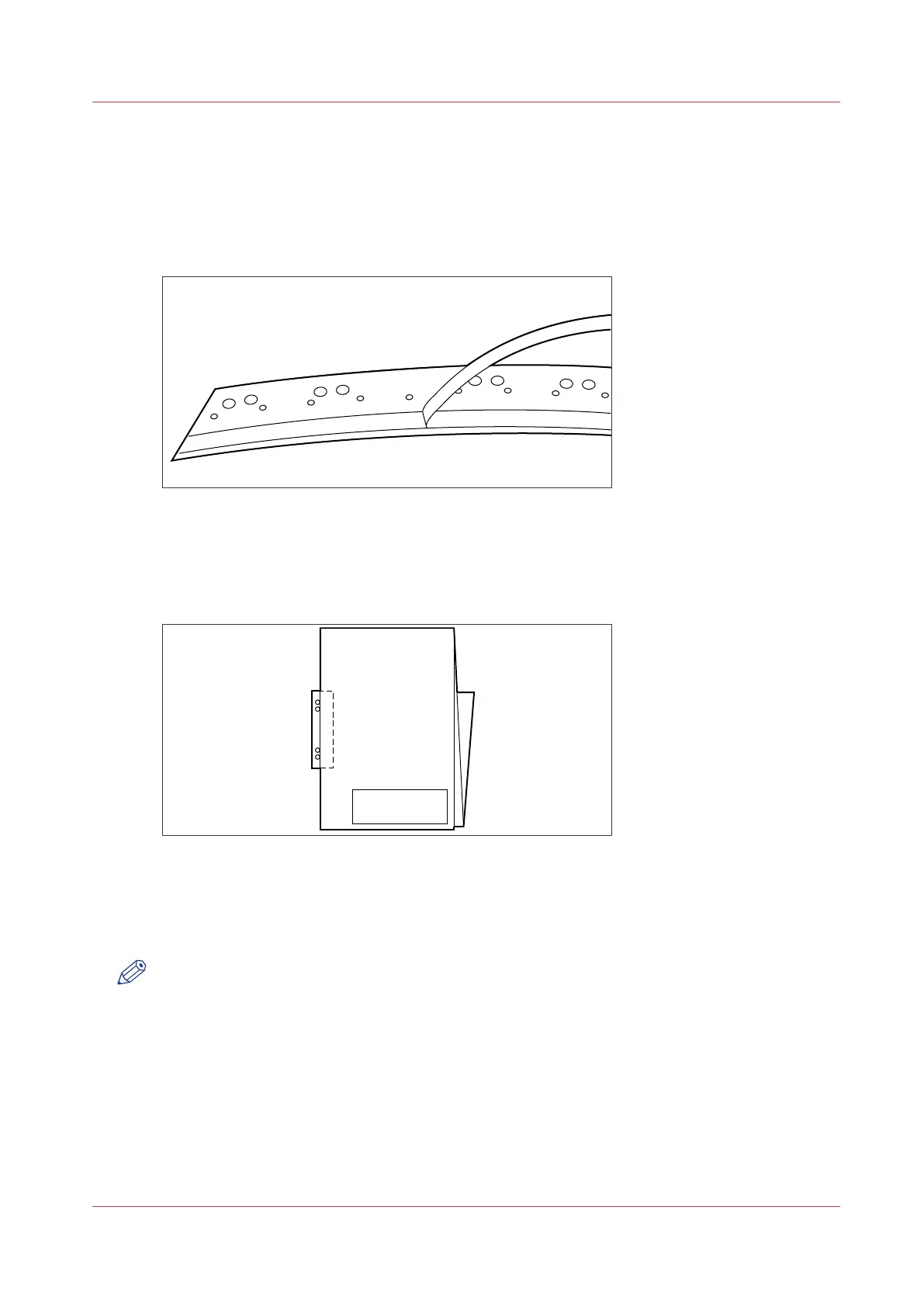
If you install a reinforcement unit, output can be delivered with a pre-punched, self-adhesive
strip, see the illustration below.
[112] Example of a reinforcement unit
With this strip the copy can be stored in a binder, without running the risk that the punching
holes tear out. You can unfold a folded map in a binder without opening the binder mechanism,
see figure below.
[113] Example of a folded map
The optional reinforcement unit supports all media sizes larger than A4.
See
The reinforcement unit maintenance
on page 346 for more information about inserting a
new tape roll and other maintenance issues.
NOTE
Reinforcement is only possible with the Standard folding method.
Enable reinforcement
Procedure
1.
Enter the IP address or host name of the printer in a web browser to open Océ Express WebTools
2.
Log on as key operator or power user.
3.
Click [Preferences] - [Print job defaults] - [Folding] - [Bind or reinforce]
4.
Select reinforcement to enable the reinforcement option.
The reinforcement unit
Chapter 7 - The finishing options
291



 To Next Page