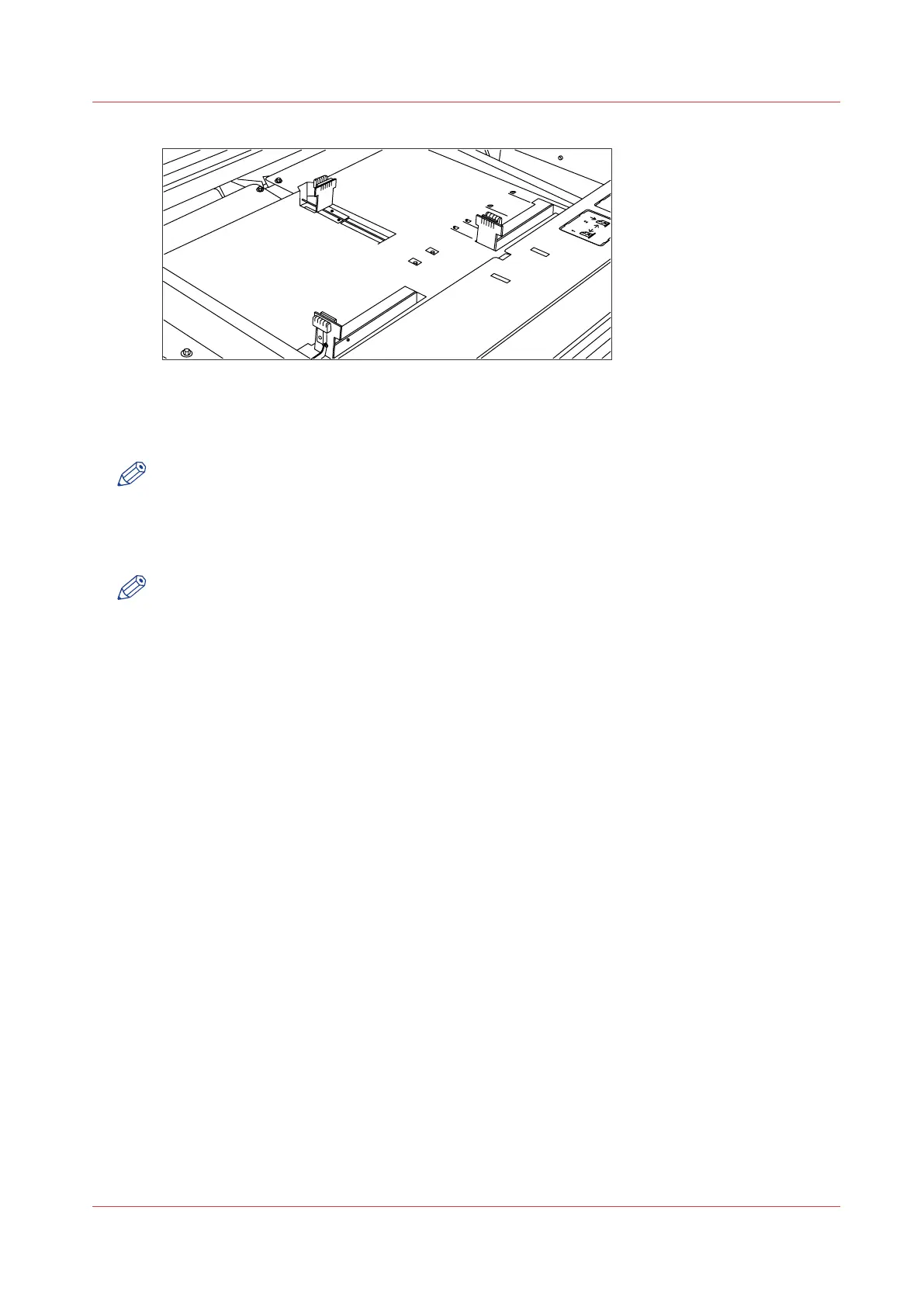
[127] Adjust the position of the right-hand guide
3.
Remove the packaging of the media. In case of wrapped paper, also remove the top and bottom
sheets.
NOTE
If you use polyester as media, you have to fan the sheets before you load them to prevent them
from sticking together.
4.
Position the media in the drawer against the front plate. The side to be printed should be facing
down.
NOTE
You can check whether the material is properly loaded by looking through the view holes in the
drawer; see the illustration above.
5.
Adjust the right-hand guide. Carefully place the media in the drawer to avoid damage to the
media.
6.
Slide the two other guides into position. Also refer to the sticker inside the drawer.
7.
Close the drawer.
Load cut sheet material
Chapter 8 - Maintain and troubleshoot the Océ PlotWave 750 system
309



 To Next Page