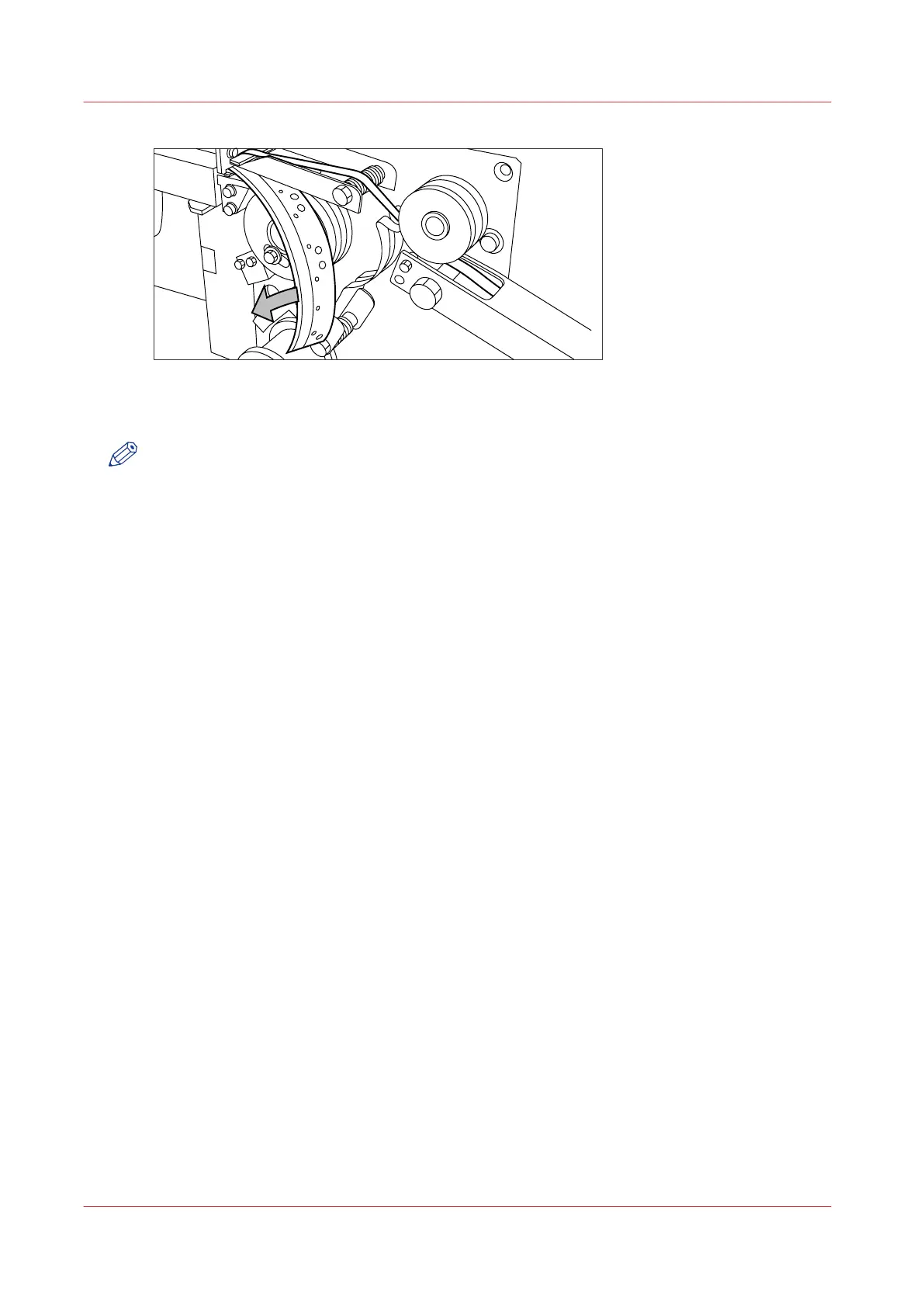
[173] Removing the trailing strip of the old tape
4.
Open the front side plate of the roll holder (remove the screw and the old kernel.)
NOTE
Clean the reinforcement knives before you put in a new roll. See
Clean the reinforcement knives
on page 355.
Remove an empty tape roll
348
Chapter 8 - Maintain and troubleshoot the Océ PlotWave 750 system



 To Next Page