15.44
SEL-400 Series Relays Instruction Manual Date Code 20171006
Communications Interfaces
Direct Networking Example
Telnet Session
This section contains screen captures of a Telnet session with the Line 1
SEL-421. The Telnet application is included with the Windows operating system.
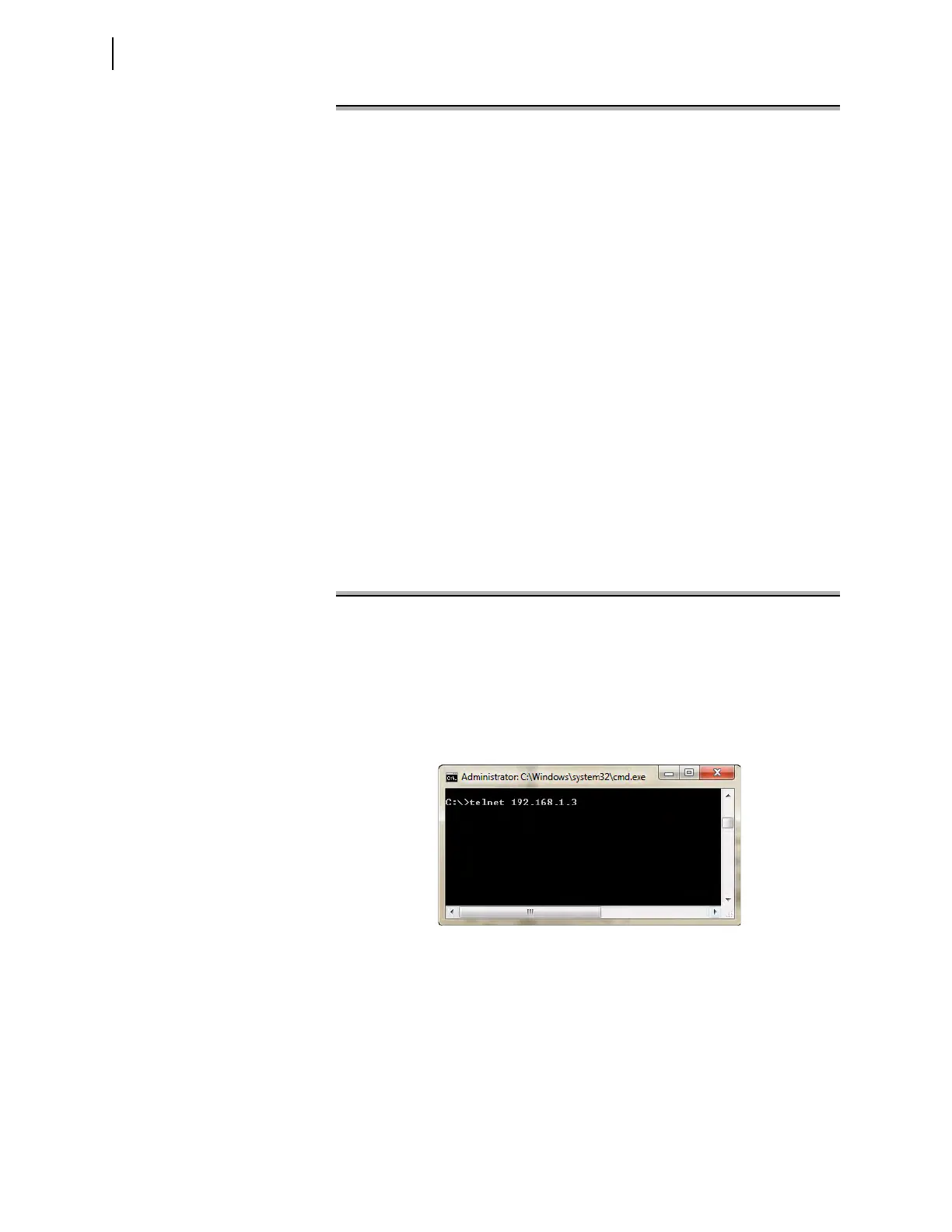
Figure 15.13 shows the login dialog box and the entries required to connect to the
SEL-421.
Figure 15.14 is a screen capture of a Telnet session with the relay. The operator
connects to the relay, and displays the PORT 5 settings. Only a portion of the
PORT 5 settings are shown.
[INFO]
RELAYTYPE=SEL
FID=SEL-421-X045-V0-Z001001-D20010106
BFID=SLBT-CFS-X000
PARTNO=SEL-400H1234
[IOBOARDS]
[COMCARDS]
, SEL-2701-X061-V0-Z000000-D20010117, SLBT-2701-X021-V0-Z000000-D20010109, 1
[P5]
"TIMEOUT",5
"AUTO",Y
"FASTOP",N
"TERTIM1",1
"TERSTRN","\005"
"TERTIM2",0
"IPADDR","10.201.0.112"
"SUBNETM","255.255.0.0"
"DEFRTR","10.201.0.1"
"NETPORT","A"
"FAILOVR","N"
"FTIME",5
"NETASPD","A"
"NETBSPD","A"
"FTPSERV","Y"
"FTPCBAN","FTP SERVER:"
"FTPIDLE",5
"FTPANMS","N"
"FTPAUSR","ACC"
"T1CBAN","HOST TERMINAL SERVER:"
"T1INIT","N"
"T1RECV","Y"
"T1PNUM",23
"T2CBAN","CARD TERMINAL SERVER:"
"T2RECV","Y"
"T2PNUM",1024
"TIDLE",5
Remaining settings not shown
Figure 15.12 Partial Contents of SET_P5.TXT
Figure 15.13 Telnet Connection Dialog Box



 To Next Page