B.7
Date Code 20171006 Instruction Manual SEL-400 Series Relays
Firmware Upgrade Instructions
Upgrade Procedure
The software will notify you if any problems are detected. You can view the relay
status by opening the terminal using the Terminal button in the lower left portion
of the Firmware Loader. If status failures are shown, open the terminal and see
Troubleshooting on page B.17.
Click Next to go to the completion step.
I Verify Relay Settings
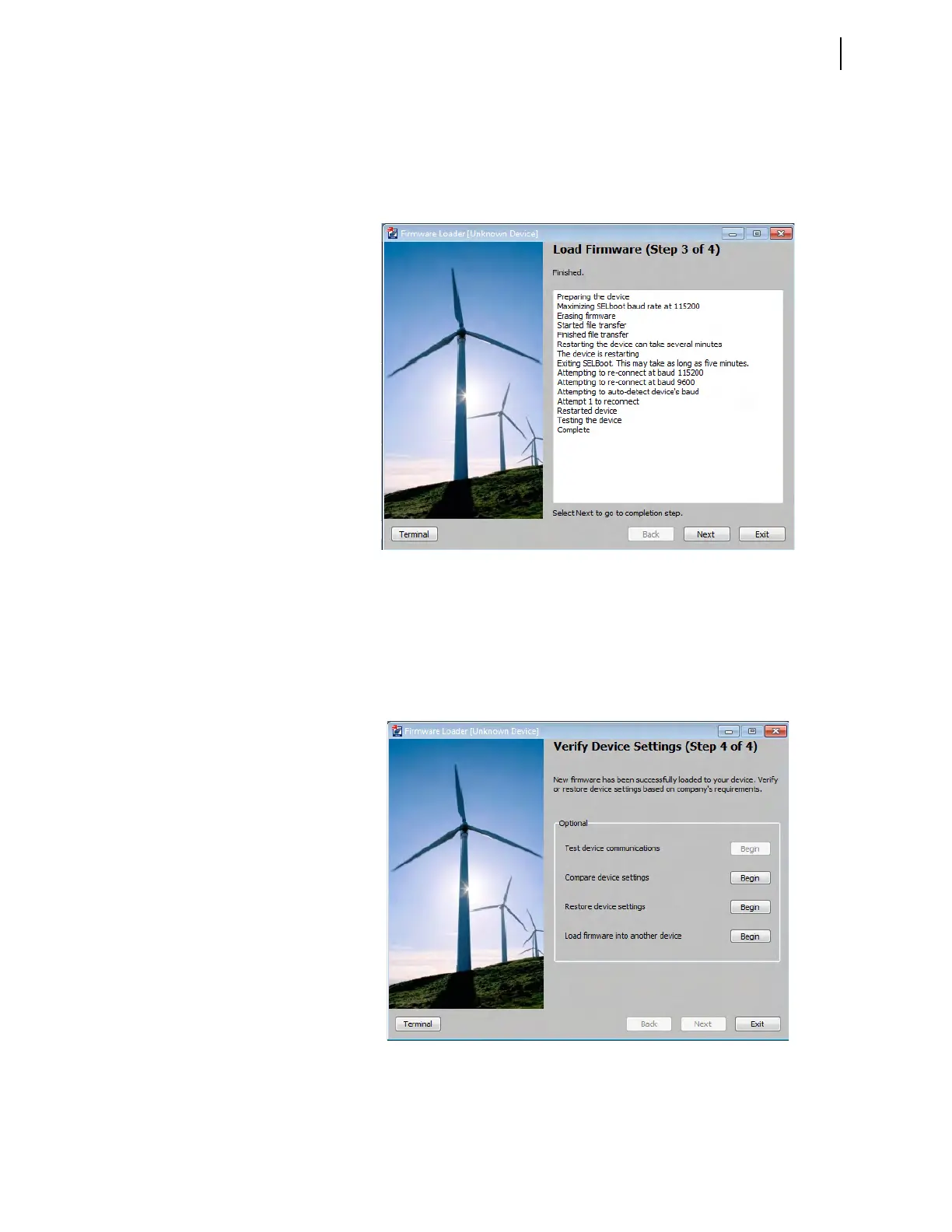
If there are no failures, the relay will enable. In the Step 4 of 4 window (see
Figure B.4), the Firmware Loader will give you the option to compare the device
settings. If any differences are found, the software will provide the opportunity to
restore the settings.
Figure B.3 Load Firmware (Step 3 of 4)
Figure B.4 Verify Device Settings (Step 4 of 4)



 To Next Page