B.6
SEL-400 Series Relays Instruction Manual Date Code 20171006
Firmware Upgrade Instructions
Upgrade Procedure
c. MET M—maximum/minimum metering
d. COMM A and COMM B—M
IRRORED BITS communications logs
e. PROFILE—Load Profile
f. SER—Sequential Events Records
EStart SELBOOT
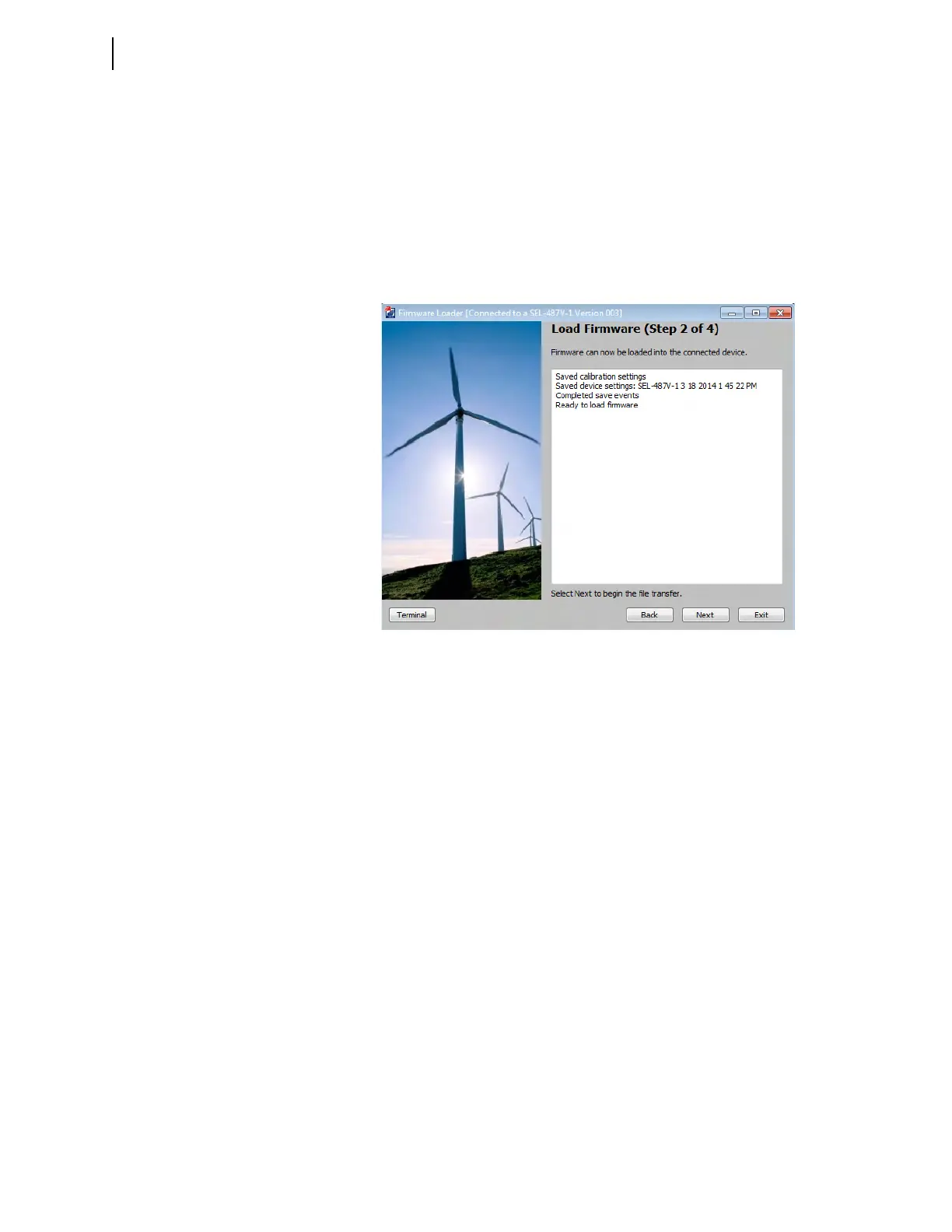
In the Step 2 of 4 window of the Firmware Loader, click Next to disable the relay
and enter SEL
BOOT (see Figure B.2).
F Maximize Port Data Rate
This step is performed automatically by the software.
G Upload New Relay Firmware
This step is performed automatically by the software. The software will erase the
existing firmware and start the file transfer to upload the new firmware. Upload
progress will be shown in the Transfer Status window. The entire firmware
upload process can take longer than 10 minutes to complete.
When the firmware upload is complete, the relay will restart. The Firmware
Loader automatically re-establishes communications and issues an STA com-
mand to the relay.
In cases where the relay does not restart within two minutes of the firmware
upload completion (as indicated by the PC application), and no error messages
appear on the relay HMI, turn the relay off and back on again. The firmware
loader application should then resume. Answer Yes if the Firmware Loader
prompts you to continue.
H Verify Relay Self-Tests
The Step 3 of 4 window of the Firmware Loader will indicate that it is checking
the device status and when the check is complete (see Figure B.3).
Figure B.2 Load Firmware (Step 2 of 4)



 To Next Page