2.17
Date Code 20171006 Instruction Manual SEL-400 Series Relays
PC Software
Create and Manage Relay Settings
Expression Builder
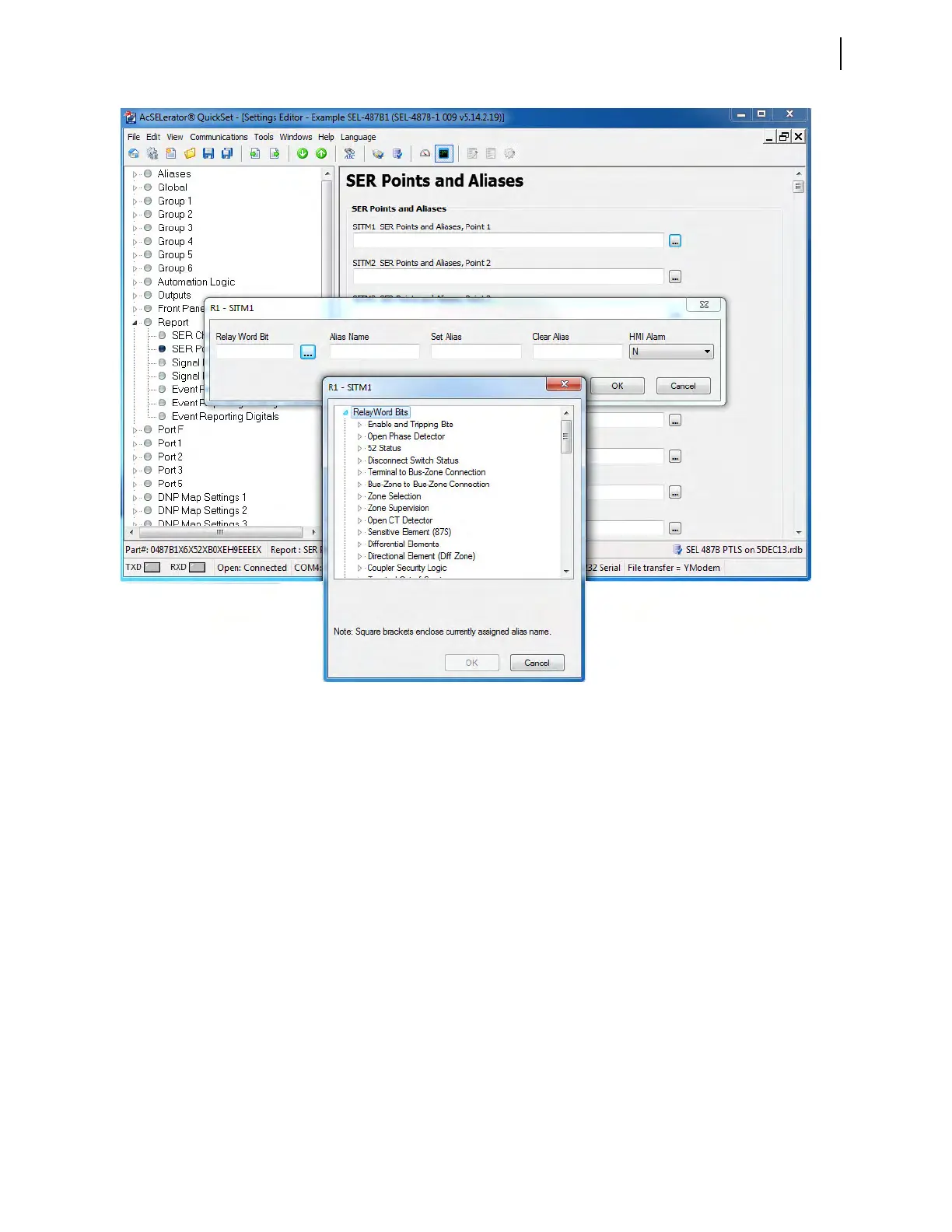
The ellipsis button also allows access to an expression builder. SELOGIC control
equations are a powerful means for customizing relay performance. Creating
these equations can be difficult because of the large number of relay elements
(Relay Word bits) and analog quantities in the relay. QuickSet simplifies this pro-
cess with the expression builder, a rules-based editor for programming SEL
OGIC
control equations. The expression builder organizes relay elements, analog quan-
tities, and SEL
OGIC control equation variables and focuses your equation deci-
sion making.
Expression Builder Organization
The Expression Builder dialog box is organized into two main parts represent-
ing the left side (LVALUE) and right side (RVALUE) of the SEL
OGIC control
equation. (The LVALUE is fixed for all settings except Protection Free-Form
SEL
OGIC and Automation Free-Form SELOGIC control equation settings—see
Fixed SEL
OGIC Control Equations on page 13.6.) Figure 2.17 shows the two
sides of the Expression Builder, with the SEL
OGIC control equation that you are
constructing at the top of the dialog box. Note the dark vertical line and the
equals sign (:=) separating the equation’s left and right sides.
Figure 2.16 Location of Ellipsis Button



 To Next Page