3.31
Date Code 20171006 Instruction Manual SEL-400 Series Relays
Basic Relay Operations
Making Simple Settings Changes
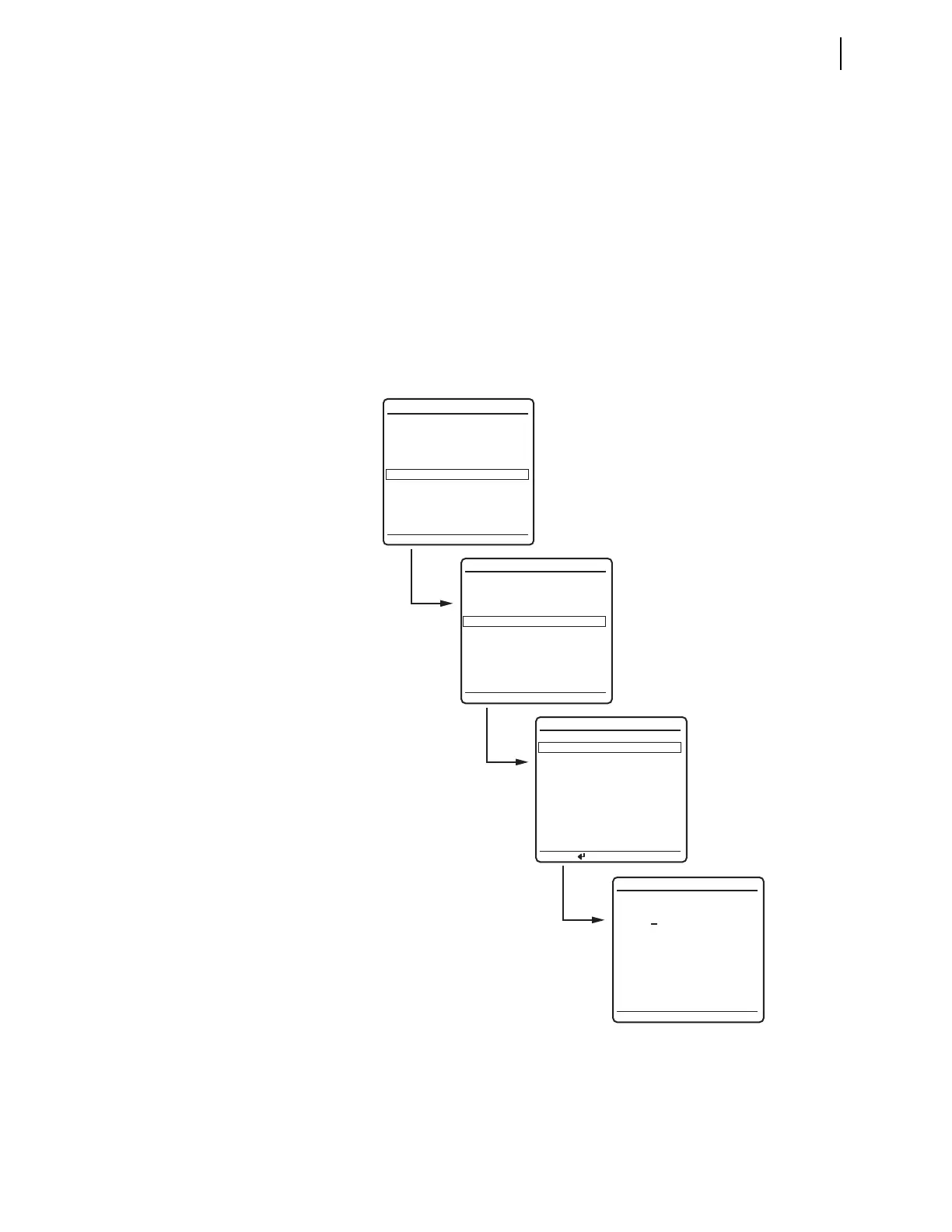
Step 3. View the settings screens.
a. Press the Up Arrow and Down Arrow navigation pushbuttons to
highlight the
SET/SHOW action item (see Figure 3.23).
b. Press the ENT pushbutton.
You will see the
SET/SHOW submenu (the second screen in
Figure 3.23).
Step 4. View the date/time screen.
a. Press the Up Arrow and Down Arrow navigation pushbuttons to
highlight the
DATE/TIME action item (Figure 3.23, second
screen).
b. Press the ENT pushbutton.
The relay next displays the
DATE/TIME submenu (the third screen
of Figure 3.23).
Figure 3.23 DATE and TIME Settings From Front-Panel LCD
(a)
(b)
METER
EVENTS
BREAKER MONITOR
RELAY ELEMENTS
LOCAL CONTROL
SET/SHOW
RELAY STATUS
VIEW CONFIGURATION
DISPLAY TEST
RESET ACCESS LEVEL
MAIN MENU
SET/SHOW
PORT
GLOBAL
GROUP
ACTIVE GROUP = 1
DATE/TIME
(c)
DATE/TIME
DATE 03/15/2015
(MM/DD/YYYY)
TIME 00:01:23
LAST UPDATE
SOURCE: NONV CLK
03/15/2015
(d)
DATE (MM/DD/YYYY)
PRESS TO EDIT DATE
SELECT A CLASS



 To Next Page