3.40
SEL-400 Series Relays Instruction Manual Date Code 20171006
Basic Relay Operations
Examining Metering Quantities
Step 5. Start the QuickSet operator interface.
Step 6. In the top toolbar select Tools > HMI > HMI to start the GUI.
Step 7. Click the Phasors button of the HMI tree view (see Figure 3.32) to
view phasors.
QuickSet displays fundamental line metering quantities with a
display similar to Figure 3.33. (The test setup is adjusted for an
approximately 30-degree lagging current.)
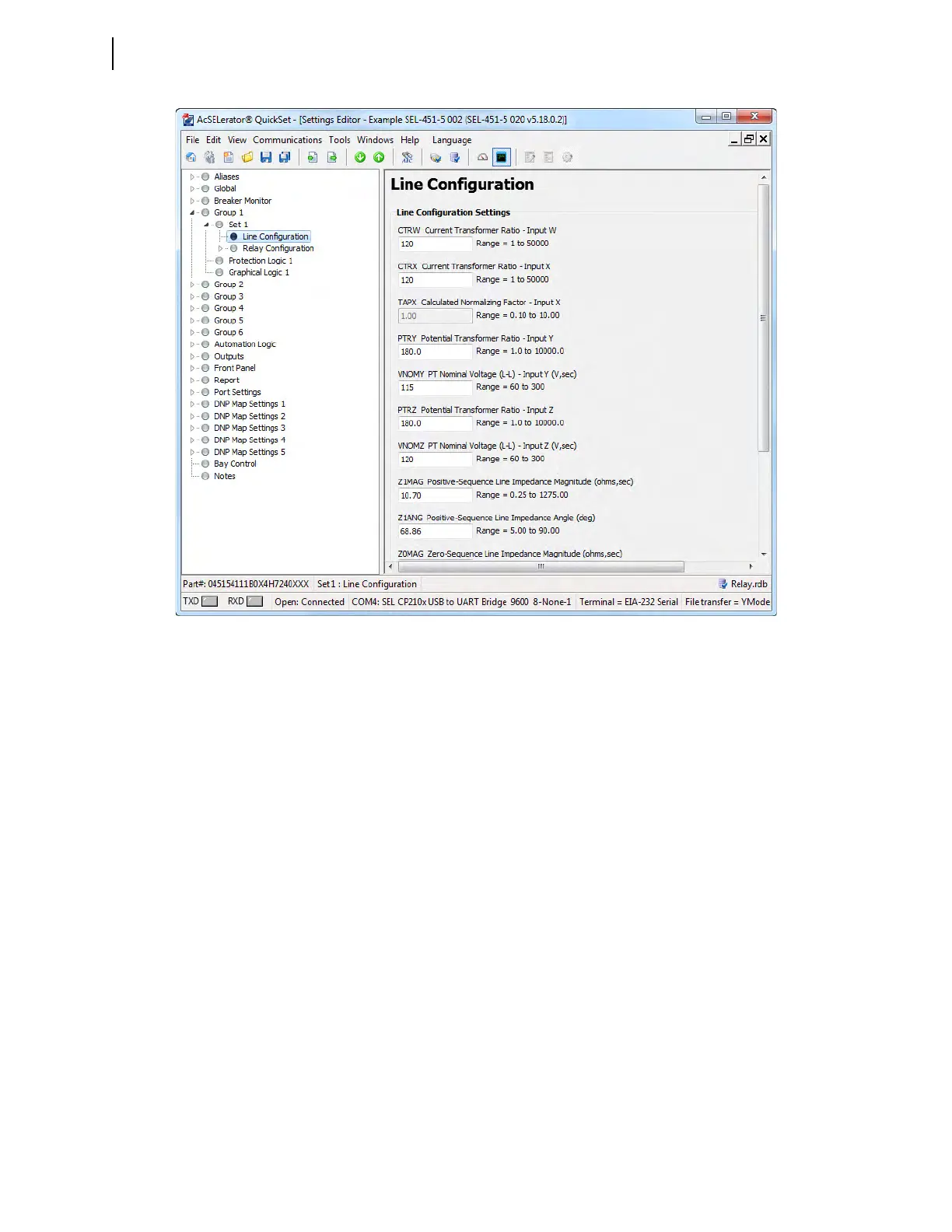
Figure 3.31 Group 1 Terminal Configuration Settings in QuickSet



 To Next Page