3.42
SEL-400 Series Relays Instruction Manual Date Code 20171006
Basic Relay Operations
Examining Metering Quantities
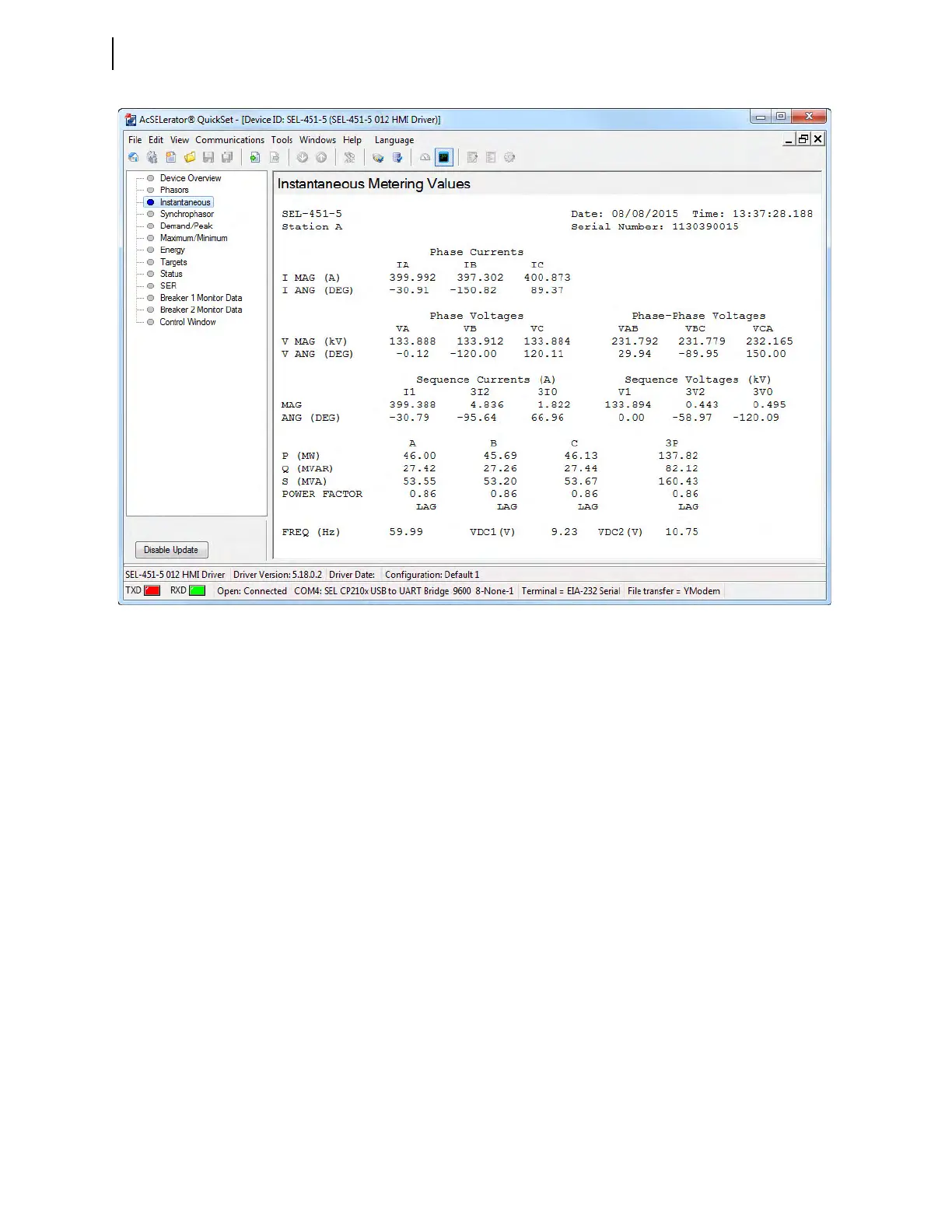
Step 8. Click the Instantaneous button of the HMI tree view to see metering
information similar to Figure 3.33.
View Metering From the Front Panel
In most SEL-400 series relays, you can use the front-panel display and naviga-
tion pushbuttons to view the metering quantities of the relay (see Meter on
page 4.16 for more information on viewing metering on the relay front panel).
The screens in this procedure are for an SEL-451 with one circuit breaker, and
this example assumes that you have not enabled the demand metering or synchro-
nism-check features.
Step 1. Prepare to use the front panel by applying power to the relay.
Note that the LCD shows a sequence of screens called the
ROTATING
DISPLAY
. (If you do not operate the front panel for a certain period,
the relay will enter front-panel time-out mode and you will see the
sequential screens of the
ROTATING DISPLAY.)
Step 2. Press the ENT pushbutton to display the
MAIN MENU at the top of
Figure 3.34.
Step 3. View the metering selection screen.
a. Highlight the
METER action item (see the first screen of
Figure 3.34).
b. Press the ENT pushbutton.
The relay displays the
METER submenu (the second screen in
Figure 3.34).
Figure 3.33 Instantaneous Metering Quantities in QuickSet HMI



 To Next Page