3.50
SEL-400 Series Relays Instruction Manual Date Code 20171006
Basic Relay Operations
Reading Oscillograms, Event Reports, and SER
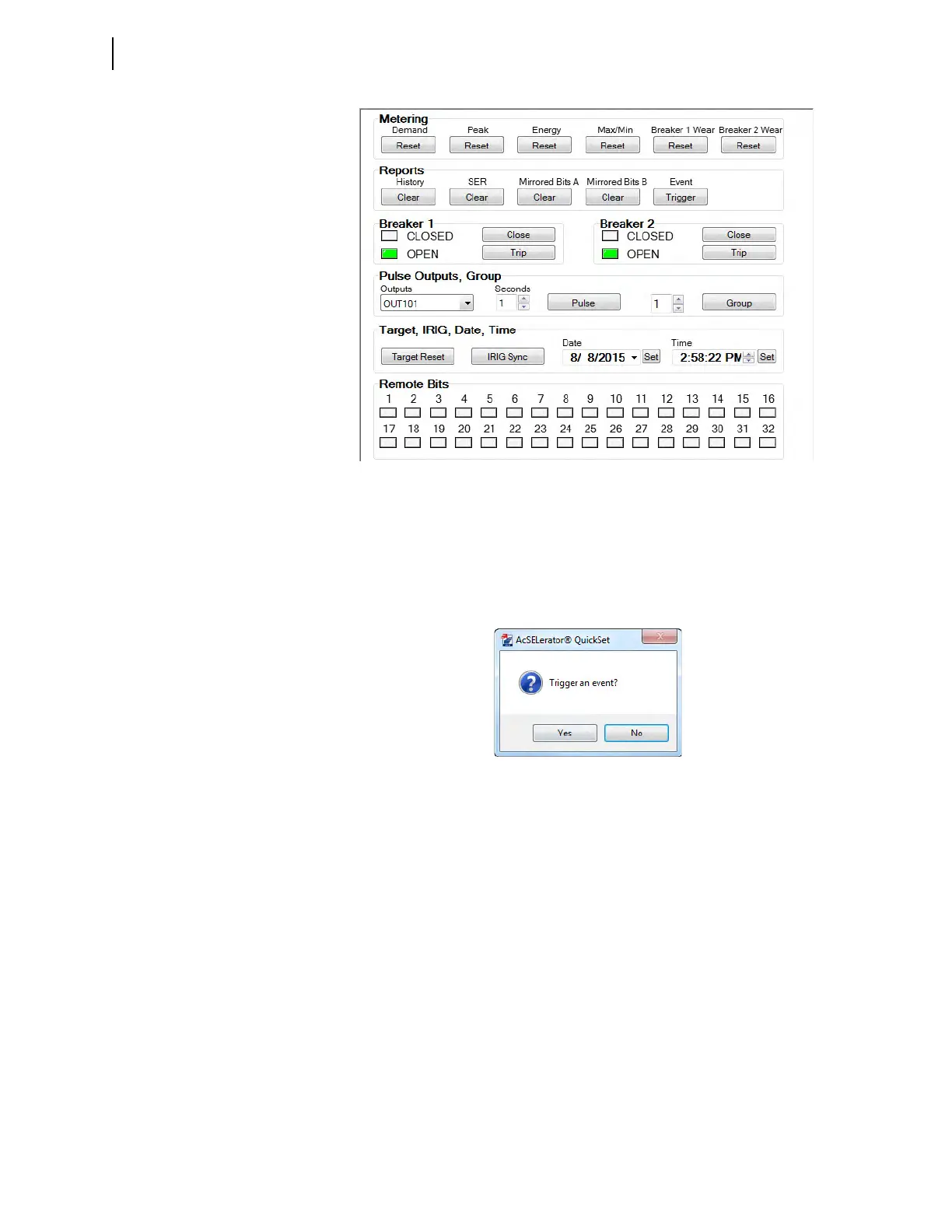
Step 5. Trigger an Event.
a. Click the Event Trigger box to trigger an event.
QuickSet displays a prompt in a dialog box similar to that in
Figure 3.41.
b. Click Ye s to trigger an event.
Reading the Event History
The relay has multiple convenient methods for checking whether you success-
fully captured power system data. The following describes how to view the event
history data with QuickSet and how to examine the history data through use of
the ASCII terminal interface.
Reading the Event History in QuickSet
The procedure in the following steps shows how to use the QuickSet HMI to
gather relay event history information. See Event History on page 9.27 for more
information on event history.
This example assumes that you have successfully established communication
with the relay (see Making an EIA-232 Serial Port Connection on page 3.4). In
addition, you must be familiar with relay access levels and passwords (see
Figure 3.40 QuickSet HMI Control Window
Figure 3.41 Event Trigger Prompt in QuickSet



 To Next Page