4.17
Date Code 20171006 Instruction Manual SEL-400 Series Relays
Front-Panel Operations
Front-Panel Menus and Screens
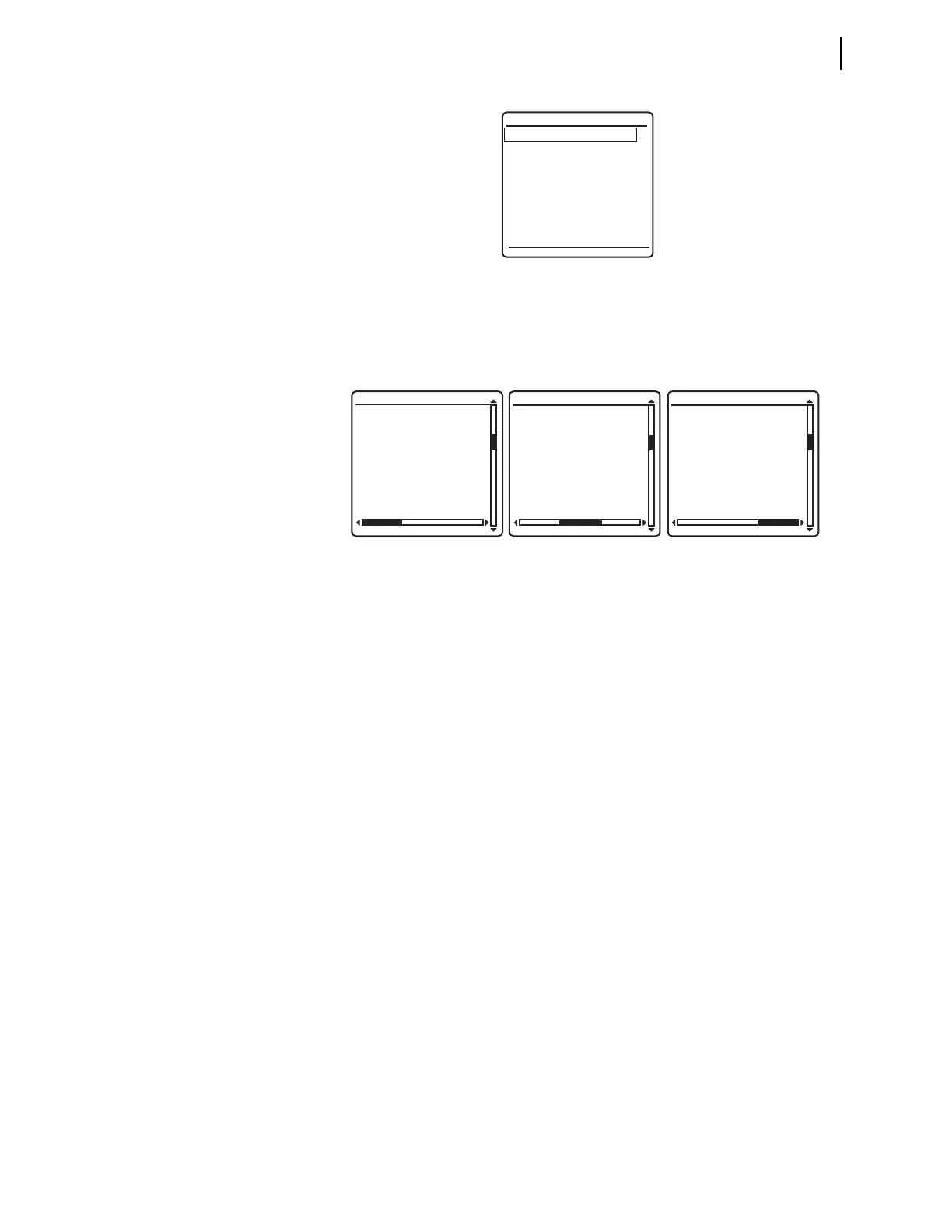
The horizontal scroll bar indicates that you can view other event 10002 screens.
Use the Up Arrow and Down Arrow pushbuttons to move among the events in the
summary buffer. Press ESC to return to the
Events Menu and ESC again to return to
the
MAIN MENU.
SER
The Sequential Events Recorder (SER) records state changes of user-program-
mable Relay Word bits. State changes are time-tagged for future analysis of relay
operations during an event. See Sequential Events Recorder (SER) on page 9.28
for more information on SER events. To view SER events from the front panel,
select
EVENTS from the MAIN MENU and SER Events from the Events Menu as
shown in Figure 4.18. SER events are also viewable using programmable front-
panel operator-control pushbuttons; see Front-Panel Operator Control Pushbut-
tons on page 4.34.
Figure 4.20 illustrates the SER Events display screen. Data reported in this
screen for each event are the SER Point Alias Name, Asserted or Deasserted
state, and the Date and Time of the event. When in the
SER Events screen, three
SER records are displayed on one screen. Using the navigation pushbuttons, the
most recent 200 SER events are viewable on the front-panel display. The top
event is the most recent event, and the bottom event is the oldest. The upper right
of the screen displays the sequential indexes of the SER events currently being
viewed. If a new event occurs while viewing the SER events, the display does not
update with the new event automatically. To include the new SER event in the
display, exit the SER screen by pressing ESC and re-enter the
SER Events screen
by pressing ENT with the
SER Events selection highlighted. This rebuilds the SER
Events
display and contains the latest SER events triggered.
Figure 4.18 Events Menu Screen
Figure 4.19 Example EVENT SUMMARY Screens
Event Summary
SER Events
Events Menu
03/15/2001 GROUP 1
00:00:05.387
EVENT: BCG T
LOCATION: 48.47
FREQ: 60.00
SHOT: 3P=1
BK1 OPEN
BK2 CLOSED
EVENT SUMMARY 10002
TARGETS:
COMM
PHASE B
PHASE C
GROUND
50
EVENT SUMMARY 10002
FAULT QUANTITIES
(kV/A)
VA = 131 0.7˚
VB = 113 -123.4˚
VC = 113 124.7˚
IA = 200 -0.5˚
IB = 2478 172.3˚
IC = 2480 6.7˚
IG = 212 -11.3˚
EVENT SUMMARY 10002



 To Next Page