4.19
Date Code 20171006 Instruction Manual SEL-400 Series Relays
Front-Panel Operations
Front-Panel Menus and Screens
Breaker Monitor
Some SEL-400 series relays feature an advanced circuit breaker monitor. Select
BREAKER MONITOR from the MAIN MENU to view circuit breaker monitor alarm data
on the front-panel display. See the relay-specific instruction manual for the sup-
ported options and example screens.
Relay Elements (Relay Word Bits)
You can view the RELAY ELEMENTS screen to check the state of the Relay Word
bits in the relay. The relay has two unique manual-scrolling features for viewing
these elements:
➤ Accelerated navigation
➤ Search
These Relay Word bit scrolling features make selecting elements from among the
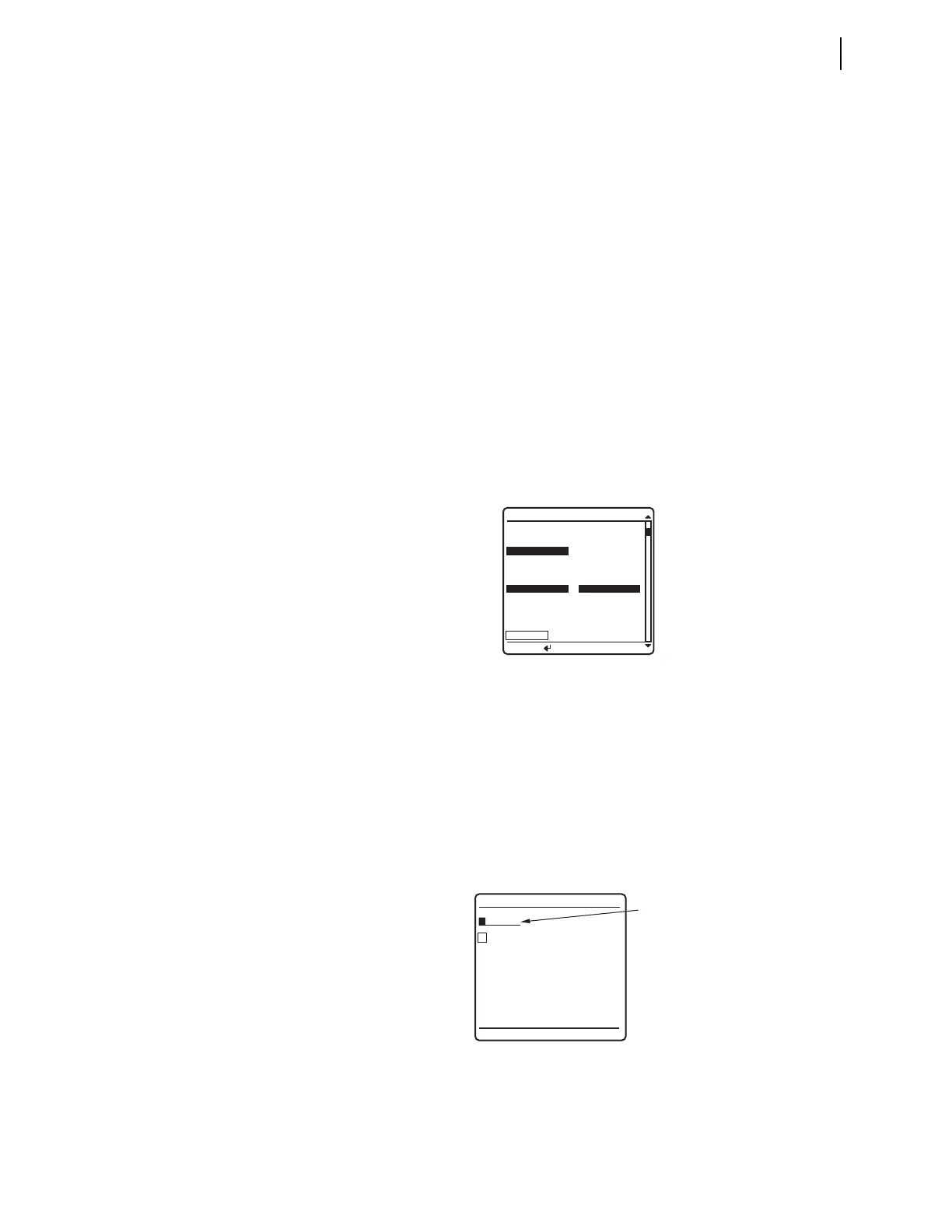
many relay targets easy and efficient. Figure 4.22 shows an example of the
RELAY
ELEMENTS
screen. If an alias exists for an element, the alias name is displayed
instead of the element name. An asterisk character (*—shown in Figure 4.22)
indicates that this Relay Word bit position is reserved for future use.
When you move item by item through the Relay Word bit table, pressing the Up
Arrow or Down Arrow pushbuttons shows each previous or next screen in turn.
Accelerated navigation occurs when you press and hold the Up Arrow or Down
Arrow pushbuttons. Holding the Up Arrow or Down Arrow pushbuttons repeats the
regular pushbutton action at two rows every second for the first ten rows. Con-
tinue pressing the Up Arrow or Down Arrow pushbutton to cause the relay screen
scrolling to accelerate to 20 rows per second. When you are scrolling up in accel-
erated scrolling, scrolling will stop at the first relay elements screen. When you
are scrolling down, scrolling will stop at the last screen.
Search mode allows you to find a specific relay target element quickly.
Figure 4.23 shows the menu screen that the relay displays when you select the
SEARCH option of the RELAY ELEMENTS initial menu.
Figure 4.22 RELAY ELEMENTS Screen
Figure 4.23 ELEMENT SEARCH Screen
ROW 28 ROW 29
* *
51S2R =1 *
51S2T =0 *
51S2 =0 *
* *
51S1R =1 51S3R =1
51S1T =0 51S3T =0
51S1 =0 51S3 =0
SEARCH
RELAY ELEMENTS
Press to search
A B C D E F
G H I J K L
M N O P Q R
S T U V W X
Y Z 0 1 2 3
4 5 6 7 8 9
_
ACCEPT BACKSPACE
ELEMENT SEARCH
Element
Name
Field



 To Next Page