5.28
SEL-400 Series Relays Instruction Manual Date Code 20171006
Control
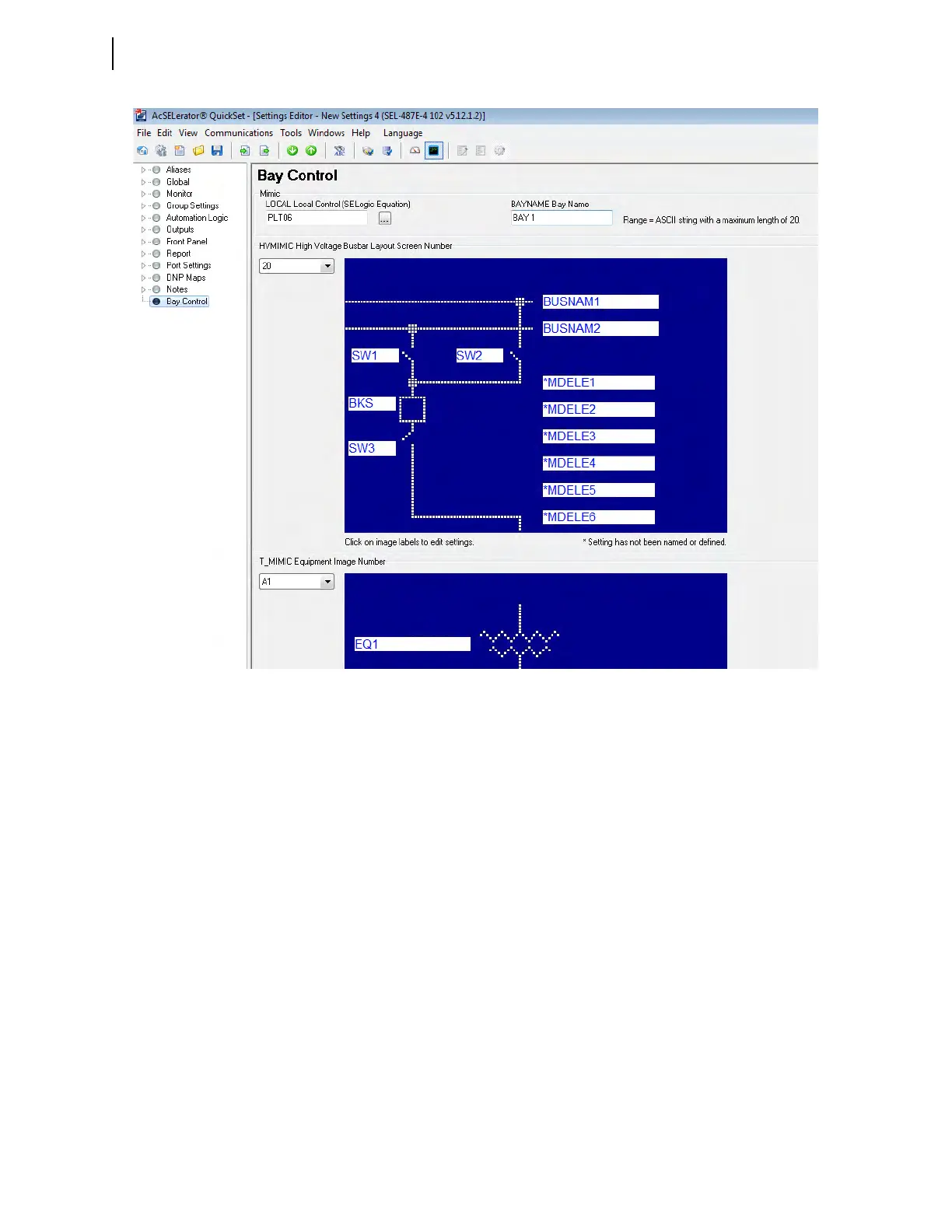
QuickSet Bay Control Screens
MIMIC
In most SEL-400 series relays, a single one-line diagram needs to be selected.
However, in some relays, such as the SEL-487E, multiple screens need to be
selected to build up the total composite one-line diagram.
Bay Name
There are 20 characters available for the bay name. This name appears on all the
bay control screens.
Local
The LOCAL SELOGIC control equation enables local and remote control of the
disconnect switch. This example illustrates how the input contact IN107 can
accommodate existing bay controls that use a key to manually change from
remote to local control. The key switch is made to actuate a contact when the key
is turned, as shown in Figure 5.19. With the contact of the switch wired to the
input, the key switch provides local and remote control. Make the following set-
ting to enable LOCAL control when IN107 is asserted.
LOCAL := IN107
Figure 5.18 Interactive Bay Control Setting Form



 To Next Page