5.29
Date Code 20171006 Instruction Manual SEL-400 Series Relays
Control
QuickSet Bay Control Screens
Bus Names
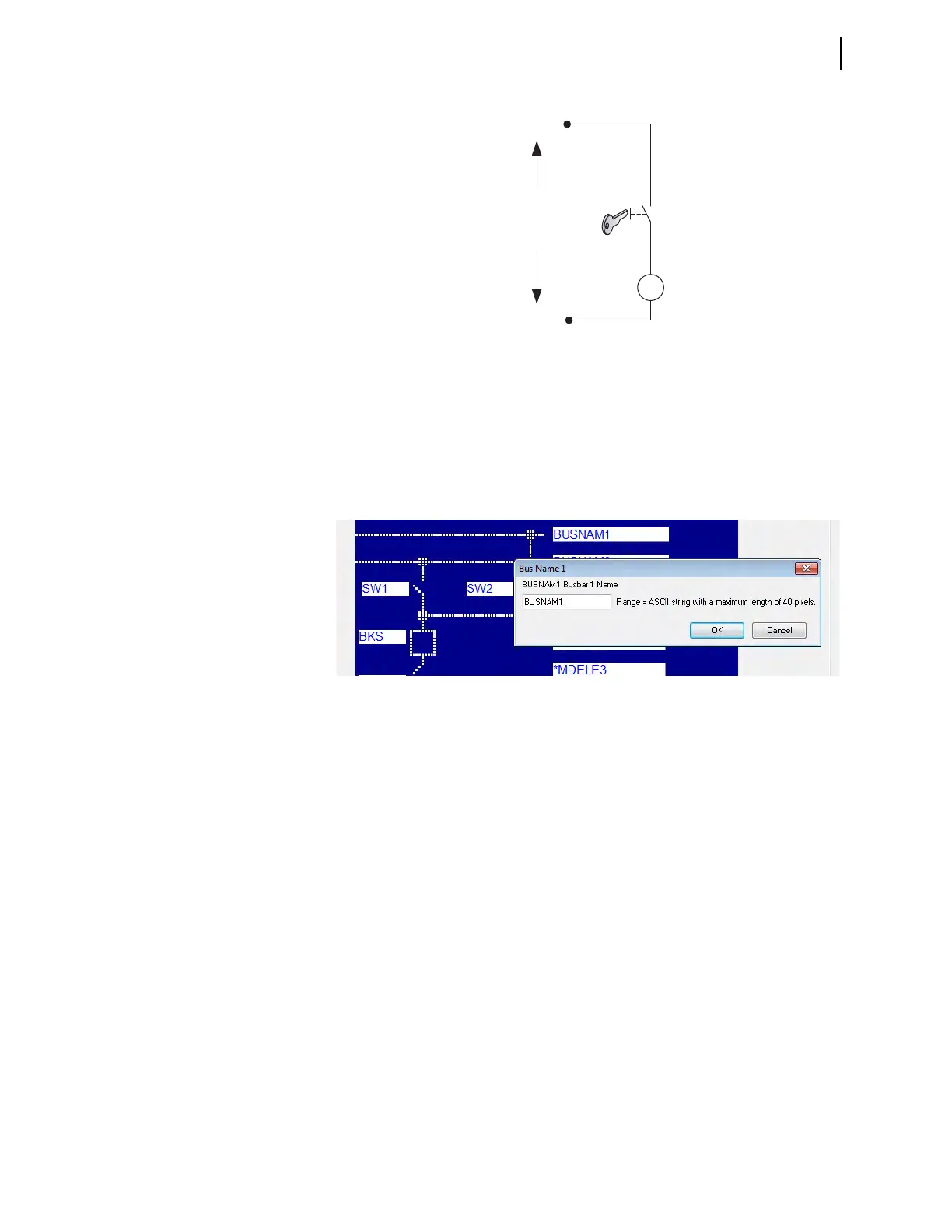
Figure 5.20 shows the dialog box that appears when you click on the busbar
name. Enter the name of the busbar (e.g., 132 Bus No 1), and click OK.
Disconnect Assignments
To configure disconnects, click the box next to the disconnect switch. A dialog
box appears, as shown in Figure 5.21.
Figure 5.19 Local and Remote Control Logic With Key Control
-
+
Rated DC
Input Voltage
Contact closed = Local control
Contact open = Remote control
IN107
Figure 5.20 Setting Busbar Names in QuickSet



 To Next Page