337
Setup Data 5
Setup2 Editor
NP (Knitti ng Mode) / Wheel
NP (Knitting Mode) / Wheel Display showing which stitch cam position works together with which
measuring wheel.
The list is filled out automatically (mode "Working with mm"
, program item
"Determine basic conditions").
Further information:
Helpers for Input [311]
File tools [317]
Table Tools [316]
Setup Data [303]
Overview of the Setup2 Editor
of the CMS [
309]
Comparing Setup1 to Setup2 [305]
Explanation
"front"
Stitch cam position on the front needle bed
"Back"
Stitch cam position on the rear needle bed
"Wheel"
Measuring wheel
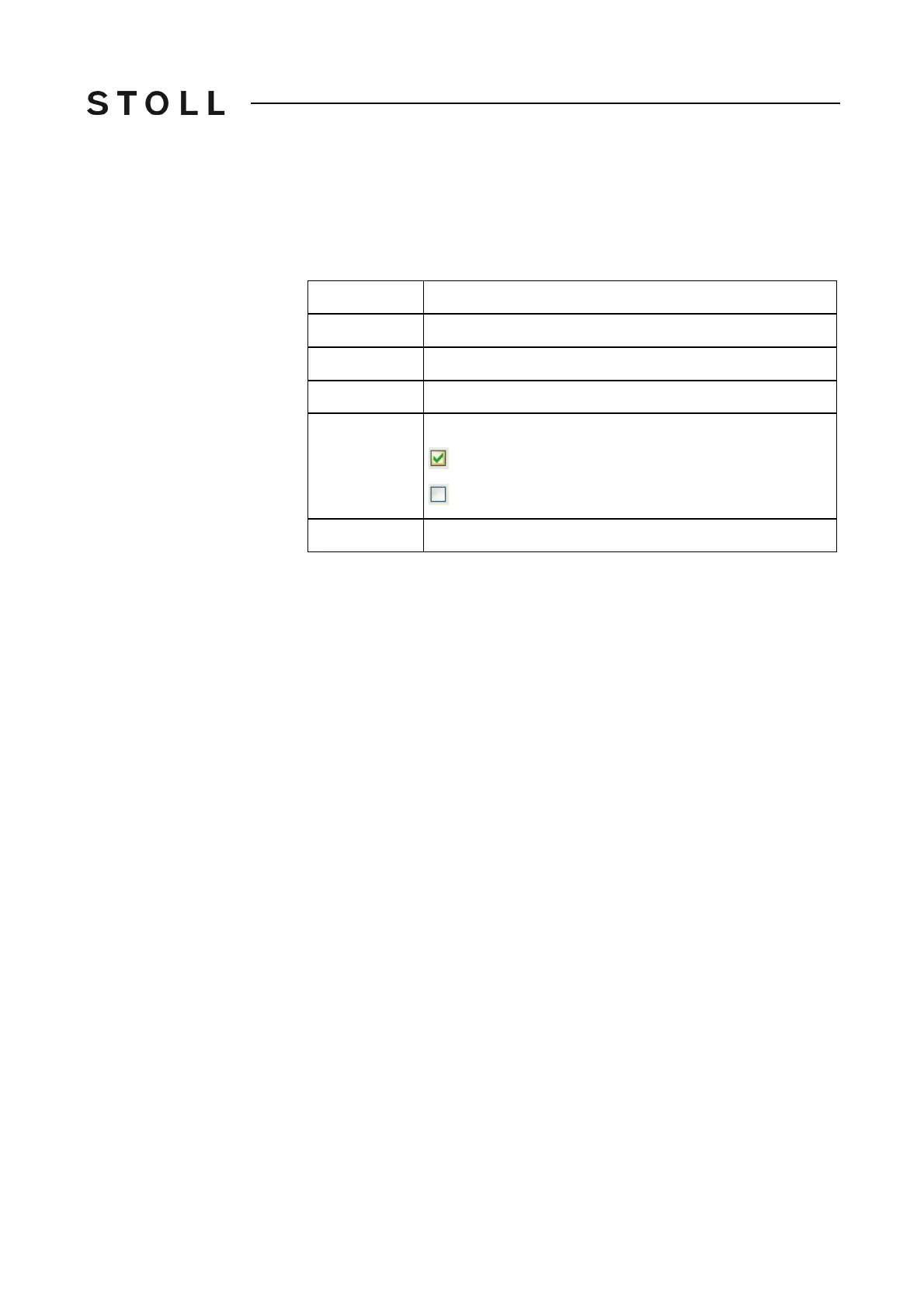
"Active"
Selection for program item "Production":
The stitch cam position is controlled with YLC.
The stitch cam position is not controlled with YLC.
"Comment"
Comment (ASCII Characters)



 To Next Page