Unpacking an SH4R and SH4R-2 Shelf
freight carrier and ADVA Optical Networking before unpacking. Your freight carrier
can provide you with the procedures necessary to file a claim for damages.
3. Move the shipping box to a staging area as close to the installation site as possible,
where you have enough room to remove the shelf and components from the boxes.
Make sure that the shipping box has been in the installation location for a
minimum period of 24 hours to avoid thermal shock and surface
condensation when unpacking.
4. Open the shipping box:
a. Use a utility knife or scissors to cut open the band clamps strapping the shipping
box.
b. Lift the cap with the handles on the right and left side of the box so that the box is
opened.
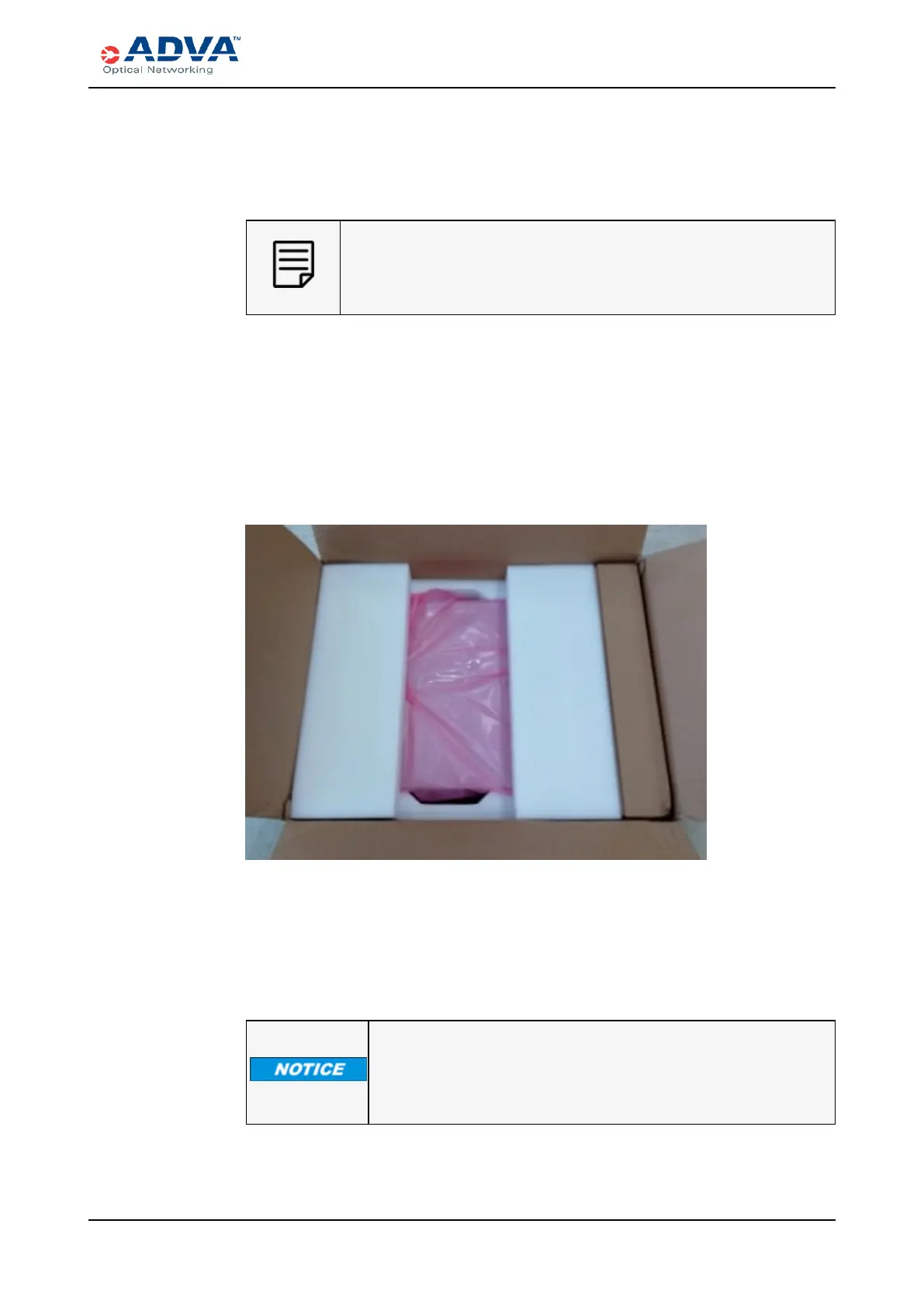
5. Lift the tray from the top of the shelf and set it aside.
Figure 66: SH4R and SH4R-2 Packaging
6. Take inventory. A packing slip is located on the cap’s front side. Compare the
contents of the trays with the packing slip and the copy of the purchase order list or
equipment list provided by ADVA Optical Networking to ensure complete and
accurate shipment. Make note of missing items, if necessary.
7. Remove the shelf from the shipping box.
EQUIPMENT DAMAGE MAY RESULT IF YOU LIFT THE
SHELF BY INSERTING YOUR HANDS INTO THE SHELF.
Lift from the outside of the shelf to avoid damage.
FSP 3000R7 High-Density Subshelf Guide - R17.2 - Issue:B 248



 To Next Page