6.8. Optical device identification
For applications including several interconnected inverters it may be difficult to locate a
device that has been connected online. The "Optical device identification" function serves
to locate the inverter by means of blinking LEDs.
Details
In order to start the visual tracking,
• click the button in the toolbar of the »Emotron Easy starter«
or
• set 0x2021:001 (P230.01) = "Start [1]".
After the start, both LEDs "RDY" and "ERR" on the front of the inverter synchronously blink
very fast.
Both LEDs are blinking in a very rapidly
"Visual tracking" function is active.
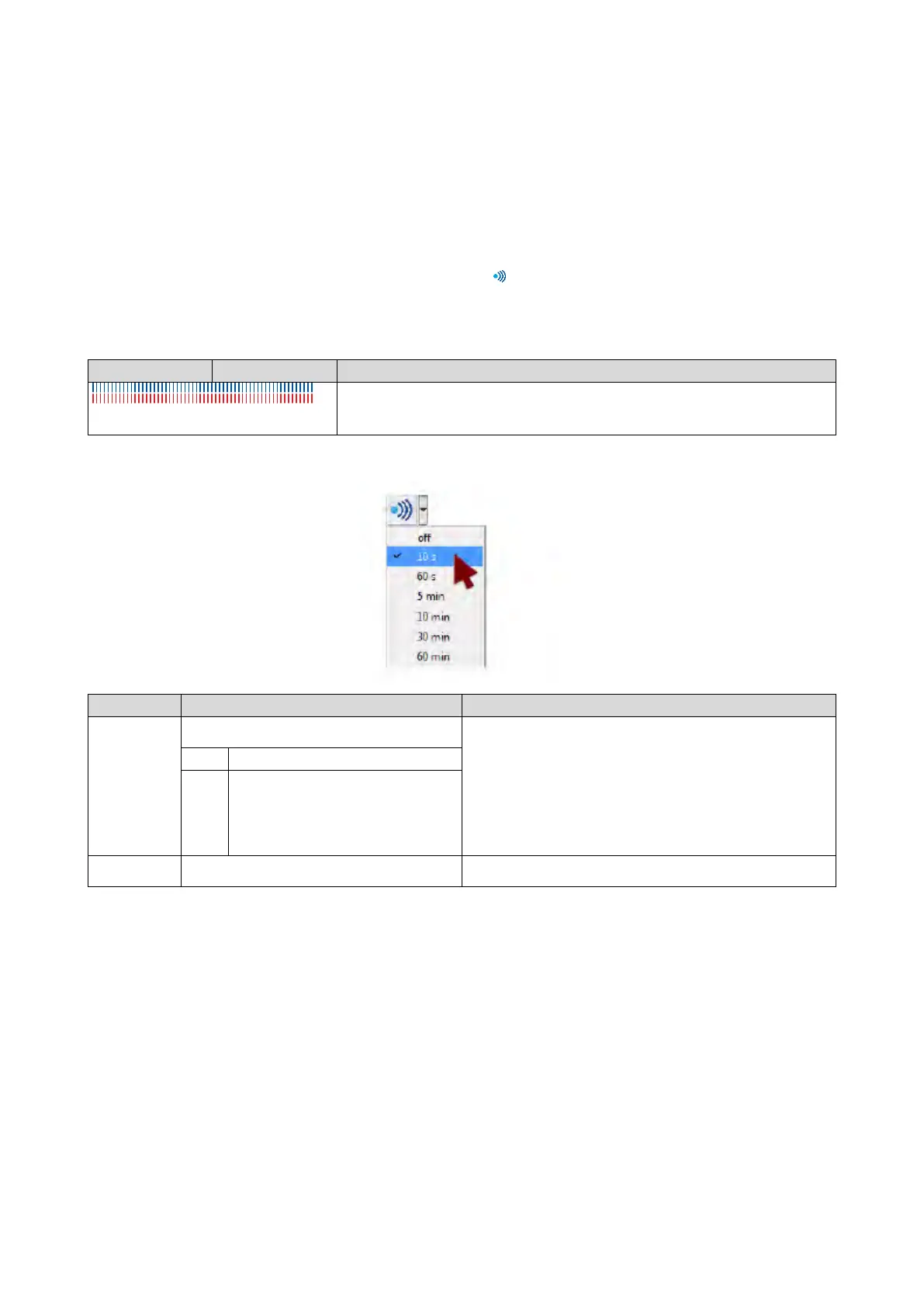
The blinking duration can be set in 0x2021:002 (P230.02) or selected in the »Emotron Easy
starter« in the dropdown list field:
Name / value range / [default setting]
(P230.01)
Optical tracking: Start detection (Optical tracking:
Start detection)
1 = start optical device identification.
•
After the start, the two LEDs "RDY" and "ERR" on the front of the
inverter are blinking with a blinking frequency of 20 Hz for the
blinking duration set in 0x2021:002 (P230.02). The setting is then
automatically reset to "0" again.
•
If the function is reactivated within the blinking time set, the time is
extended correspondingly.
•
A manual reset to "0" makes it possible to stop the function
Optical tracking: Blinking duration (Optical tracking:
Blink. duration) 0 ... [5] ... 3600 s



 To Next Page