424 01-6203-01R3, CG Drives & Automation
12.9. Functions for parameter change-over
The inverter supports several parameter sets. The parameter set can be selected by
means of the "Select parameter set (bit 0)" and "Select parameter set (bit 1)" functions.
DANGER!
Changed parameter settings can become effective immediately depending on the
activating method set in 0x4046 (P755.00).
The possible consequence is an unexpected response of the motor shaft while the inverter
is enabled.
▶ If possible, only carry out parameter changes while the inverter is disabled.
▶ Certain device commands or settings which might cause a critical state of the drive behaviour can generally only be
carried our when the inverter is inhibited.
Details
The "parameter change-over" function provides a change-over between four sets with
different parameter values for up to 32 freely selectable parameters. For details on the
compilation of the parameters and setting of the value sets, see the chapter
"Parameter change-over".
285
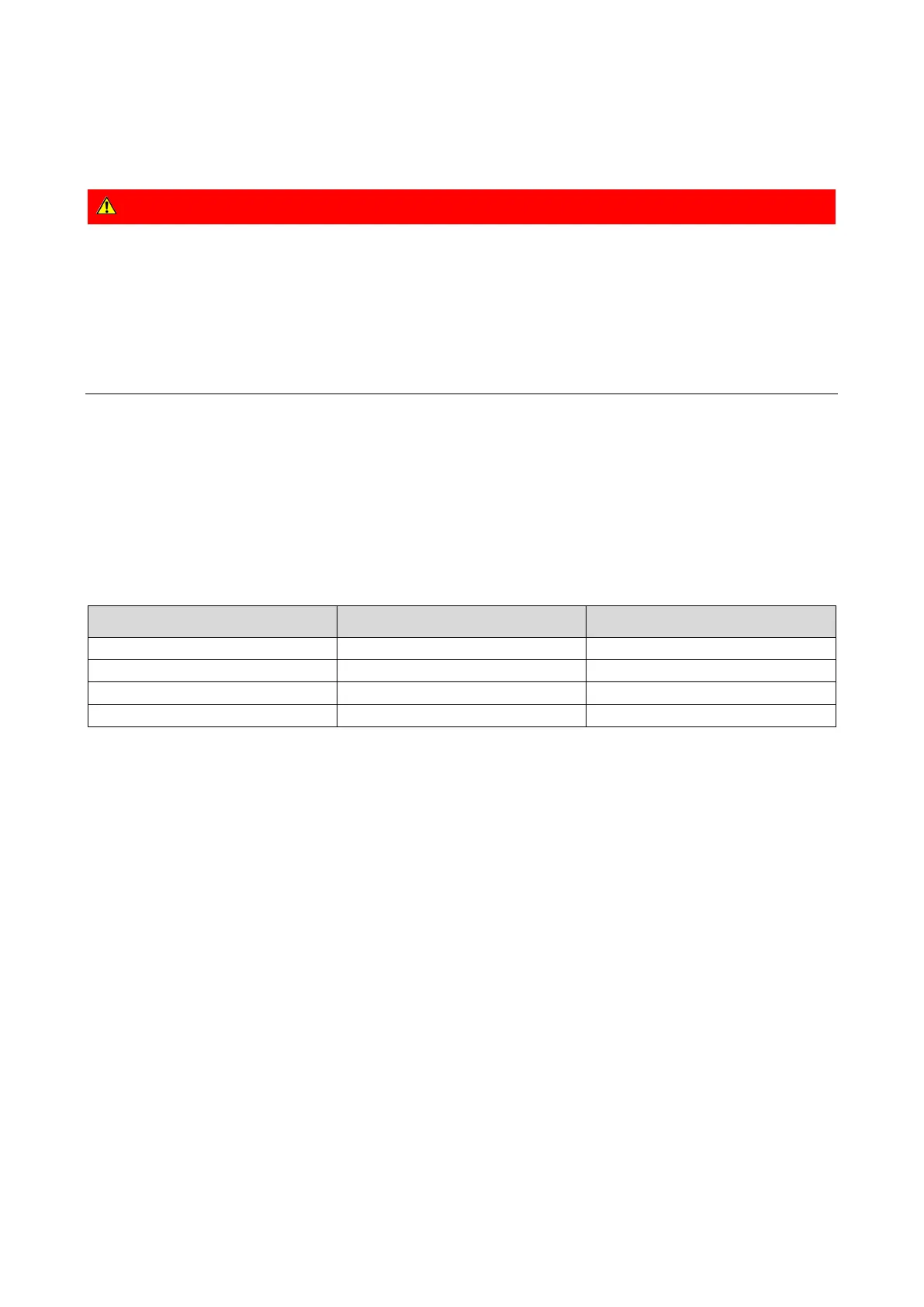
A value set is selected in a binary-coded fashion via the triggers assigned to the two Select
parameter set (bit 0)" and " Select parameter set (bit 1)" functions in compliance with the
following truth table:
Select parameter set (bit 1)
0x2631:042 (P400.42)
Select parameter set (bit 0)
0x2631:041 (P400.41)
FALSE
TRUE
Value set 2
Change-over is effected depending on the activation method selected in 0x4046 (P755.00)
when a state change of the selection inputs takes place or via the trigger assigned to the
"Load parameter set" function.



 To Next Page