436 01-6203-01R3, CG Drives & Automation
12.11. Sequencer control functions
The following functions serve to control the sequencer.
Sequencer
327
Select sequence
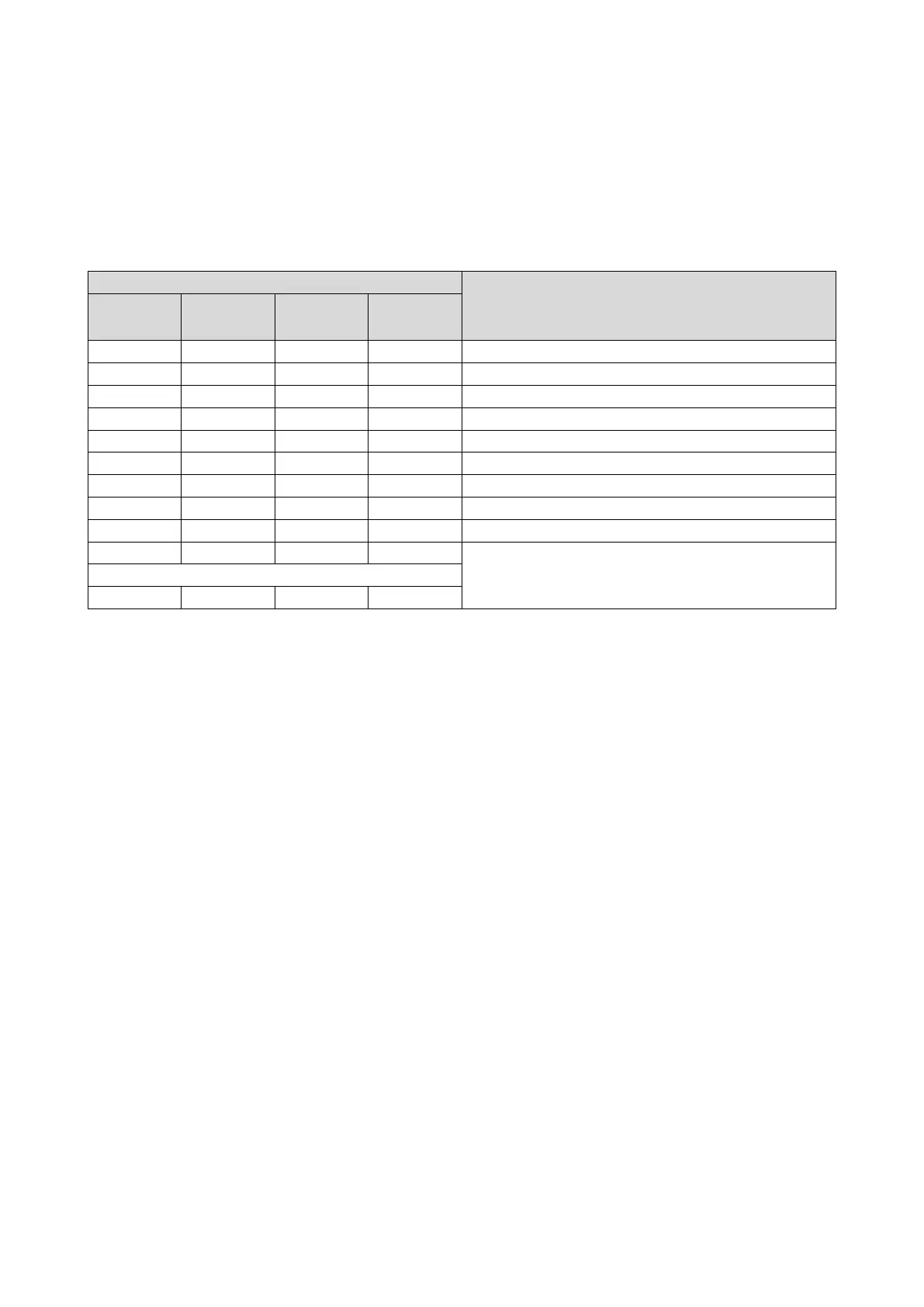
A sequence is selected in a binary-coded fashion via the triggers assigned to the four
functions "Select sequence (bit 0)" ... " Select sequence (bit 3)" in compliance with the
following truth table:
0x2631:053
0x2631:052
0x2631:051
0x2631:050
FALSE
FALSE
FALSE
TRUE
Sequence 1
FALSE
TRUE
TRUE
FALSE
Sequence 6
TRUE
TRUE
TRUE
TRUE
Start sequence
The selected sequence is not started automatically. For starting the sequence, two
functions are available:
• 0x2631:030 (P400.30): Run/abort sequence (status-controlled start)
• 0x2631:031 (P400.31): Start sequence (edge-controlled start)
Further control functions
The following functions serve to control the started sequence:
• 0x2631:032 (P400.32): Next sequence step
• 0x2631:033 (P400.33): Pause sequence
• 0x2631:034 (P400.34): Suspend sequence
• 0x2631:035 (P400.35): Stop sequence
• 0x2631:036 (P400.36): Abort sequence
For controlling the sequencer via network, the sequencer control functions can also be
assigned to the NetWordIN1 data word 0x4008:001 (P590.01).



 To Next Page