10.3. Wireless LAN (WLAN)
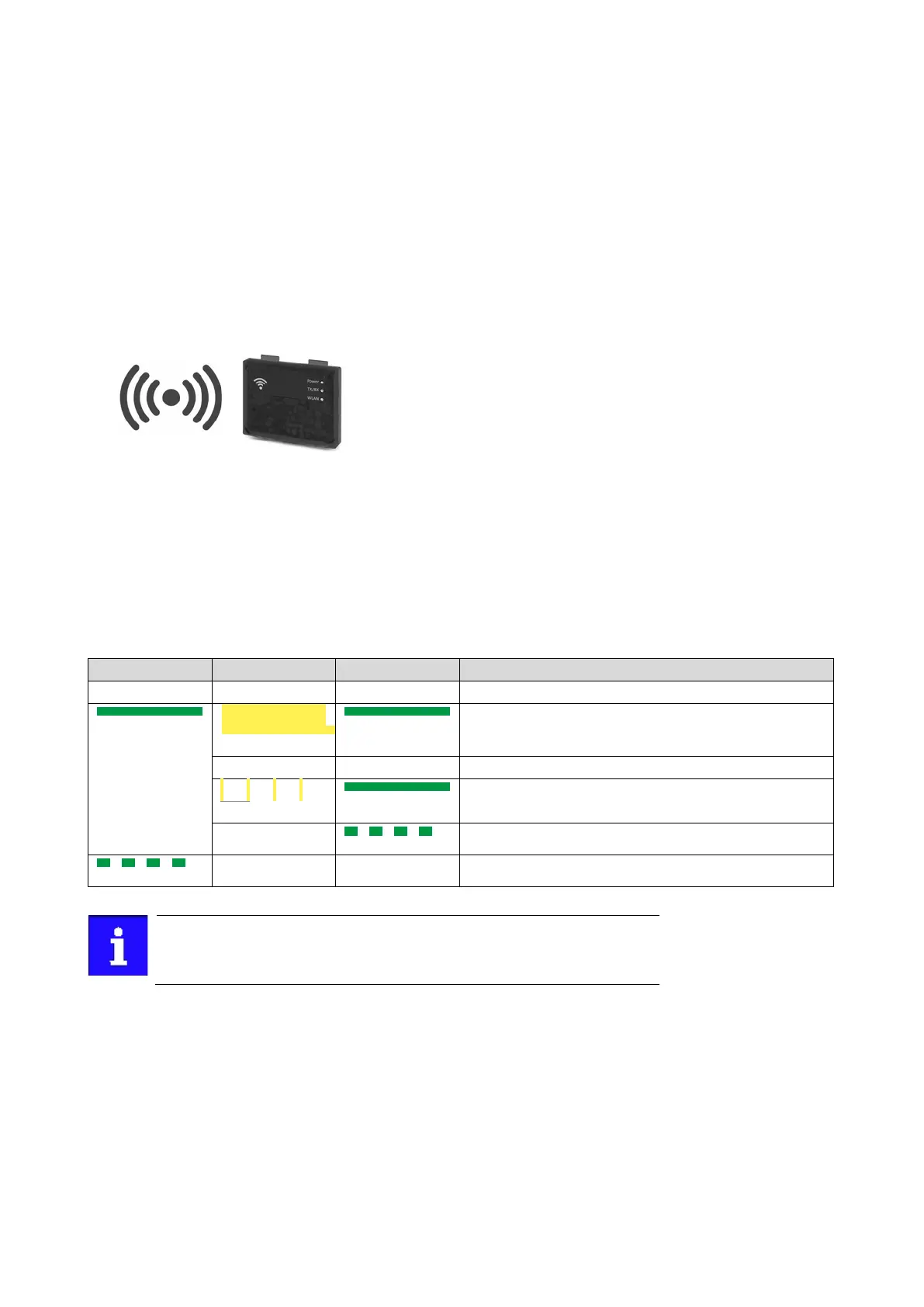
The pluggable WLAN module enables
• an easy access to inverters that are installed in difficult access areas,
• an easy parameter setting without cable and instead of the keypad,
• a comfortable monitoring and adaptation of the machine.
The inverter can be accessed via WLAN with the following devices:
• »Emotron Easy starter« engineering tool.
10.3.1. WLAN LED status displays
Information on the WLAN module status can be obtained quickly via the LED displays
"Power", "TX/RX" and "WLAN" on the front of the WLAN module.
The meaning can be seen from the table below.
on
on
Self-test (duration approx. 1 s)
on
Ready for operation — no active WLAN connection.
on
Flashing
Client mode — waiting for connection.
After being plugged in, the WLAN module needs approx. 20 seconds until it
is ready for operation.


 To Next Page