246 01-6203-01R3, CG Drives & Automation
8.6.9. Modbus RTU LED status displays
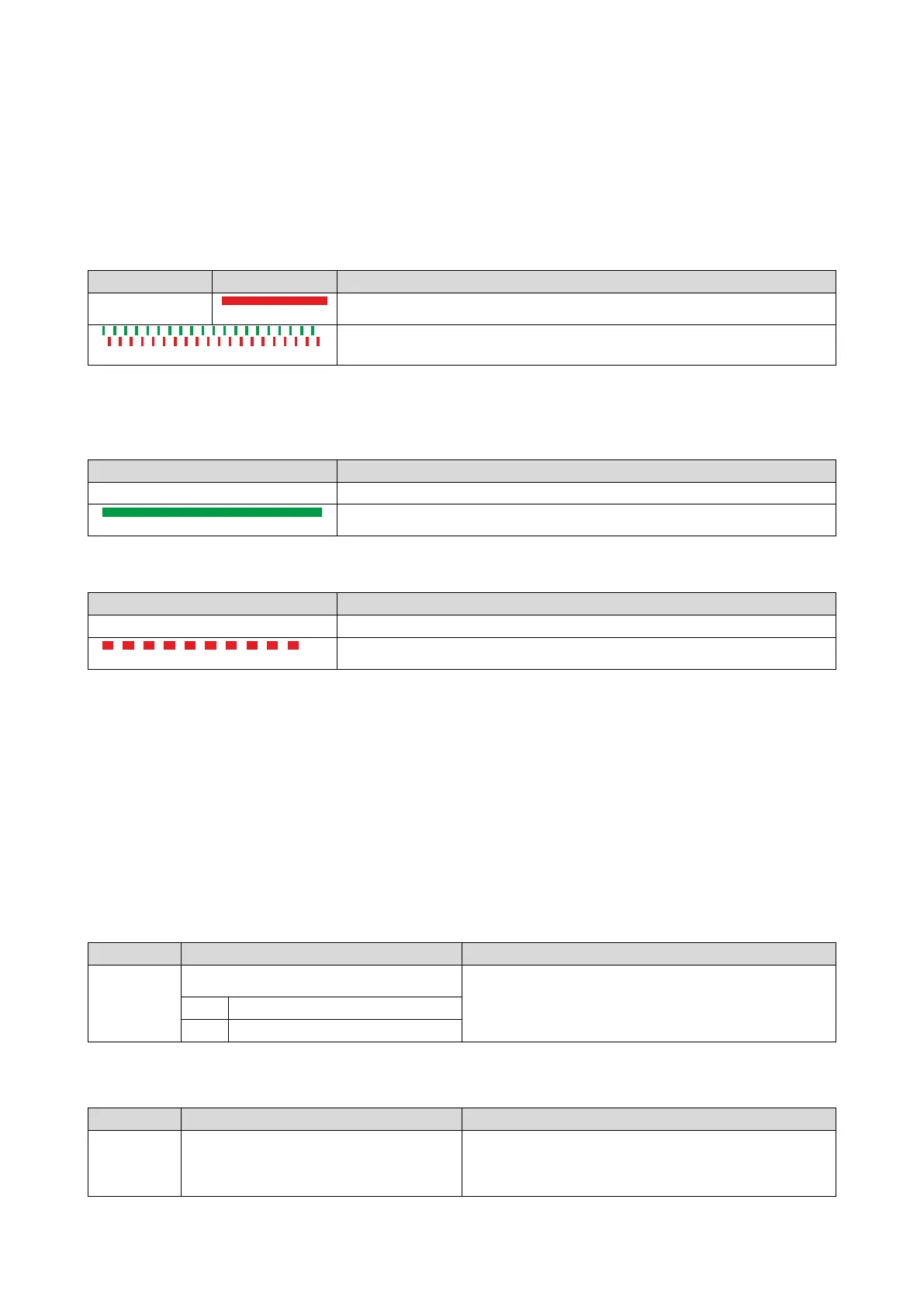
Information about the Modbus status can be obtained quickly via the "MOD-RUN" and
"MODERR" LED displays on the front of the inverter.
The meaning can be seen from the tables below.
Inverter not active on the Modbus bus (yet)
Both LEDs are flickering alternately
Automatic detection of baud rate and data format active.
Inverter active on the Modbus
The green "MOD-RUN" LED indicates the communication status:
No reception / no transmission
Reception / transmission active
The red "MOD-ERR" LED indicates an error:
LED "MOD-ERR"
Error
8.6.10. Reset Modbus RTU interface
The following parameter can be used to restart communication.
Details
A restart of communication is required after changes of the interface configuration (e. g.
node address and baud rate) in order that the changed settings become effective.
For restarting communication, there are two options:
• Switch inverter off and on again.
• Set the selection = "Restart with current values [1]" in 0x2320 (P508.00).
Name / value range / [default setting]
0x2320
(P508.00)
Modbus communication
1 = restart communication in order that changed settings of the interface
configuration become effective.
Restart with current values
8.6.11. Modbus RTU response time
Name / value range / [default setting]
Modbus settings: Minimum response time
Minimum time delay between the reception of a valid message and the
(Modbus sett.: Min. resp. time)



 To Next Page