10.3.3. WLAN access point mode
In the presetting, the WLAN module is configured as WLAN access point because this is
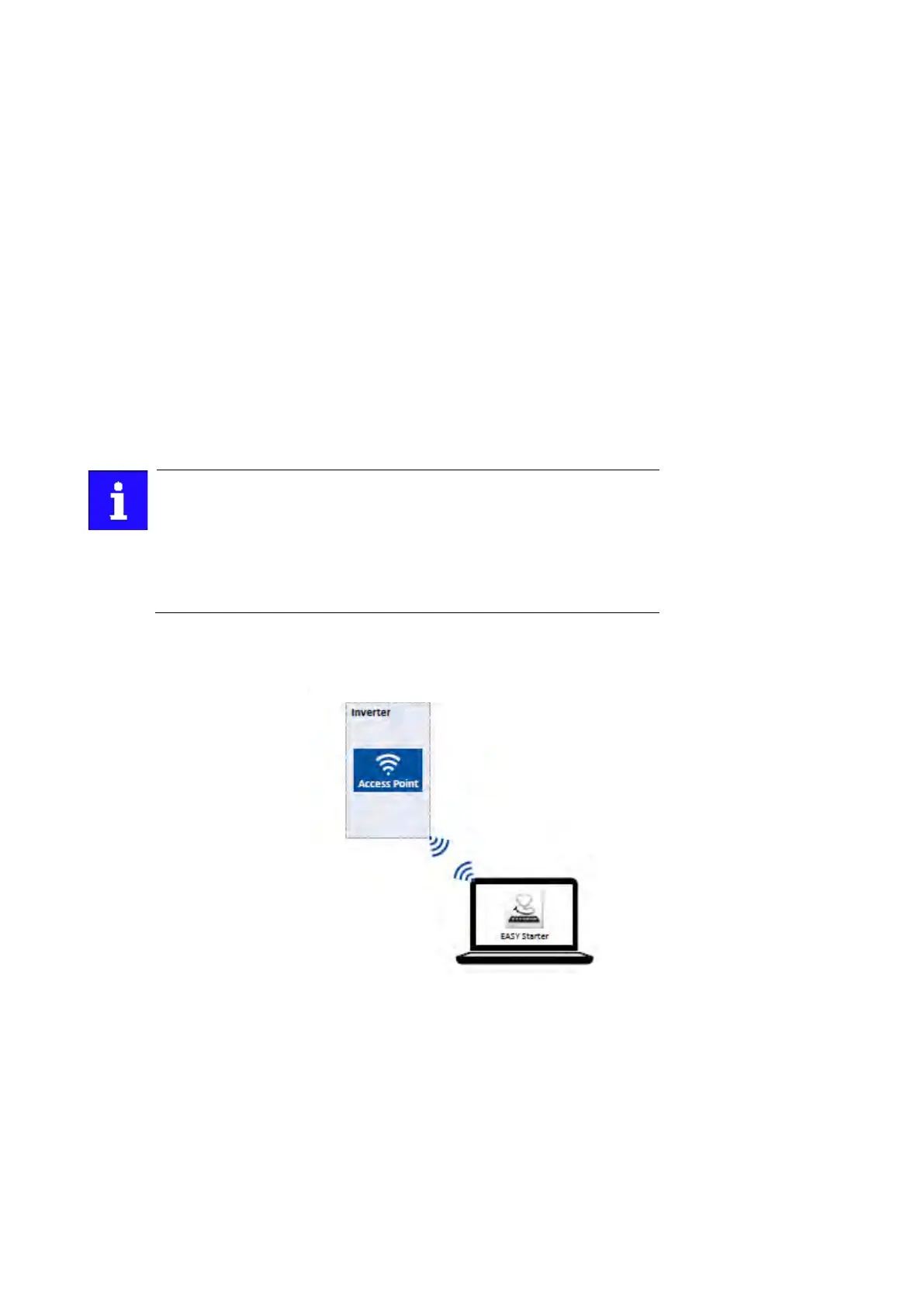
the most frequent application. In this operating mode, the WLAN module creates its own
WLAN network for a direct connection to other WLAN devices.
The supported WLAN devices are:
• »Emotron Easy starter« engineering tool.
Details
• In default setting, every inverter with WLAN functionality comes with an individual
network name, called SSID.
• The preset network name consists of the device name (c05x) and the first 10 digits of
the serial number (example: "c051_0123456789").
• In the default setting, the password for the WLAN network is called "password" and
can be changed in 0x2441:008.
If the WLAN module is to be plugged onto the inverter for a longer period of
time, it is important to select a safe password. Otherwise, a potential
attacker might connect to the WLAN access point and attack the device and
other connected devices or networks. Currently (status: 2016), a WLAN is
considered as safe if the password consists of more than 20 characters,
contains capital and small letters, numbers and special characters and
cannot be found in any dictionary.
The following illustration displays the SSIDs as examples only:
For establishing a WLAN connection, only a few settings are required. The respective
setting is described in the following subchapters:
•
Establishing a direct WLAN connection between Easy starter and inverter
258



 To Next Page