10.7.1.1. Write access protection in the »Emotron Easy starter«
If a write access protection is active for the online connected inverter, it is displayed in the
status bar of the »Emotron Easy starter«:
Representation of the parameters in the »Emotron Easy starter«
No write access
All parameters in all dialogs are displayed as read-only parameters.
Only favorites
Except for the favorites, all parameters in all dialogs are displayed as read-only parameters.
An active write access protection can be removed when the PIN is known.
How to remove an active write access protection temporarily:
1. Click the
in the toolbar.
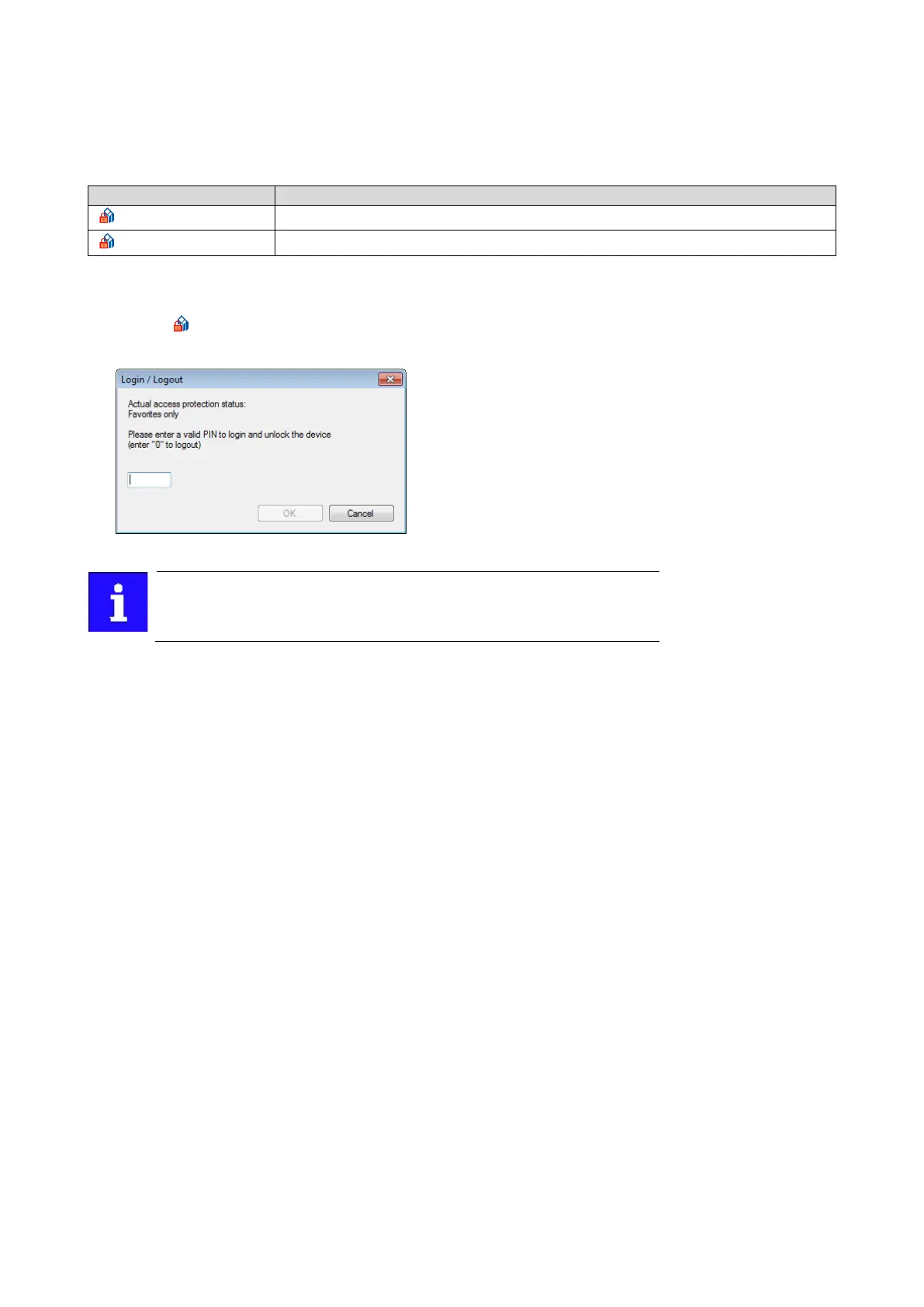
The "Log in / Log off" dialog box is displayed:
2. Enter the valid PIN and confirm with OK.
After 10 invalid entries, the log-in function is inhibited. In order to remove
the log-in inhibit, the inverter must be switched off and on again.
The write access protection gets active again:
• Automatically 10 minutes after the last log-in.
• Automatically after the mains voltage is switched on again.
• Manually by entering a "0" in the dialog box "Log in / Log off" (see above).



 To Next Page