10.7. Access protection
10.7.1. Write access protection
Optionally a write access protection can be installed for the inverter parameters.
Write access protection only restricts parameterisation via keypad and
»Emotron Easy starter«. Write access protection via network is not
restricted. Irrespective of the write access protection that is currently set, a
higher-level controller, OPCUA server, or any other communication partner
connected to the inverter is always provided with full read/write access to all
parameters of the inverter.
After activating the write access protection, you have to enter a valid PIN to
remove the write access protection. Note down the defined PIN(s) and keep
this information in a safe place! If you lose the PIN(s), the inverter can only
be disabled by resetting it to the delivery status. This means, all parameter
settings
made by the user get lost!
Reset parameters to default
242
.
Details
Usually the write access protection function is implemented by the mechanical engineer/
OEM , for example to protect the inverter against incorrect parameterisation by non-
authorised persons. For diagnostic purposes, a read access to all parameters is always
possible.
The write access protection allows for the following configurations:
• Full write access
• Write access only to favorites or (when knowing PIN1) to all parameters
• No write access or (when knowing PIN2) full write access
• No write access or (when knowing PIN1) write access only to favorites or (when
knowing
PIN2) to all parameters
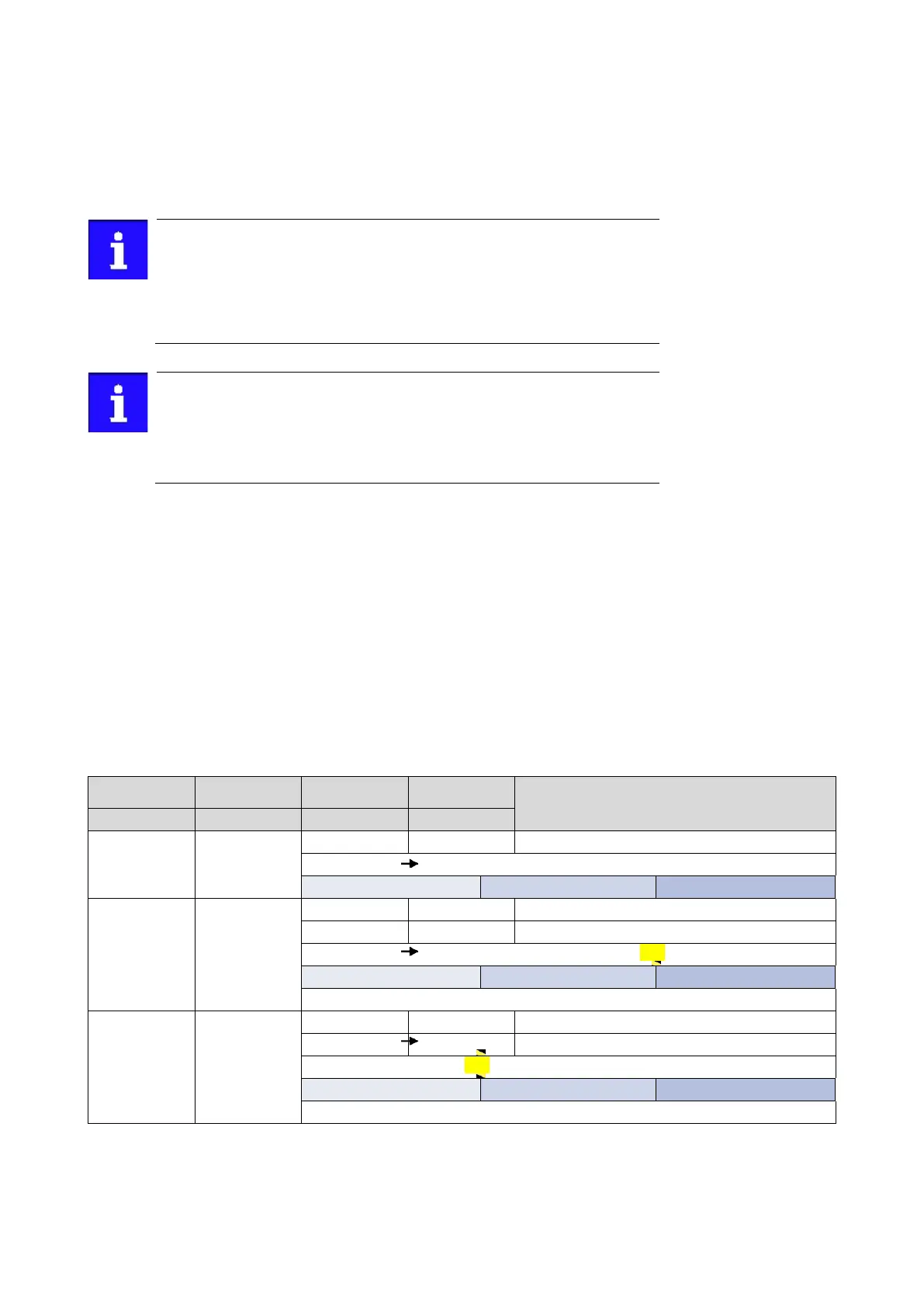
The following table compares the four possible configurations:
Status display after
log-in
Active write access protection (via keypad/»Emotron Easy
starter«)
No access protection configured.
Diagnostics (read access)
Favorites
All parameters
> 0 0
0 or wrong PIN 2 Write access only possible to favorites.
Write access to all parameters possible.
PIN1
Diagnostics (read access)
Favorites
All parameters
Write access to all parameters possible.
PIN2
Diagnostics (read access)
Favorites
All parameters



 To Next Page