108 01-6203-01R3, CG Drives & Automation
6.2. Control source selection
The selected "control source" serves to provide the inverter with its start, stop, and
reversal commands.
Possible control sources are:
• Digital inputs
• Keypad
• Network
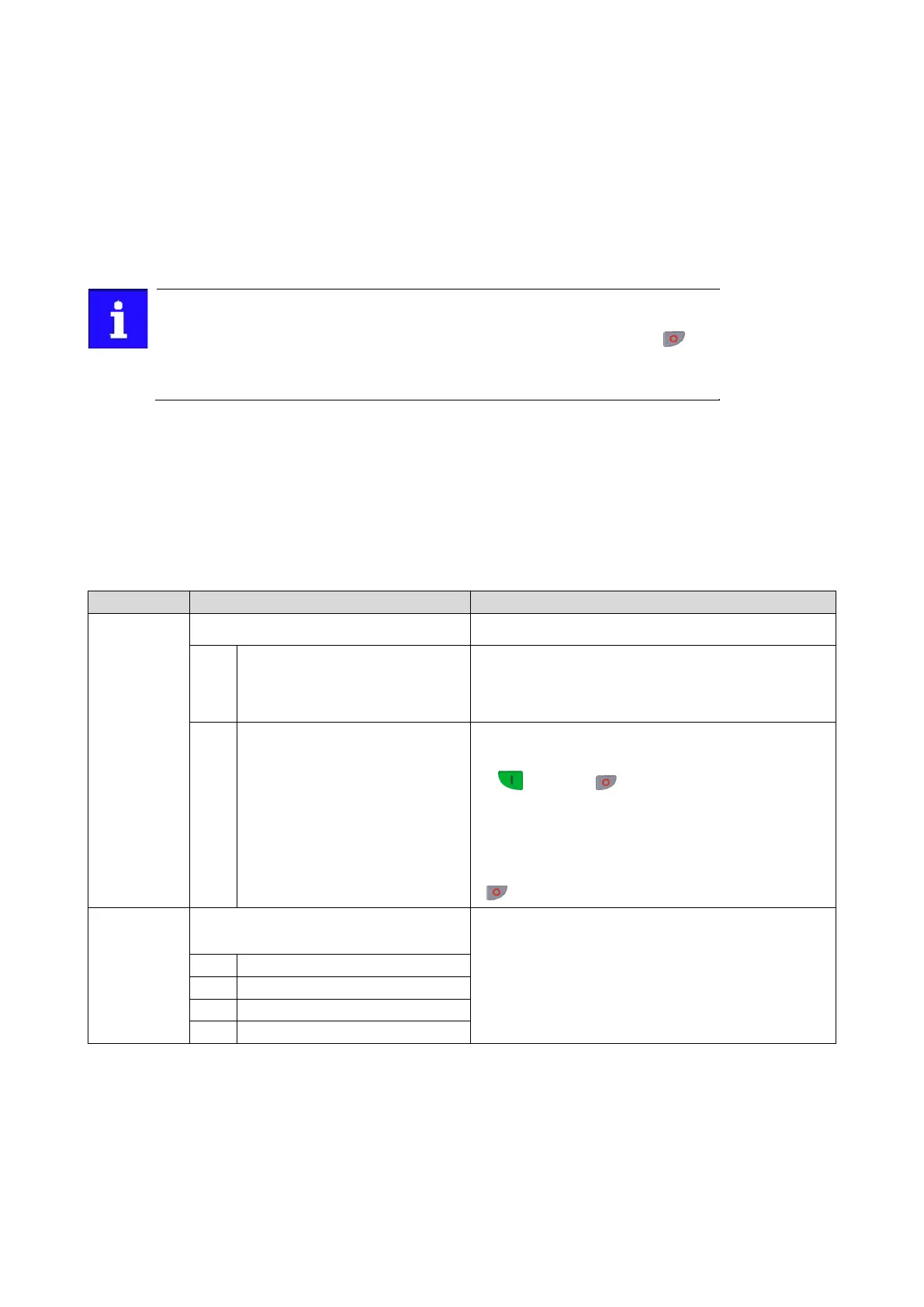
Irrespective of the control source selection, stop commands are always active from
each source connected! If, for instance, the network control is active and a keypad is
connected for diagnostic purposes, the motor is also stopped if the keypad key
is
pressed.
Exception: In the jog operation, a stop command has no impact.
Details
• The default setting "Flexible I/O configuration [0]" in 0x2824 (P200.00) enables a
flexible control of the inverter via digital inputs, network and keypad. The control of the
inverter via the digital inputs is preconfigured. For details see the chapter "Function
assignment of the inputs and outputs". ".
35
• If the keypad is to be used as the sole control source for the application, selection
"Keypad [1]" is to be set in 0x2824 (P200.00).
• The control source that is currently active is displayed in 0x282B:001 (P125.01).
Name / value range / [default setting]
0x2824
(P200.00)
Control selection
Selection of the type of inverter control.
Flexible I/O configuration
This selection enables a flexible assignment of the start, stop, and
rotating direction commands with digital signal sources.
•
Digital signal sources can be digital inputs, network and keypad.
•
The I/O configuration is made via the parameters 0x2631:xx
This selection enables the motor to be started exclusively via the start
key of the keypad. Other signal sources for starting the motor are
ignored.
Start motor Stop motor
Note!
•
The functions "Enable inverter" 0x2631:001 (P400.01) and
"Run"
0x2631:002 (P400.02) must be set to TRUE to start the
motor.
•
If jog operation is active, the motor cannot be stopped via the
keypad key.
(P125.01)
Inverter diagnostics: Active control source
(Inverter diag.: Active control)
Display of the control source that is currently active.
Flexible I/O configuration
8
Keypad full control
Related topics
•
The preset I/O configuration can be individually adapted to the respective application.
For details see the chapter "Flexible I/O configuration".
357
•
For details of the network control of the inverter, see the chapter "General network
set- tings".
167



 To Next Page