274 01-6203-01R3, CG Drives & Automation
10.3.3.1. Establishing a direct WLAN connection between Emotron Easy starter PC and inverter
How to establish a direct WLAN connection to the inverter on the Emotron Easy starter:
Requirements:
• The functional test described in the mounting and switch-on instructions has been
completed successfully (without any errors or faults).
• The inverter is ready for operation (supplied with voltage).
Required accessories:
• WLAN module
• PC (with WLAN functionality) and installed »Emotron Easy starter«
1. Plug the WLAN module onto the front of the inverter (interface X16).
2.
Open the network settings on the Engineering PC: "Control panel"
à
"Network and
shar
ing center".
3. Select the "Set up a new connection or network" option under "Change your network
settings".
The "Set Up a Connection or Network" dialog box is displayed.
4. Select the "Manually connect to a wireless network" connection option and click the
"Next" button.
The "Manually connect to a wireless network" dialog box is displayed.
5. Enter the SSID of the inverter as network name.
6. Select "WPA2-Personal" as safety type.
7. Select "AES" as encryption type.
8. Enter the password as safety key for the WLAN network (default setting "password").
9. Tick "Start this connection automatically".
10. Click "Next".
A note indicates that the connection has been added successfully.
11. Click "Close".
12. Start »Emotron Easy starter«.
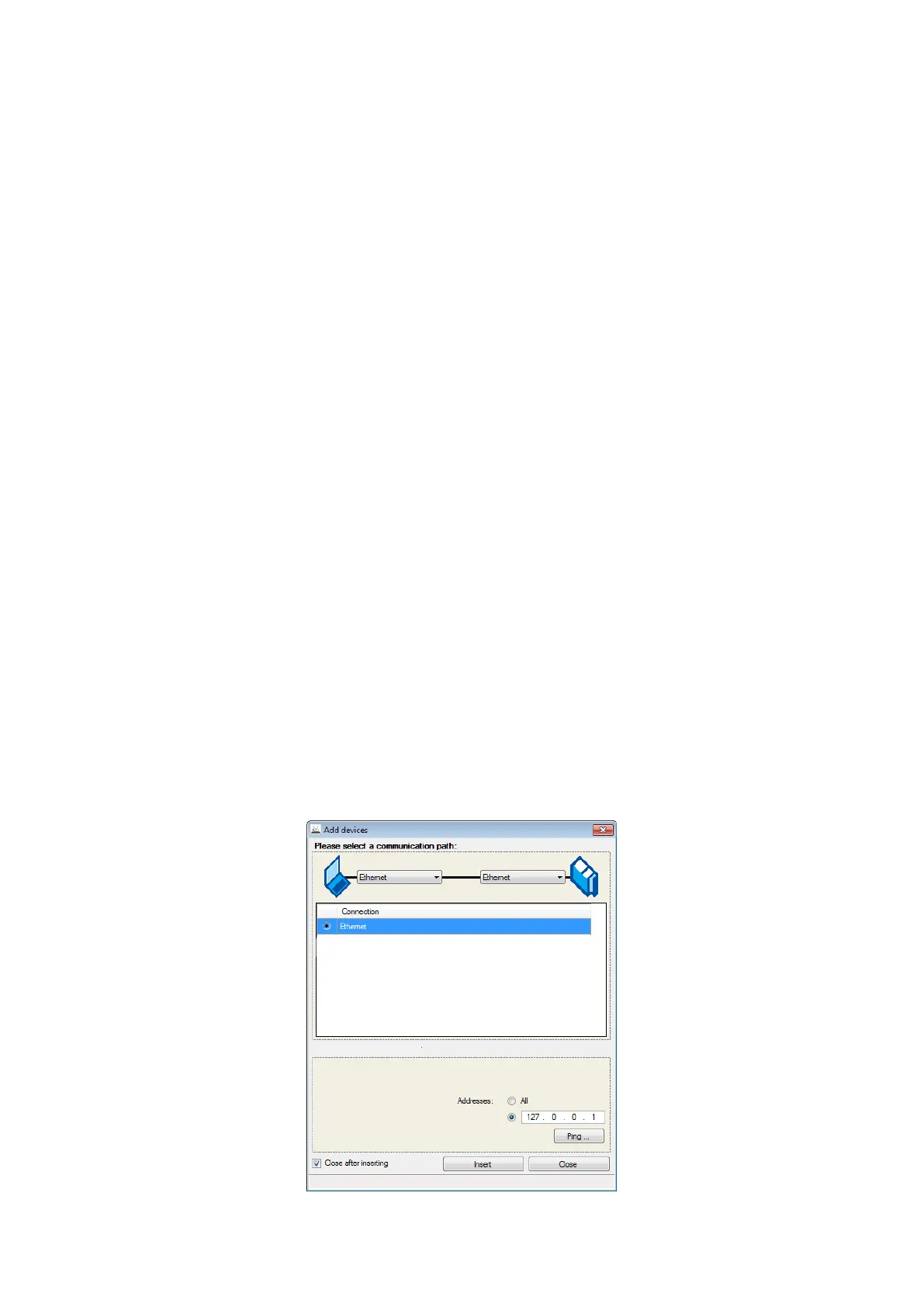
The "Add devices" dialog is shown.
13. Select the "Ethernet" connection:



 To Next Page