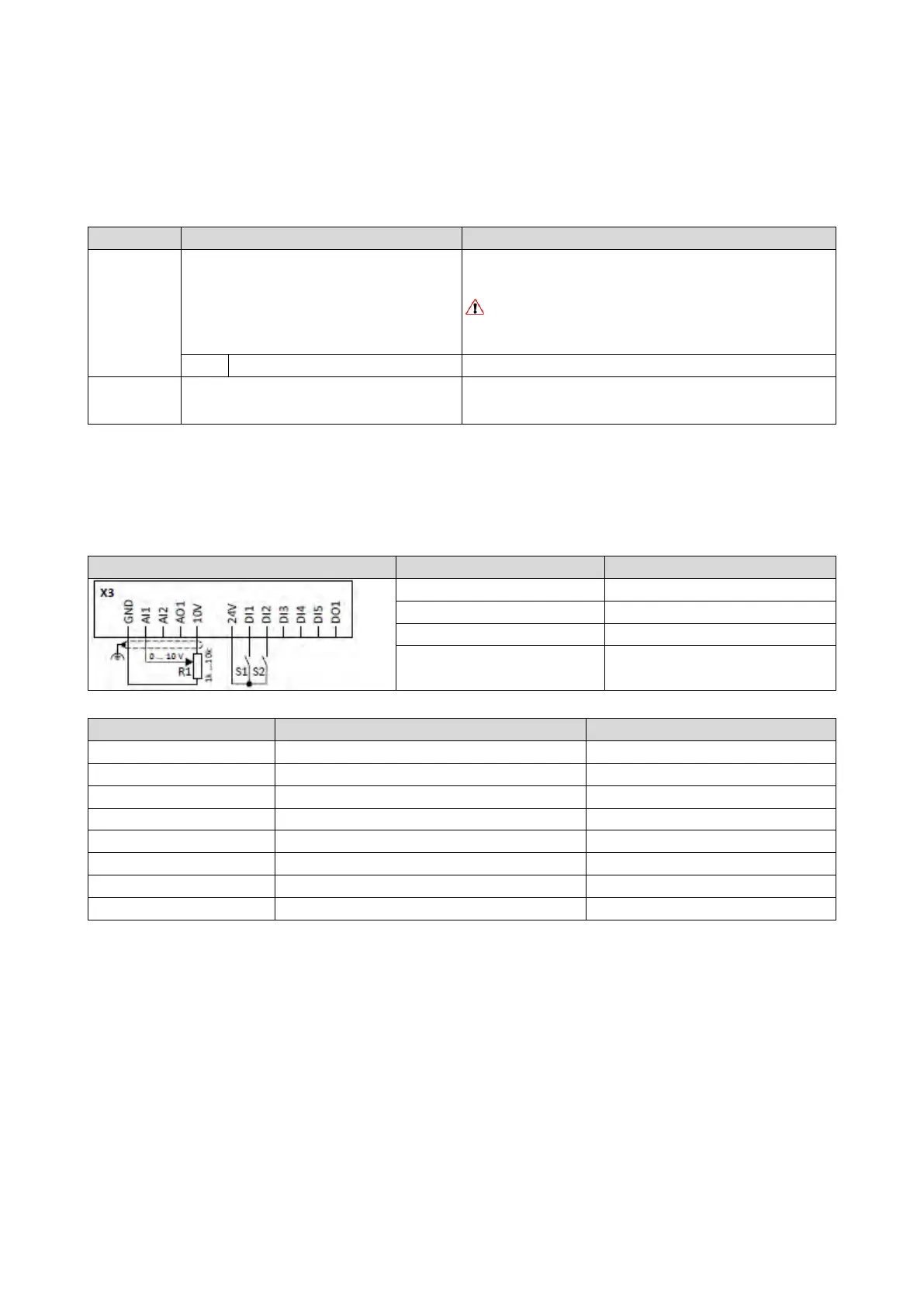
12.5. Activating DC braking manually
By means of the "Activate DC braking" function, DC braking can be activated manually.
Preconditions
The current for DC braking must be set > 0 % so that the function can be executed.
Name / value range / [default setting]
(P400.05)
Function list: Activate DC braking
(Function list: DC braking)
For further possible settings, see parameter
0x2631:001 (P400.01).
364
Assignment of a trigger for the "Activate DC braking" function.
Trigger = TRUE: Activate DC braking.
Trigger = FALSE: Deactivate DC braking.
CAUTION!
DC braking remains active as long as the trigger is set to TRUE.
DC braking
262
No trigger assigned (trigger is constantly FALSE).
(P704.01)
(DC braking: Current)
0.0 ... [0.0] ... 200.0 %
Braking current for DC braking.
100 % ≡ rated motor current 0x6075 (P323.00)
Example for operating mode
• Switch S1 starts the motor in forward direction of rotation. Switch S1 in the initial
position stops the motor again.
• Switch S2 activates DC braking.
0x2631:002 (P400.02)
Run
Digital input 1 [11]
0x2824 (P200.00)
Control selection
Flexible I/O configuration [0]
Frequency control: Default setpoint source



 To Next Page