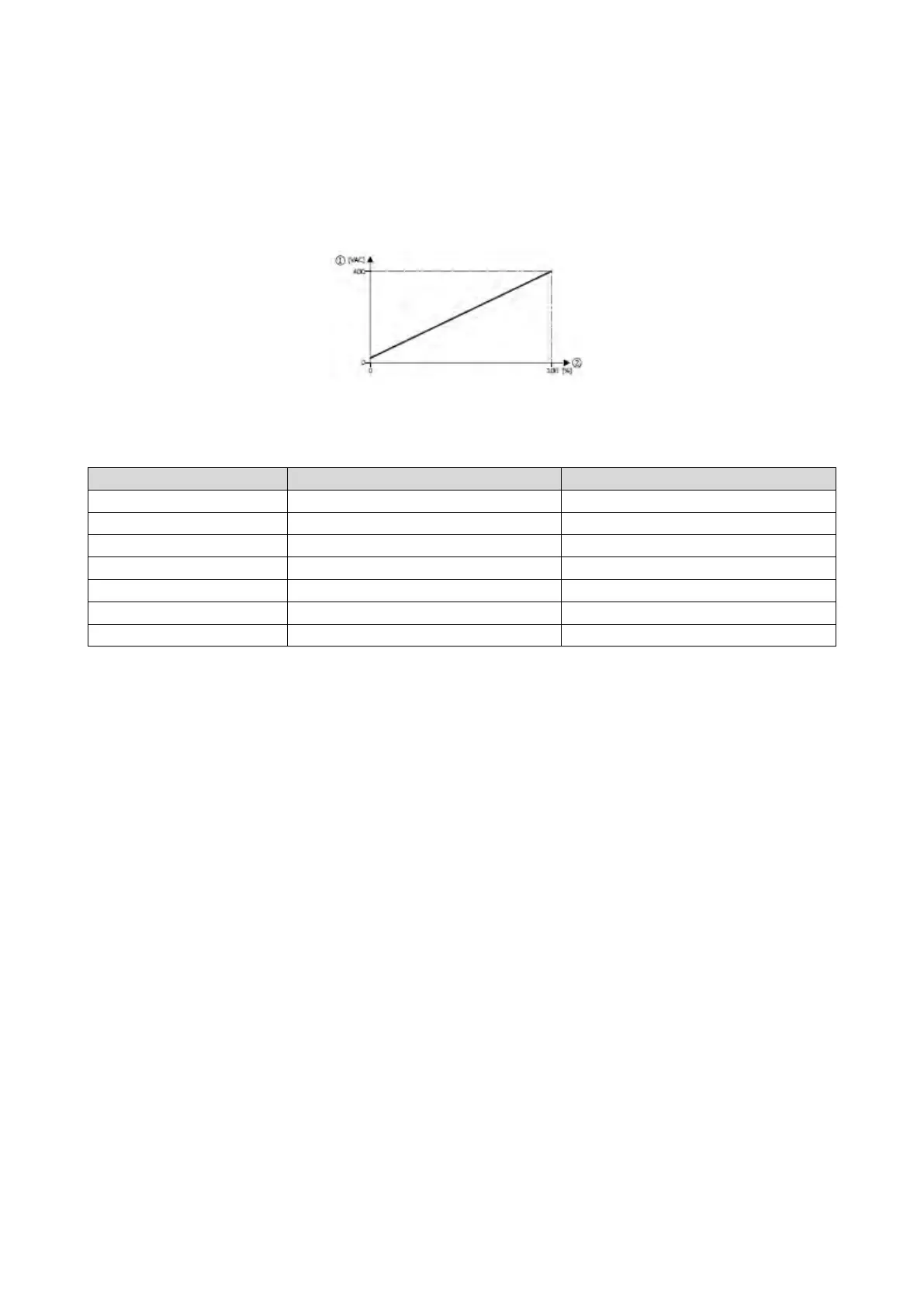
10.18.1. Example: Using the function with a 400-V inverter
With the settings indicated below, the motor is accelerated after the start to 50 Hz. As the
base frequency, however, is set very high (here: 599 Hz), the motor voltage at 50 Hz only
amounts to 20 VAC.
Now, the analog input 1 serves to change the motor voltage at constant frequency within
a wide range:
① Motor voltage
② Selection of an additive voltage setpoint in percent via analog input 1
0x2636:005 (P430.05)
Max PID value
100 %
Frequency control: Default setpoint source
Frequency setpoint presets: Preset 1
0x2B13:002
Setpoint source
Analog input 1 [1]



 To Next Page