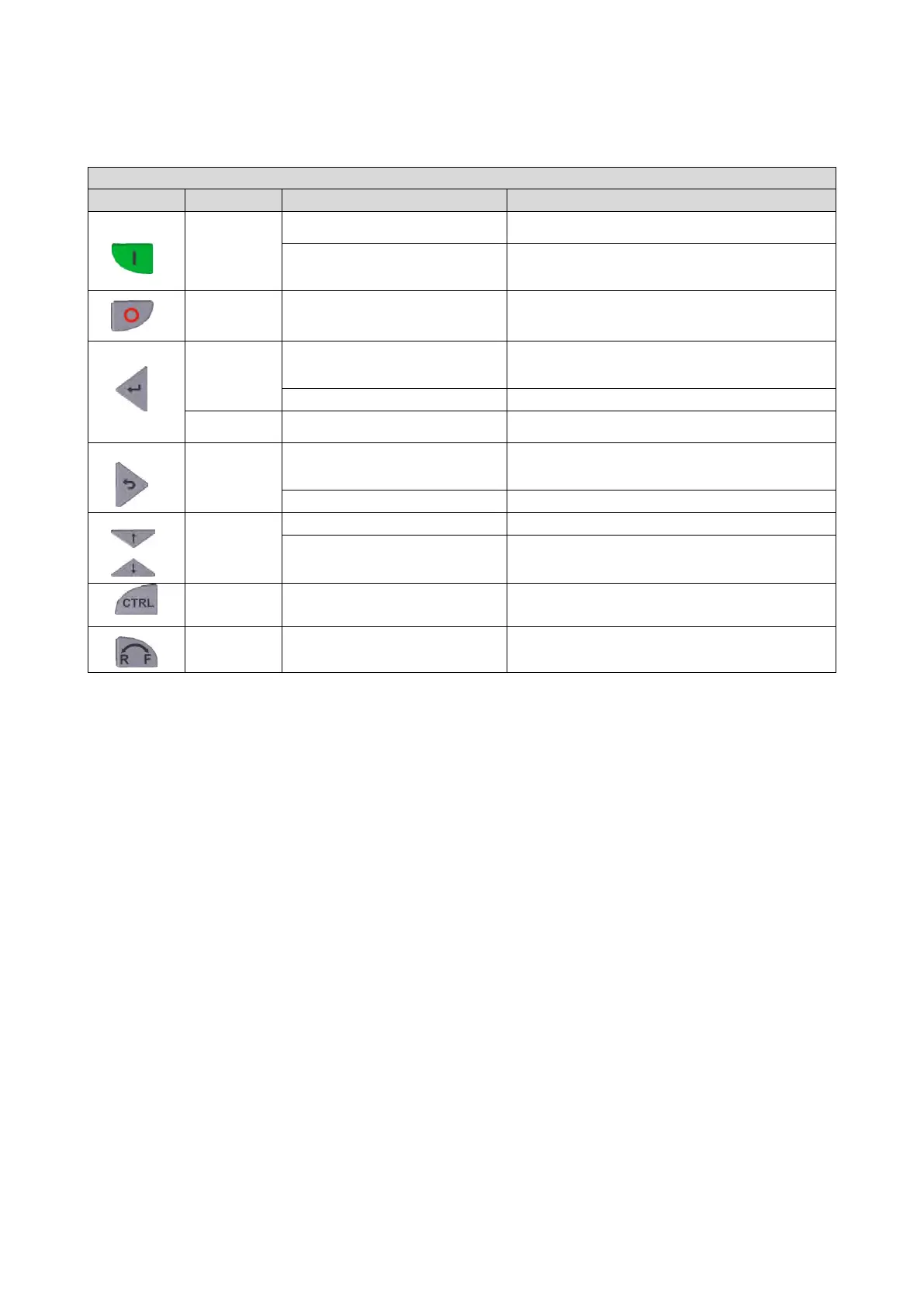
14.1.2.2. Function of the keypad keys in the parameterisation mode
In the parameterisation mode, the arrow keys serve to select and change parameters.
Function of the keypad keys in the parameterisation mode
Local keypad control active.
Display "LOC"
active Display "REM"
Deactivate keypad triggered stop.
The motor remains at standstill.
Display changes from "KSTOP" to "STOP".
Display "KSTOP"
Navigate to one level below.
Group level
à
Parameter level
à
[SUB parameter level]
à
Exit editing mode and accept new setting.
Save parameter settings in the user memory of the memory
module.
Navigate to one level above.
[SUB parameter level]
à
Parameter level
à
Group level
à
Abort: Exit editing mode without accepting new setting.
Group level/Parameter level
Navigate: Select group/parameter.
Change parameter setting.
Without function



 To Next Page