12.4. Reset error
By means of the "Reset fault" function, an active error can be reset (acknowledged).
Preconditions
The error can only be reset if the error cause has been eliminated.
Name / value range / [default setting]
(P400.04)
Function list: Reset fault
(Function list: Reset fault)
For further possible settings, see parameter
0x2631:001 (P400.01).
364
Assignment of a trigger for the "Reset fault" function.
Trigger = FALSE↗TRUE (edge): Active error is reset (acknowledged) if
the error condition is not active anymore and the error is resettable.
Trigger = FALSE: no action.
State of X3/DI2, taking an inversion set in 0x2632:002 (P411.02) into
consideration.
Further options for resetting an error
In addition to the "Reset error" function, there are the following options to reset an error:
Required state change to reset an error:
Enable inverter 0x2631:001 (P400.01)
TRUE↘FALSE (edge)
TRUE↘FALSE (edge); see the following example
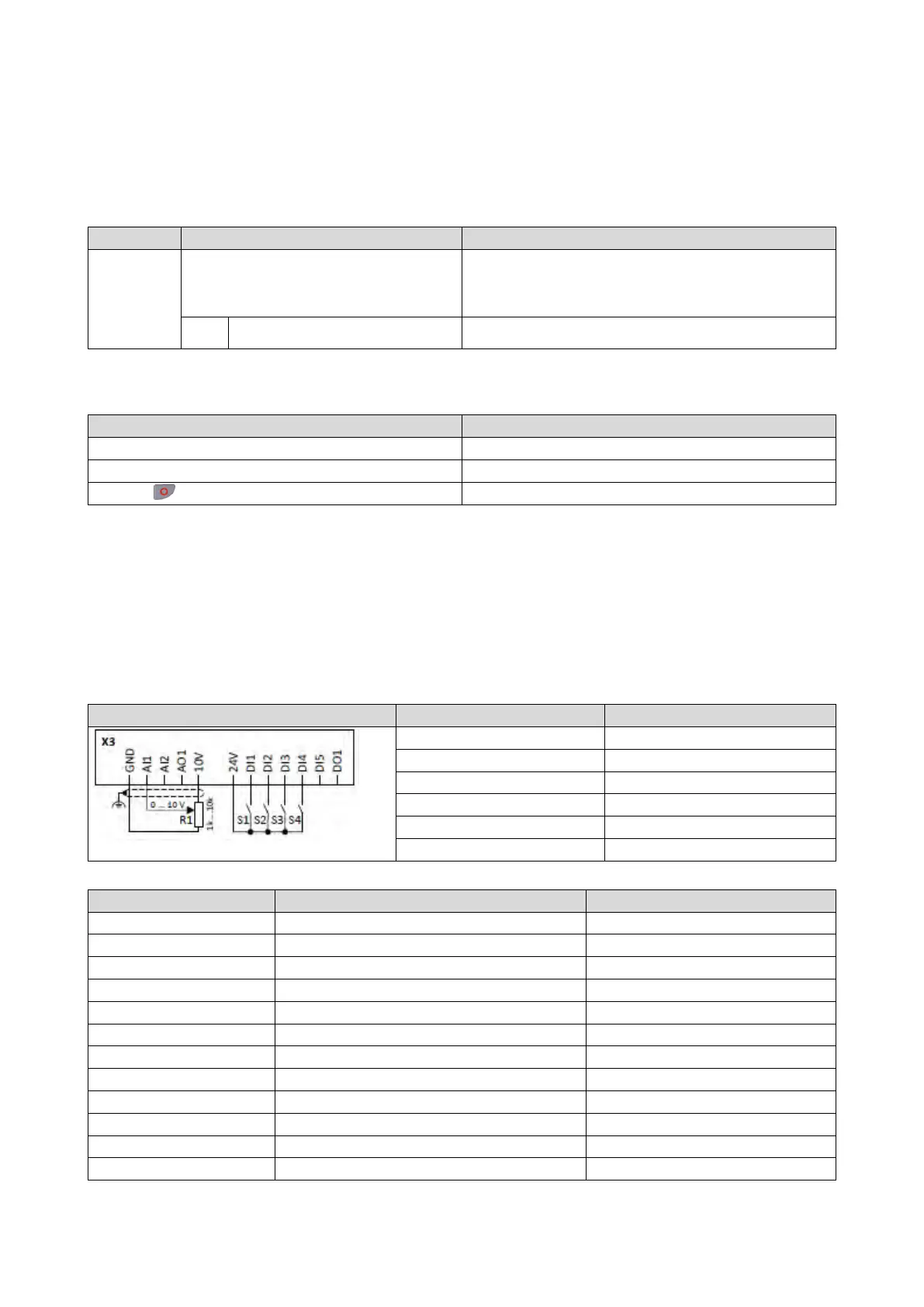
Example for operating mode
• Switch S1 starts the motor in forward direction of rotation. Switch S1 in the initial
position stops the motor again.
• Switch S2 resets the current error if the error condition is not active anymore and the
error is resettable.
•
The switches/sensors S3 and S4 serve to set the inverter from the process to the error
status.
Triggering a user-defined fault
406
Frequency setpoint selection
0x2631:002 (P400.02)
Run
Digital input 1 [11]
0x2631:044 (P400.44)
Activate fault 2
Digital input 4 [14]
Flexible I/O configuration [0]
Frequency control: Default setpoint source
0x291C (P225.00)
Quick stop deceleration time
1.0 s



 To Next Page