Name / value range / [default setting]
(P400.11)
Function list: Jog reverse (CCW)
(Function list: Jog reverse)
Setting can only be changed if the inverter is
inhibi
ted.
For further possible settings, see parameter
0x2631:001 (P400.01).
364
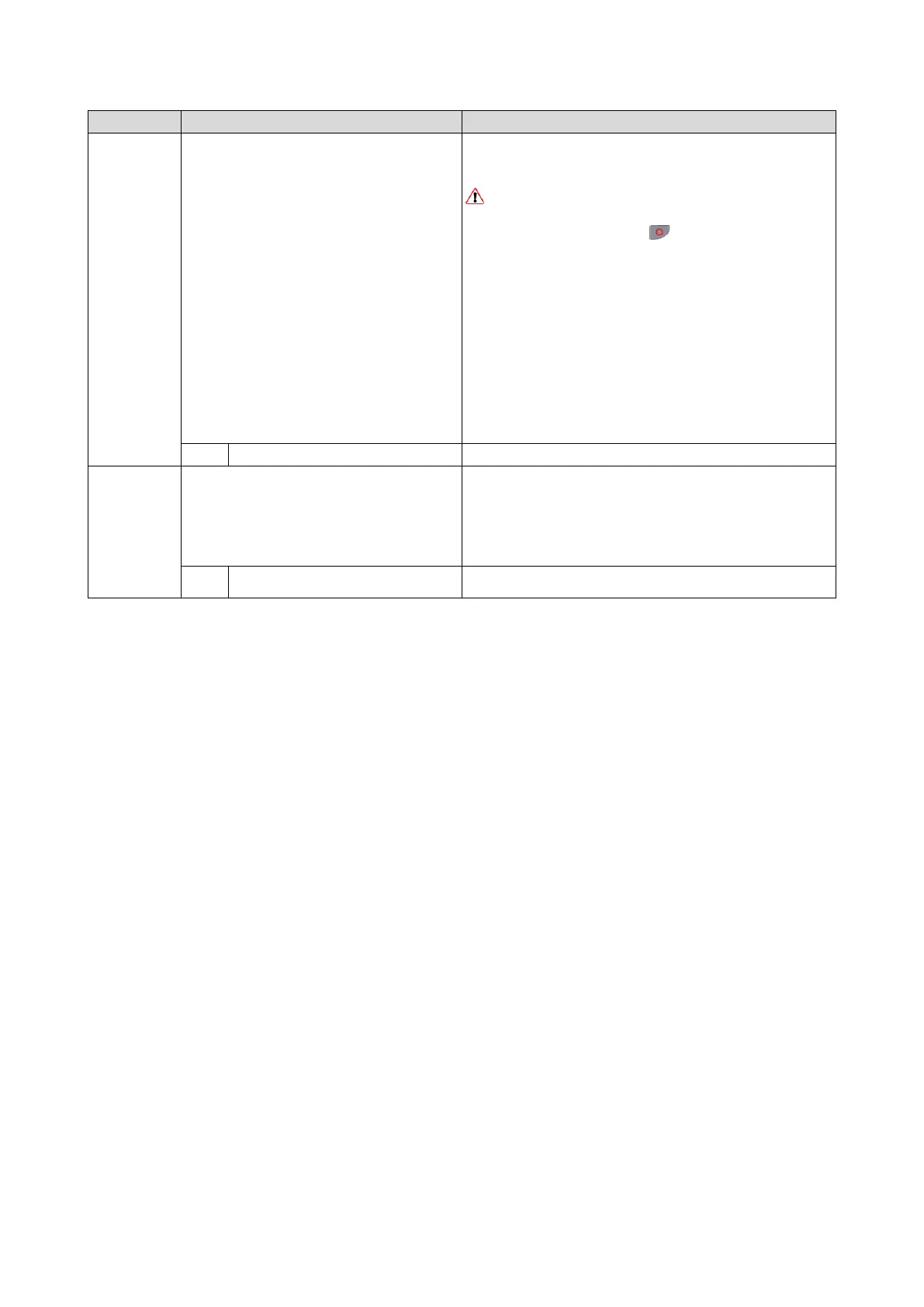
Assignment of a trigger for the "Jog reverse (CCW)" function.
Trigger = TRUE: Let motor rotate backward with preset 6.
Trigger = FALSE: Stop motor.
CAUTION!
The jog operation has a higher priority than the "Run" function, all other
start commands and the keypad key
.
If jog operation is active, the motor cannot be stopped with the
previ
ously mentioned functions!
However, jog operation can be interrupted by the "Quick stop"
func
tion.
Notes:
The preset value 6 can be set in 0x2911:006 (P450.06).
The stop method can be selected in 0x2838:003 (P203.03).
If "Jog foward (CW)" and "Jog reverse (CCW)" are activated at the
same
time, the motor is stopped using the stop method and jog operation
must be triggered again.
Jog operation cannot be started automatically. The "Start at power
up"
option in 0x2838:002 (P203.02) does not apply to jog operation.
0
Not connected
No trigger assigned (trigger is constantly FALSE).
(P400.13)
Function list: Invert rotation
(Function list: Invert rotation)
Setting can only be changed if the inverter is
inhibi
ted.
For further possible settings, see parameter
0x2631:001 (P400.01).
364
Assignment of a trigger for the "Invert rotation" function.
Trigger = TRUE: the setpoint specified is inverted (i. e. the sign is
inverted).
Trigger = FALSE: no action / deactivate function again.
State of X3/DI3, taking an inversion set in 0x2632:003 (P411.03) into
consideration.



 To Next Page