4.5. Save parameter settings in the memory module
4.5.1. Save parameter settings with keypad
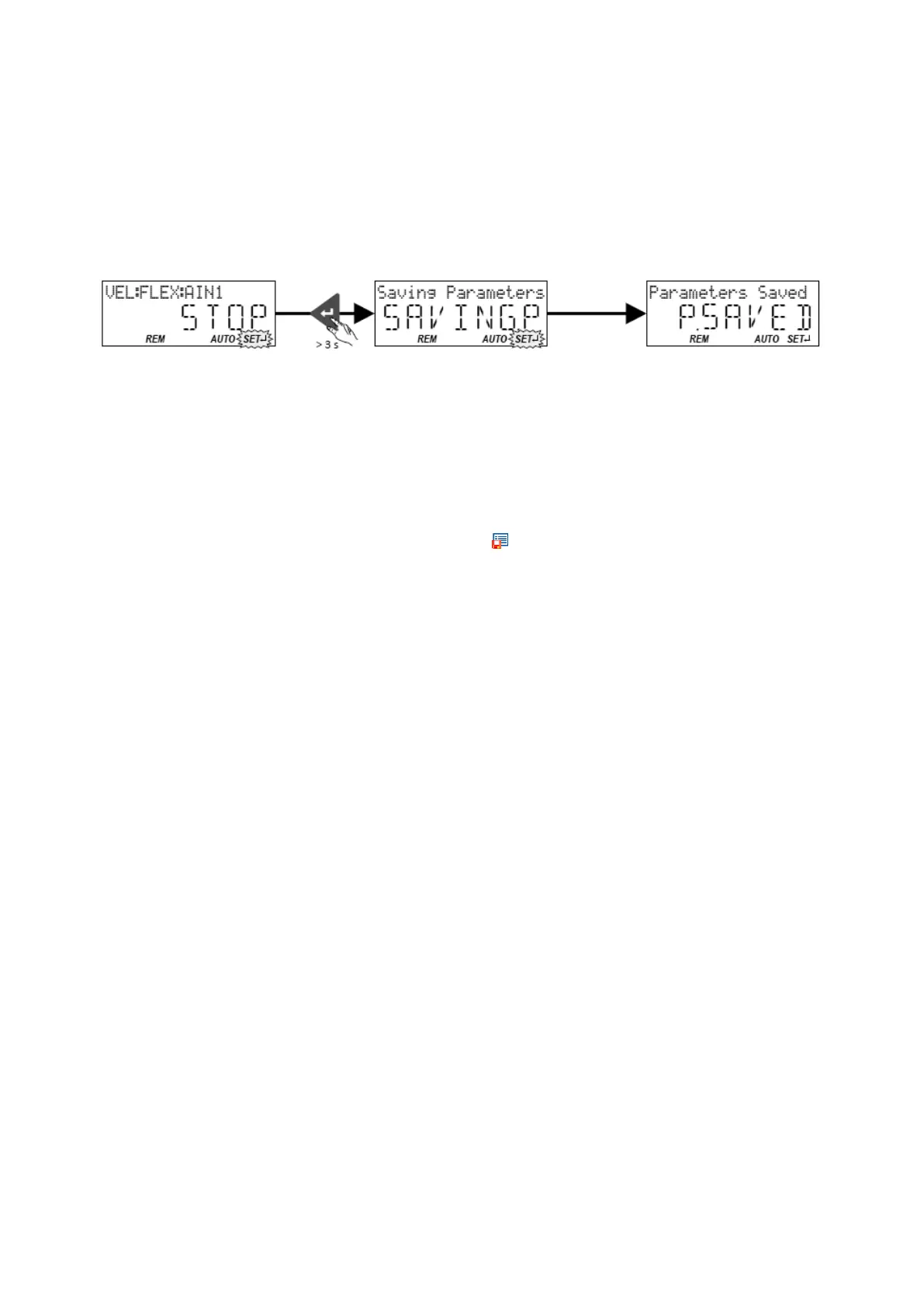
If one parameter setting has been changed with the keypad but has not been saved in the
memory module with mains failure protection, the SET display is blinking.
In order to save parameter settings in the user memory of the memory module, press the
keypad enter key longer than 3 s.
4.5.2. Save parameter settings with »Emotron Easy starter«
If a parameter setting has been changed with the »Emotron Easy starter« but not yet
saved in the memory module with mains failure protection, the status line of the
»Emotron Easy starter« displays the note "The parameter set was changed".
In order to save parameter settings in the user memory of the memory module,
• click the button in the toolbar of the »Emotron Easy starter«
or
• press the function key <F6> or
• execute the device command "Save user data": 0x2022:003 (P700.03) = "On / start [1]".



 To Next Page