268 01-6203-01R3, CG Drives & Automation
Clicking the CTRLkeypad key stops the control mode again. The keypad key CTRL
• directly changes the setting in 0x2602:003 (P708.03).
• can be deactivated in 0x2602:001 (P708.01).
Name / value range / [default setting]
(P708.01)
Keypad setup: CTRL & F/R key setup
(Keypad setup: CTRL&F/R keys)
From version 03.00
Disable/enable CTRL and F/R key of the keypad.
0x2602:002
(P708.02)
Keypad setup: Keypad rotation setup
(Keypad setup: Rotation setup)
Instructed direction of rotation if local keypad control is active.
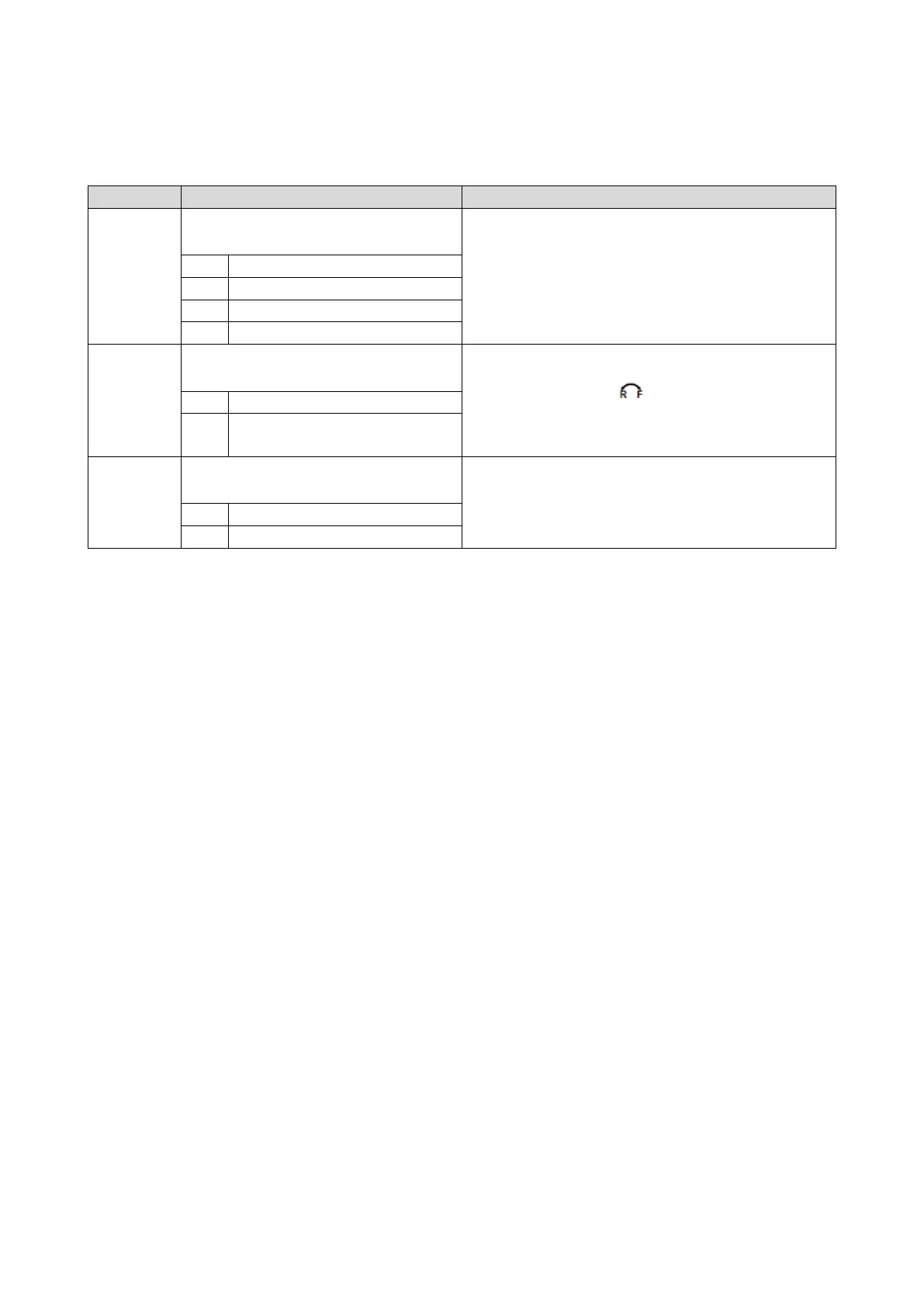
If the local keypad control is active, this setting can be directly
changed via the keypad key
if the key in 0x2602:001
(P708.01) has not been disabled.
When the remote control is changed over to local keypad control and
vice versa, this parameter is set to "Forward [0]".
0
Forward
(P708.03)
Keypad setup: Keypad Full Control
(Keypad setup: Keypad Full Ctrl)
Activate/deactivate full keypad control.
This setting can be changed directly via the keypad key
CTRL
if the key
in 0x2602:001 (P708.01) has not been disabled.
When the control mode is changed over, the motor is stopped and the
"Forward" direction of rotation is set.



 To Next Page