EPSON EPL-N3000/AcuLaser M4000N Revision C
Troubleshooting Troubleshooting for Faulty Operation 107
Confidential
3.3.2 LCD/LED Malfunction 3.3.3 Keypad Operation Impossible
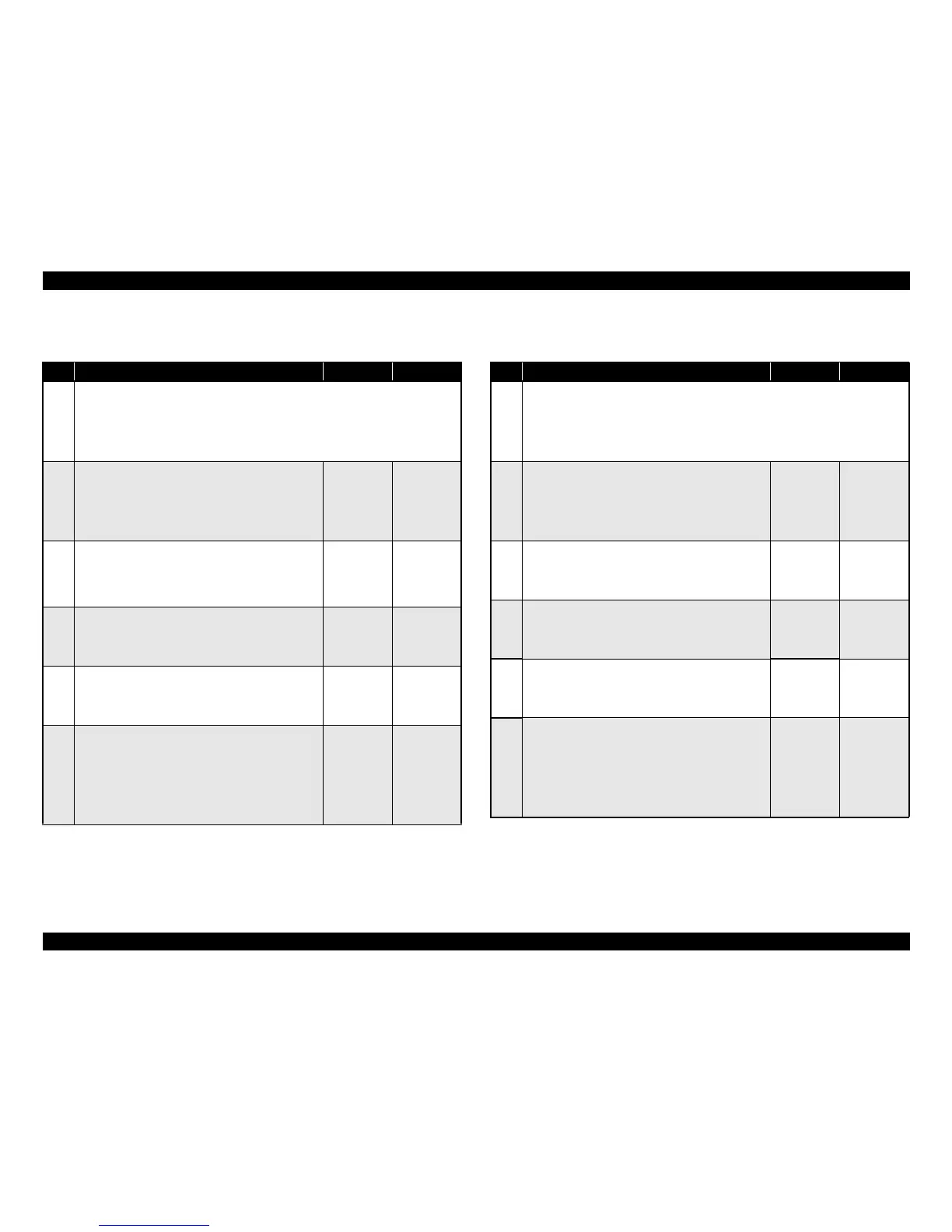
Table 3-54. Troubleshooting for LCD/LED Malfunction
Step Action and Question Yes No
Parts below can be the source of this error (Chapter 4 Disassembly and Assembly)
• CONTROL PANEL (p.170)
• WIRE HARNESS
•HVPS/MCU (p.301)
•LVPS (p.287)
1
3.3 VDC Power Supply
1. Check the voltage across the harness of the
OPERATION PANEL.
♦Is the voltage 3.3 VDC across the harness of the
OPERATION PANEL?
Go to Step 2 Go to Step 4
2
OPERATION PANEL (1)
1. Check continuity of each wire of the WIRE
HARNESS.
♦Does each wire of harness have continuity?
Go to Step 3
Replace the
HARNESS
ASSY
PANEL
3
OPERATION PANEL (2)
1. Replace the OPERATION PANEL. (p.170)
♦Has the display been stabilized?
Problem
solved
Replace the
BOARD
ASSY.,
MAIN
4
OPERATION PANEL (3)
♦Is the voltage between P/J28-5↔P/J28-4 on the
BOARD ASSY., MAIN 3.3 VDC?
Go to Step 5
Replace the
BOARD
ASSY.,
MAIN
5
FCC ASSY ESS
1. Disconnect P/J28 of the HVPS/MCU.
2. Check continuity between the following connectors.
P/J28-5↔P/J280-22
P/J28-4↔P/J280-23
♦Is there normal continuity in each wiring?
Replace the
BOARD
ASSY.,
MAIN
Replace the
FCC ASSY
ESS
Table 3-55. Troubleshooting for Keypad Operation Impossible
Step Action and Question Yes No
Parts below can be the source of this error (Chapter 4 Disassembly and Assembly)
• CONTROL PANEL (p.170)
• HARNESS ASSY PANEL
• HVPS/MCU (p.301)
•LVPS (p.287)
1
3.3 VDC Power Supply
1. Check the voltage across the harness of the
OPERATION PANEL.
♦Is the voltage 3.3 VDC across the harness of the
OPERATION PANEL?
Go to Step 2 Go to Step 4
2
OPERATION PANEL (1)
1. Check continuity of each wire of harness.
♦Does each wire of harness have continuity?
Go to Step 3
Replace the
HARNESS
ASSY
PANEL
3
OPERATION PANEL (2)
1. Replace the OPERATION PANEL. (p.170)
♦Has the display been stabilized?
Problem
solved
Replace the
BOARD
ASSY.,
MAIN
4
OPERATION PANEL (3)
♦Is the voltage between P/J28-5↔P/J28-4 on the
BOARD ASSY., MAIN 3.3 VDC?
Go to Step 5
Replace the
BOARD
ASSY.,
MAIN
5
FCC ASSY ESS
1. Disconnect P/J28 of the HVPS/MCU.
2. Check continuity between the following connectors.
P/J28-5↔P/J280-22
P/J28-4↔P/J280-23
♦Is there normal continuity in each wiring?
Replace the
BOARD
ASSY.,
MAIN.
Replace the
FCC ASSY
ESS



 To Next Page