REV 0, June 2005 Page 211
Operation Manual SUPREMA
9. Connection of Peripherals
9. Connection of Peripherals
To simplify the operation (especially the configuration) of the SUPREMA, a PC or laptop with
operating software can be connected via the RS 232-A port. A PC or laptop with MSA-Auer
visualization software can also be connected to the SUPREMA via the RS 232-A port.
A protocol printer can be connected via the RS 232-B interface.
9.1 Connection of a PC/Laptop
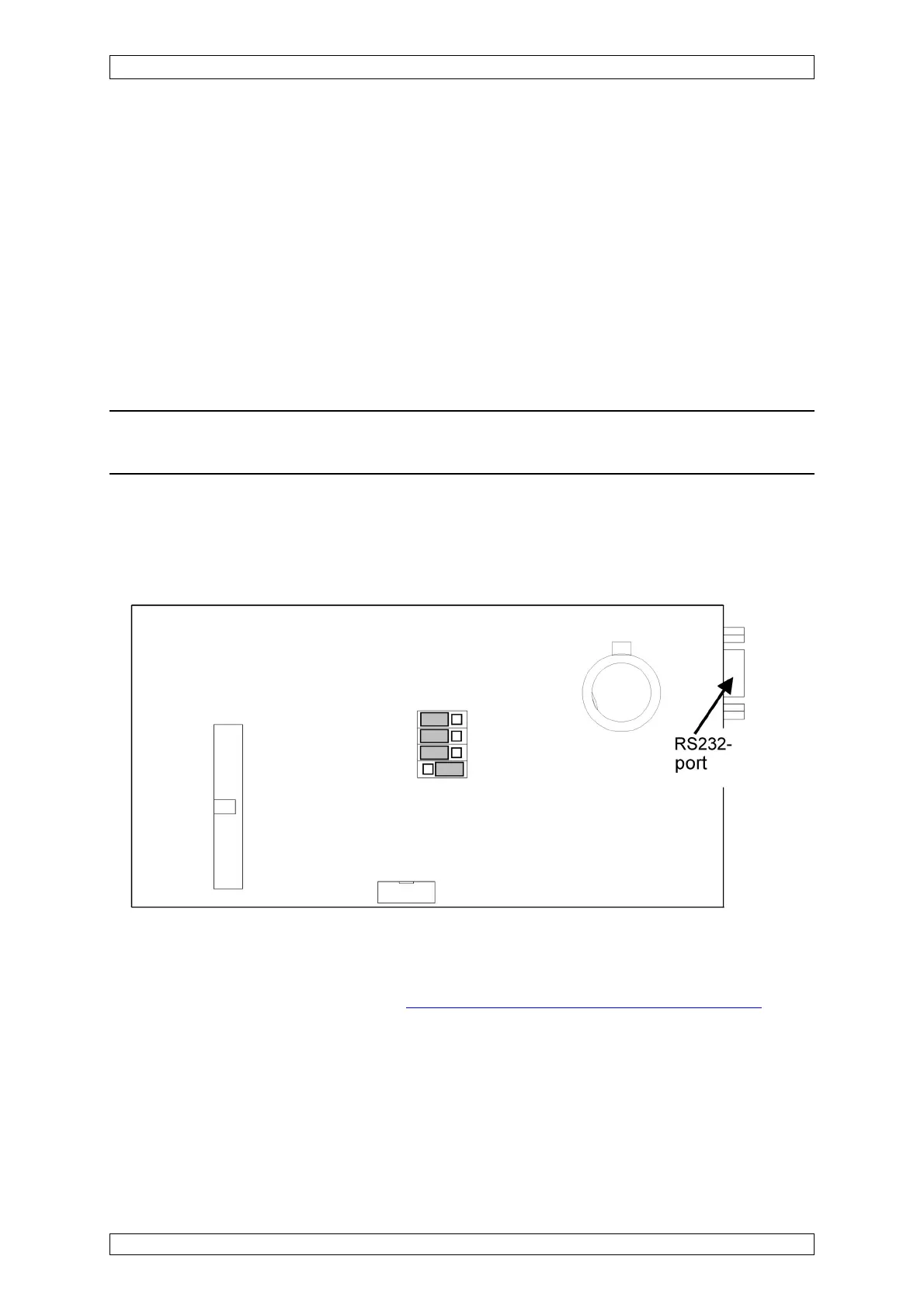
For this connection, you can use either the RS 232-A port on the MST module or the RS 232
port on the MDO module.
Attention: No more than one PC/laptop may be connected to the SUPREMA system
at one time, even if more than one RS232 port is available.
Connecting cable: RS 232 extension, 9-pin SUB-D connector, plug/jack (do not use a null
modem cable!).
To connect a PC/laptop to the MDO module, the front panel screwing has to be loosened, and
the front panel must be dropped.
Figure 9-1: MDO module, RS 232 port
The terminal assignment of the RS 232 port on the MDO module is the same as that used for
the RS 232-A port on the MST module
(see section 5.10 System Ports (MST Module).
The MST module is mounted on the rear of the rack, to the right on the outside.



 To Next Page