REV 0, June 2005 Page 67
Operation Manual SUPREMA
4. Operation of the System
Non-latching alarms:
As soon as a new alarm is triggered, it is displayed according to the three display types described
below. When the signal is within the limits again, the alarm is no longer displayed, regardless
of whether the alarm has been acknowledged or not. For non-latching alarms, the RESET key
has no effect.
Latching alarms:
As soon as a new alarm is triggered, it is displayed according to the three display types described
below. When the signal is within the limits again, the alarm continues being displayed, because
it is latching. If the signal is within the limits again and the alarm has been acknowledged, the
alarm display is stopped by pressing the RESET key. If the signal is still beyond the limit, or if
the alarm has not yet been acknowledged, pressing the RESET key has no effect.
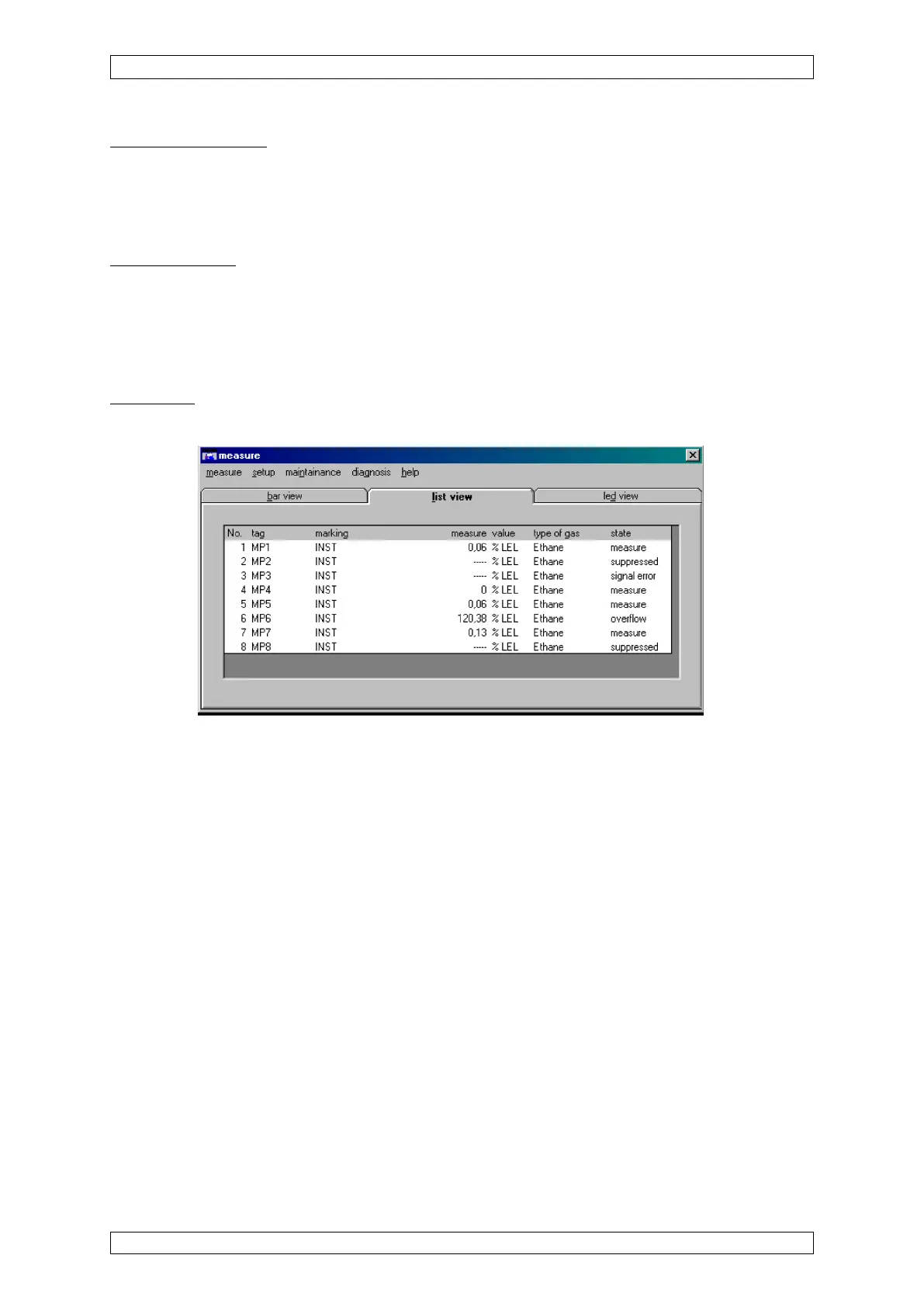
List display
This display type shows the current input data in a list format.
Figure 4-19: List display
The following input data is shown in this display type:



 To Next Page